ok I was able to choose NONE for the mask paths, to see the text again, then place their new keyframes, and it animated out ok.
position 1: anchors show theposition of the texts.
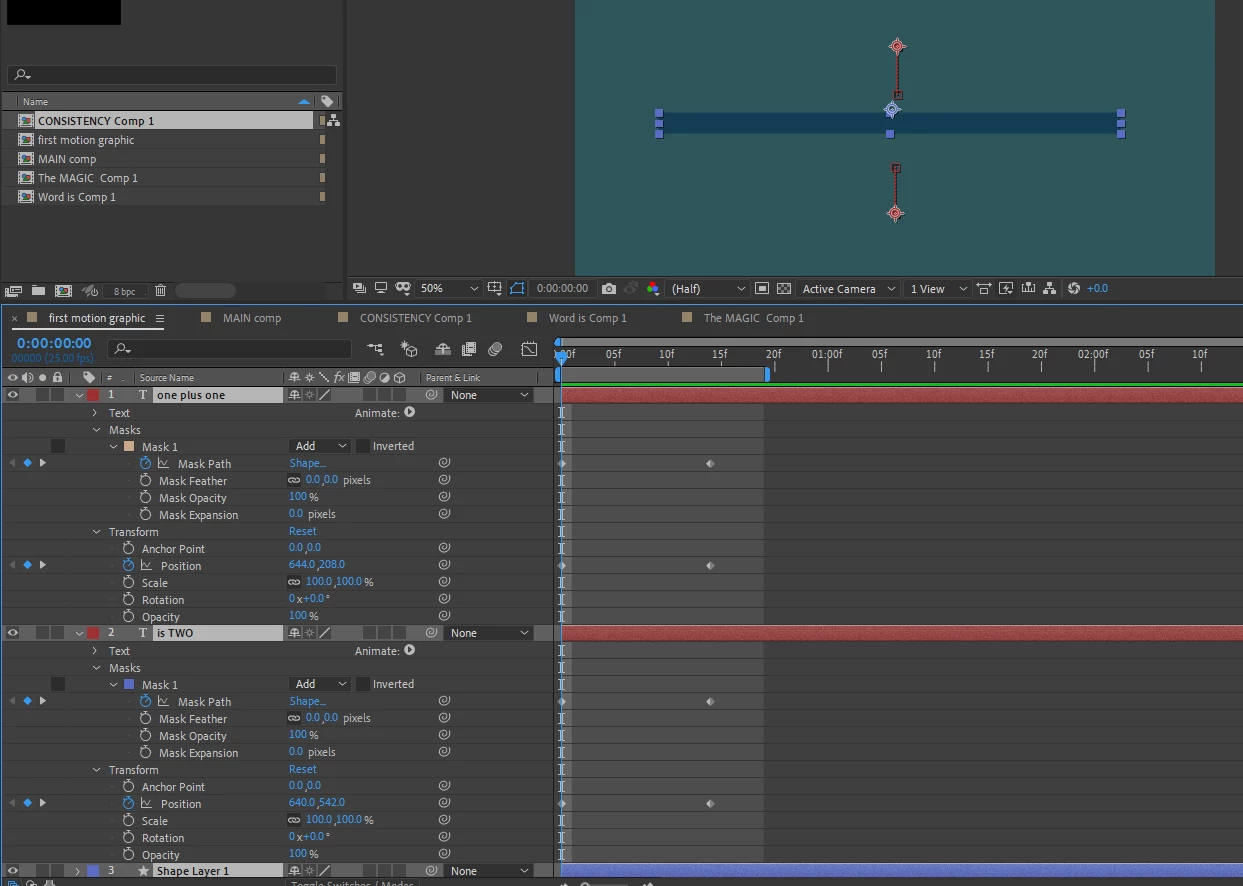
position 2: the texts animate into the masking blocks. Then change the mask paths back to ADD..
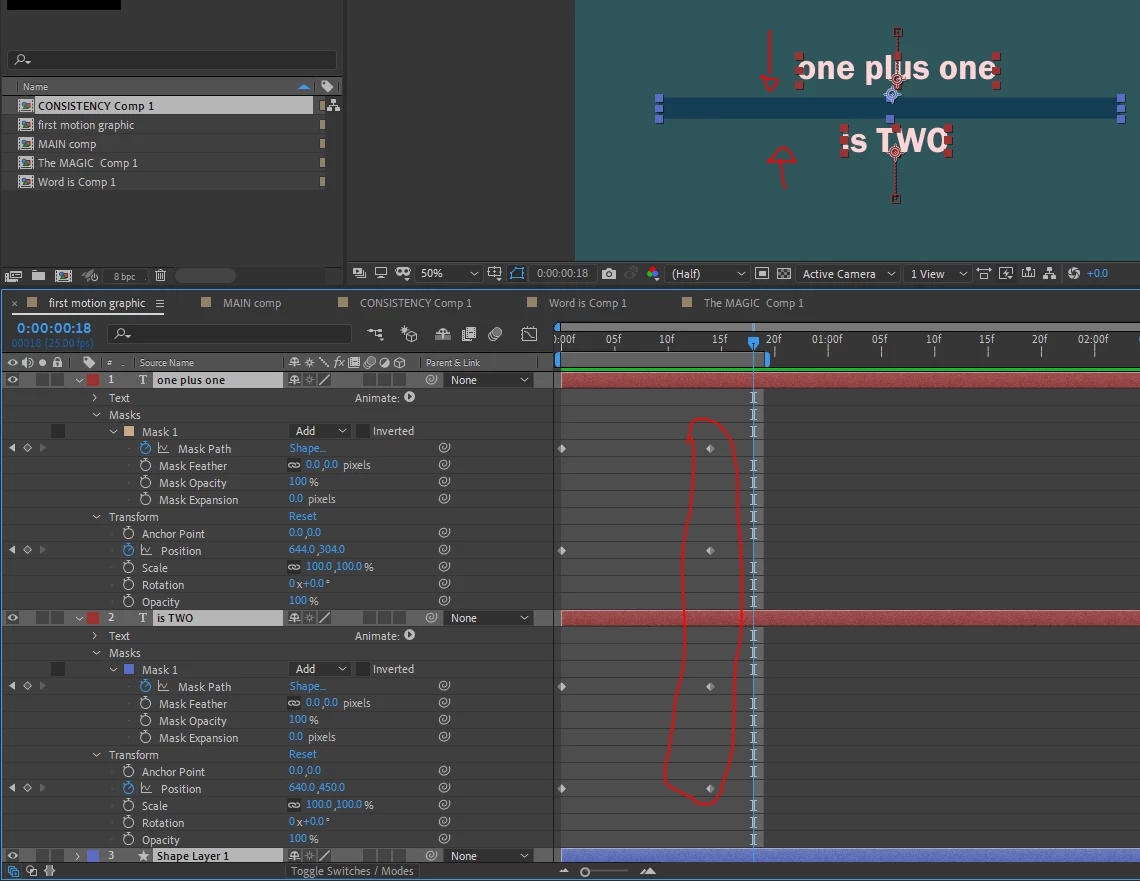
Using masks on the actual text layers to do these type of moves can be very painful, because the position of the mask and the text are always linked, so there is no independence.
The faster and easier way to what you want to do is to use a solid or shape layer as a Track Matte. This way the matte shape replaces the mask as a totally independent layer, so you can animate both the matte shape and the text layer freely without upsetting each other.
Create a solid above the text layer. sized or scaled to match your previous mask.
Set the Track Matte setting of the text layer below to Alpha Inverted Matte. AE should automatically turn off visibility of the matte layer.
An inverse Alpha Matte acts like a reverse stencil: the text will be visible anywhere in your comp, UNLESS it is behind the matte layer.


 AdChoices