

Why is the 'fx' option missing from all layers in my composition?
Hello, helpful humans...
I posted about this yesterday – then again today. My post was marked as SPAM (though I'm told that's been fixed) and I fear no one is seeing my query. I'm beyond desperate at this point!
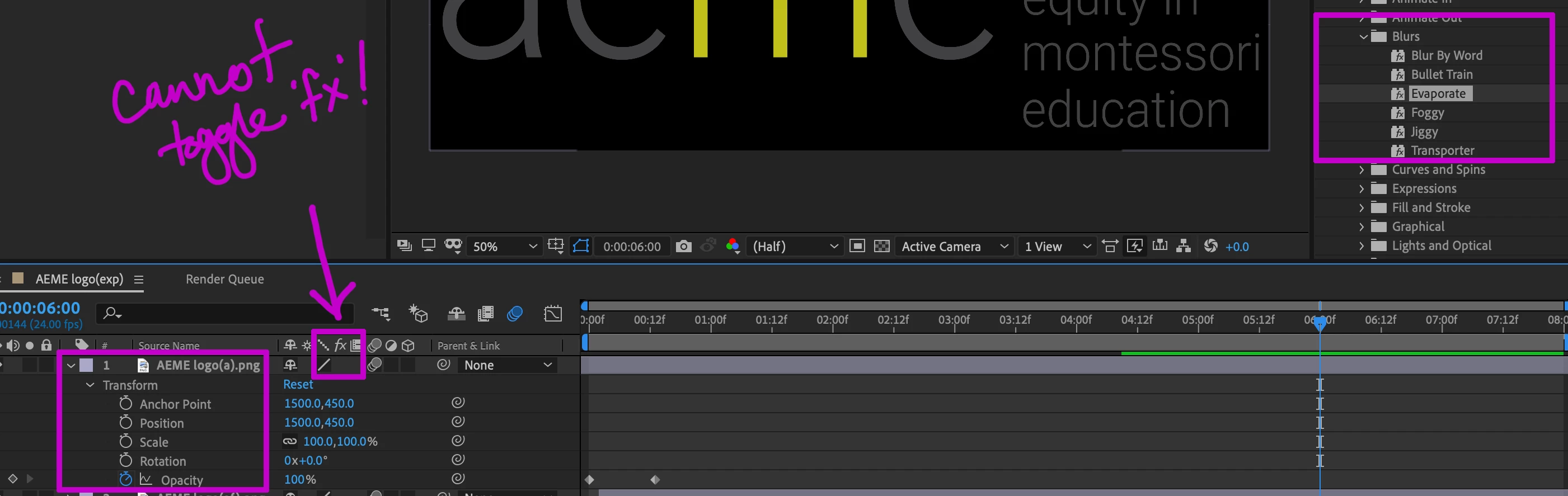
In my original post, I asked about applying text animation presets – I'm unable to do so and cannot figure out why. Since typing up that first question, I've also tried creating an entirely new composition, but I immediately see that – on the layer itself – there's still no box below 'fx' to toggle it 'on' or 'off'.
This has gotta be one of those cases of...I accidentally bumped/clicked a thing and broke everything in the process. I imagine it's something suuuuper simple, yet I can find ZERO other posts about it, nor any mention of how to ensure the 'fx' option is selectable in a composition.
Any ideas? Thank you, in advance, for generously taking time to reply.
update: here are screenshots, of both my original post, and a glimpse of what I'm looking at in AE...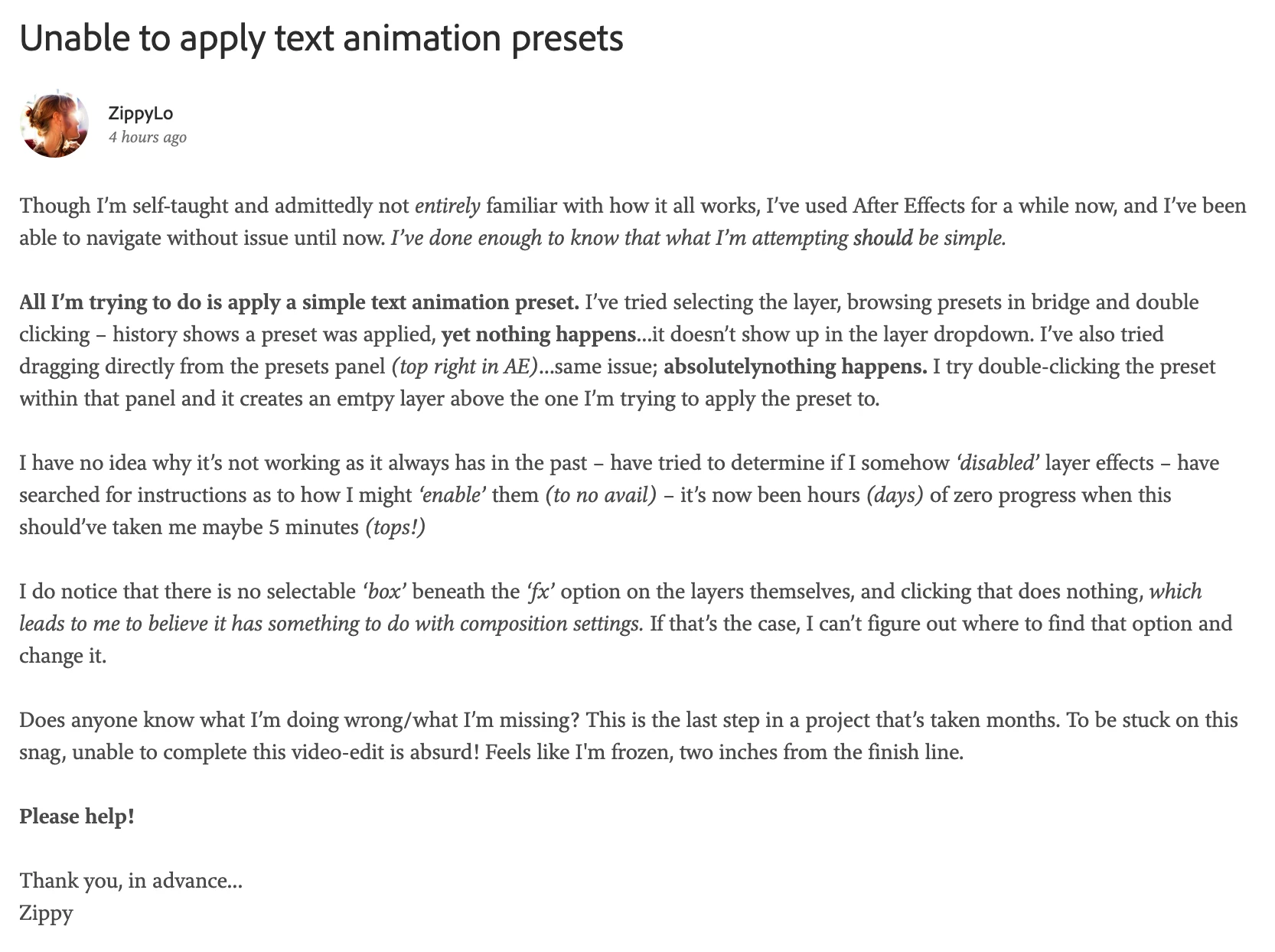
 AdChoices