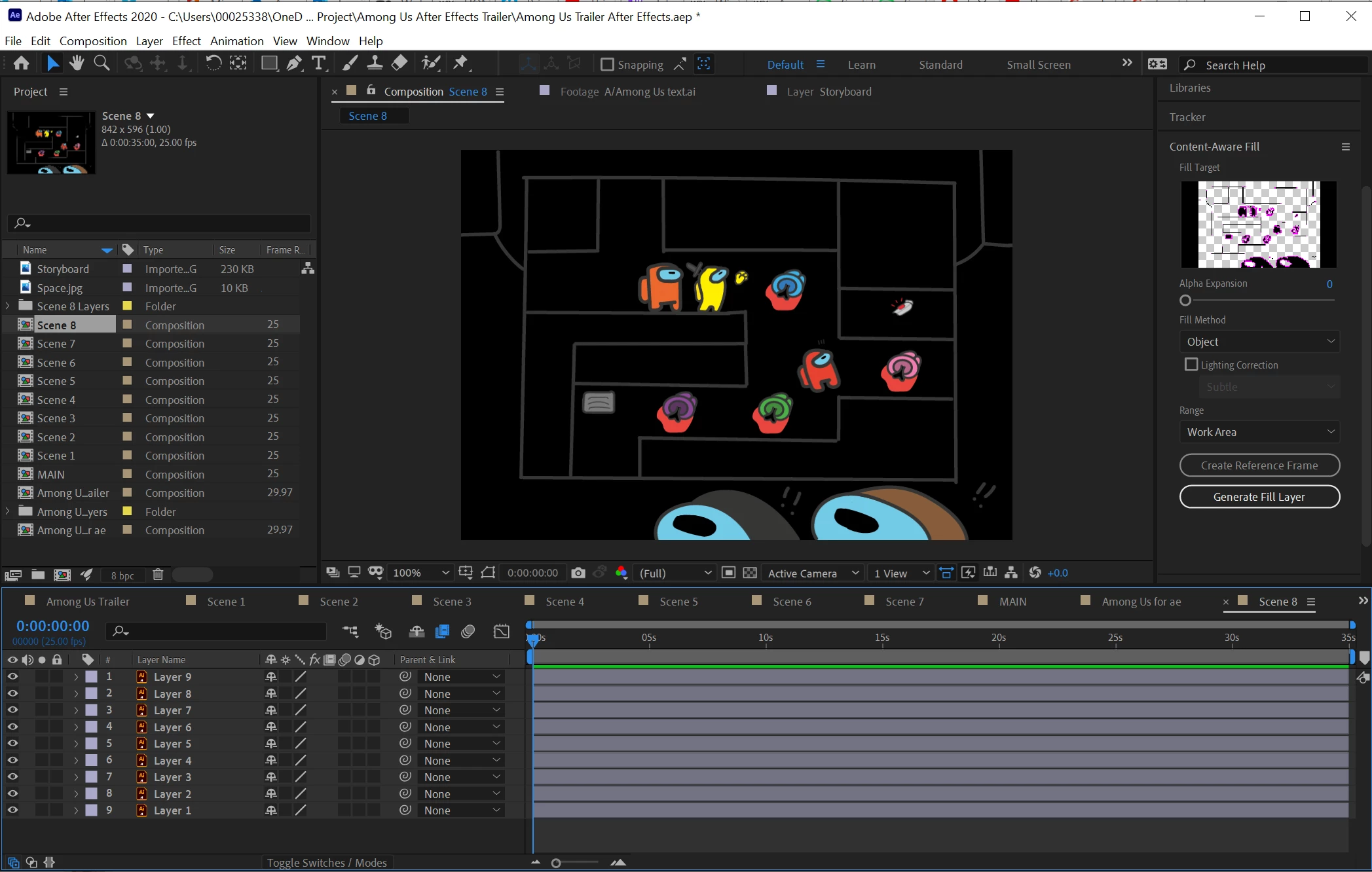
You don't have a white background shape in your AI file so you will need to add a new solid to the After Effects composition, name it Background, and put it at the bottom of the timeline.
Transparency is showing in the Content-Aware Fill panel, if you had the transparency grid enabled in the Composition Panel you would also see transparency there. A transparent background renders as black with most video formats so just setting the Composition Background to white in the Composition Settings is not going to guarantee a white background when rendered. The only reason to change the background color in the composition settings is to take advantage of the Pre-multiplied with background option in the Output Module render settings to put a color tint on transparent edges. That is a very odd workflow for almost all visual effects and compositing workflows so it's not recommended.
I probably gave you a lot more info than you needed but After Effects is an incredibly complex application that can take years to completely understand. The User Guide will give you a head start.

 AdChoices