S_ A
Inspiring
July 13, 2024
Answered

wiggle expression error

  • July 13, 2024
  • 1 reply
  • 916 views

Hi,


I am trying to wigle only y sxis. That means its [1].


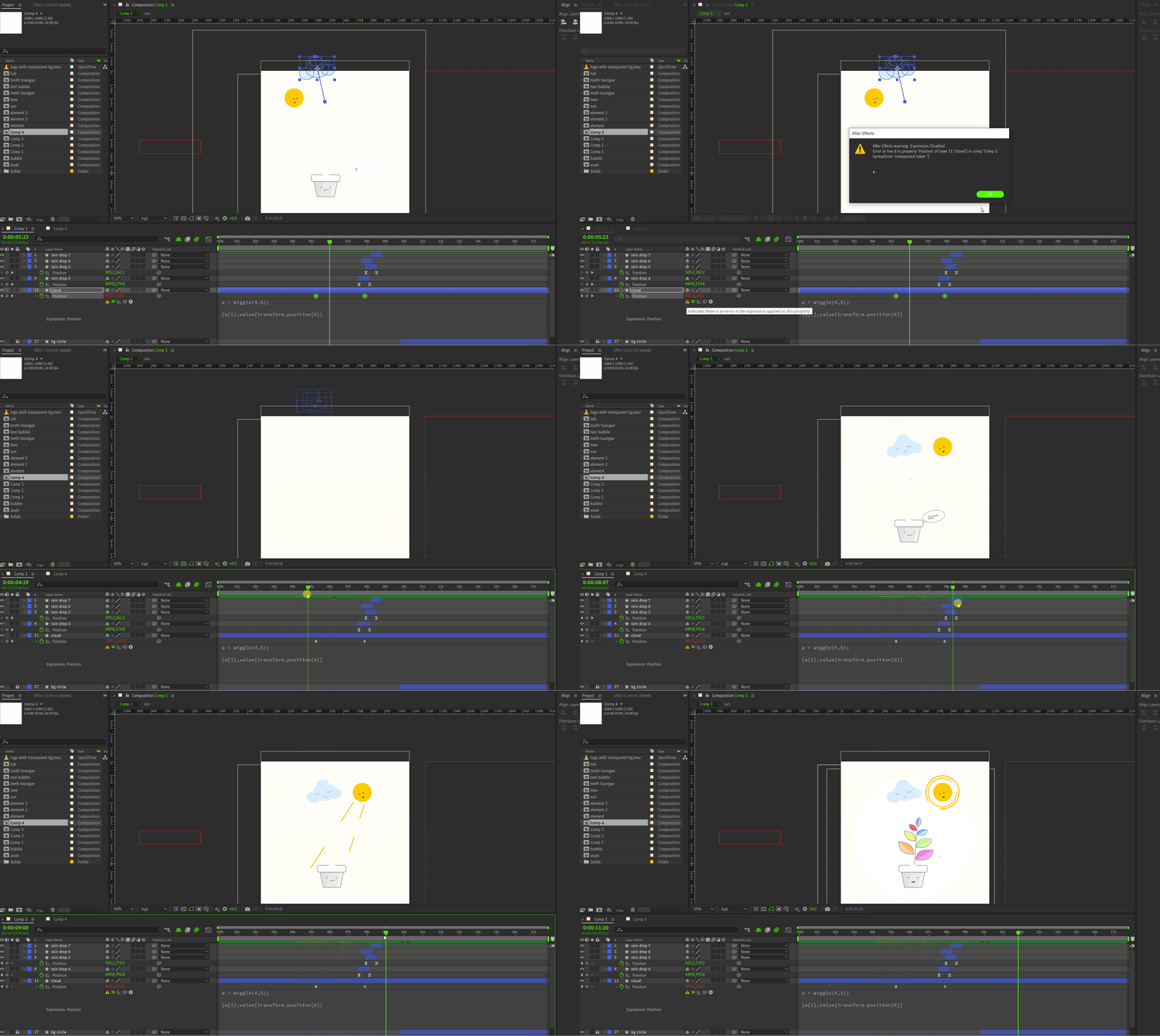
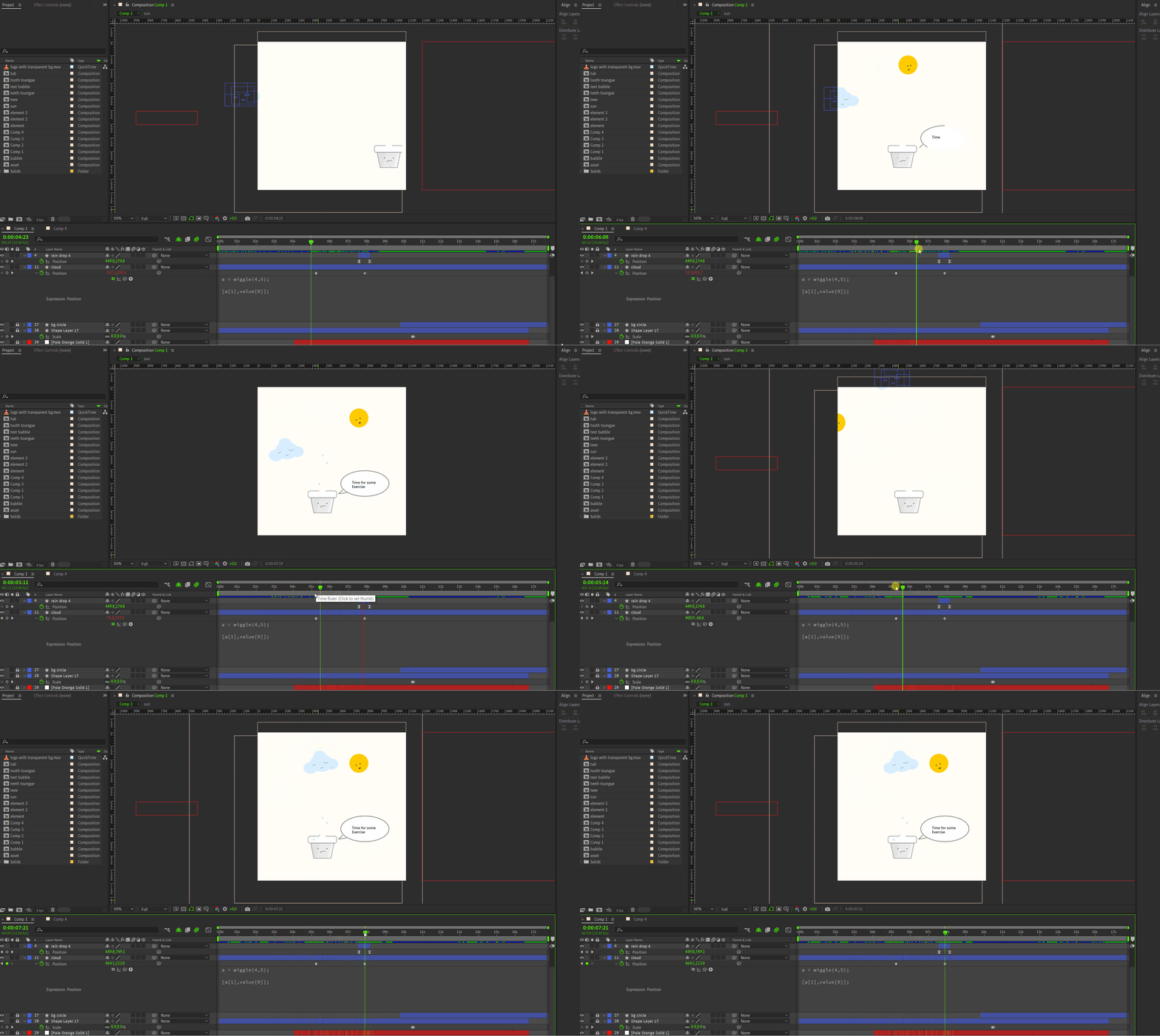
In first case the cloud changes its position,ignoring the keyframe value of  X axis. and in 2nd case cloud stops wiggling but remain in where I want it to be.


whai am doing wrong? 😥


This topic has been closed for replies.
Correct answer Airweb_AE

Expression 1:

a = wiggle(4,5);
[a[1], value[0]]

value[0] is the X axis, you should try:

a = wiggle(4,5);
[value[0], a[1]]


Expression 2:

a = wiggle(4,5);
[a[1], value[transform.position[0]]

value[0] = X axis value

value[1]  = Y axis value

value[2] = Z axis value

value[transform.position[0]] doesn't make sense


You should try:

x = value[0];
y = wiggle(4,5)[1];
[x, y]


1 reply

Airweb_AECorrect answer
Legend
July 13, 2024

Expression 1:

a = wiggle(4,5);
[a[1], value[0]]

value[0] is the X axis, you should try:

a = wiggle(4,5);
[value[0], a[1]]


Expression 2:

a = wiggle(4,5);
[a[1], value[transform.position[0]]

value[0] = X axis value

value[1]  = Y axis value

value[2] = Z axis value

value[transform.position[0]] doesn't make sense


You should try:

x = value[0];
y = wiggle(4,5)[1];
[x, y]


S_ A
S_ AAuthor
Inspiring
July 13, 2024

value[transform.position[0]] doesn't make sense-- I learned this from atutorial. U can drag whip to Y or X or anyvalue that u wanna keep fixed in expression. Instead of writting [1], u can drag the whip to Y axis, expression will write value[transform.position[1]]

S_ A
S_ AAuthor
Inspiring
July 13, 2024

it's:

temp = thisComp.layer("Circle").transform.position[0];

not:

temp = value[thisComp.layer("Circle").transform.position[0]];


value[0] is a shorthand for:

thisComp.layer("Circle").transform.position.value[0];


😮 😮 facepalm