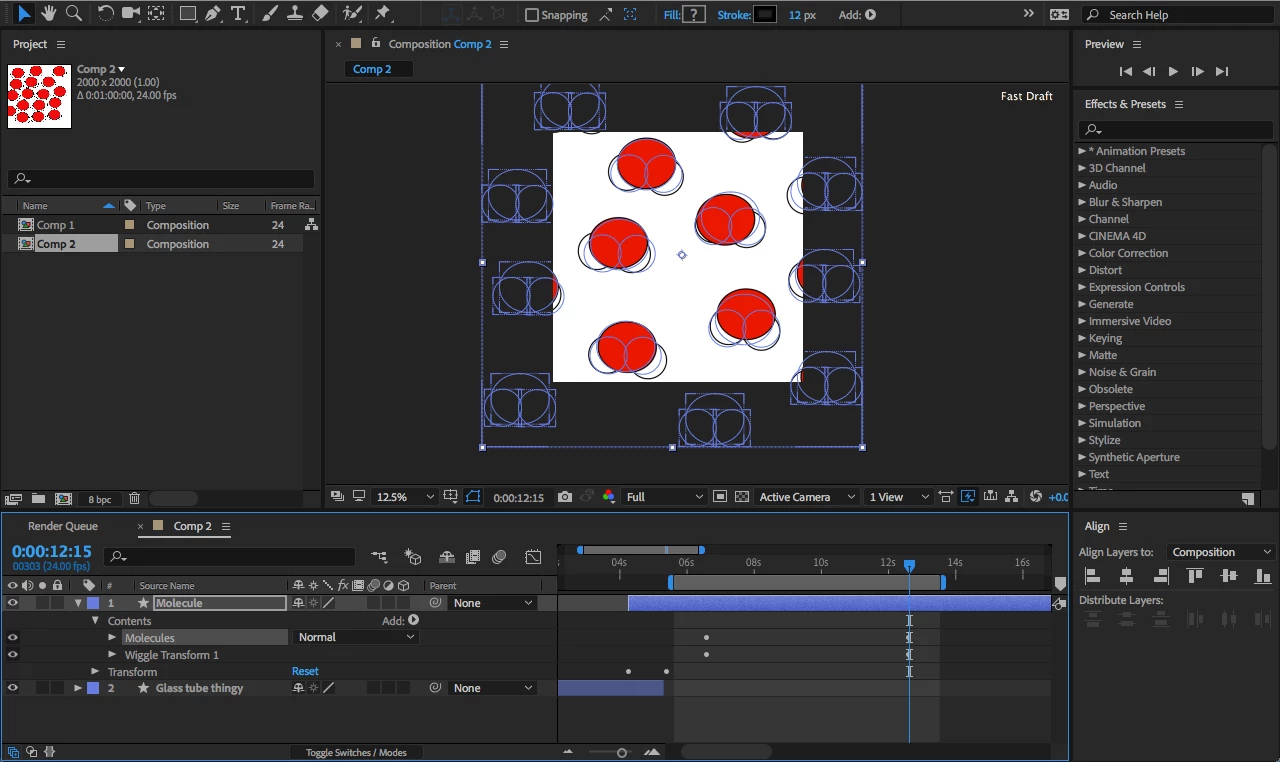
| However, the wiggle transform is affecting each individual circle now each individual molecule. |
you can't have it any other way using the wiggle transform operator. it will always affect all the shape groups it has above it. if you drag it into one shape group it will move only that shape group but if that group has more than one shape group inside it, it will move both. so you can't have your way with this operator because you can't really merge the molecule to include all three shapes as one shape.
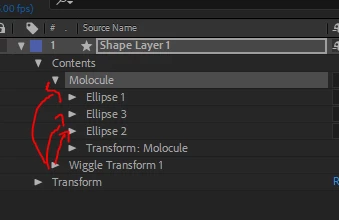
so the wiggle transform can affect all three as separate elements in one instance or affect each group only if you drag it inside. if that group has more group it will affect all of them. that's how it works.
so wiggle transform is a NO NO - got it?
so like Paul and Rick suggested, you could use expressions.
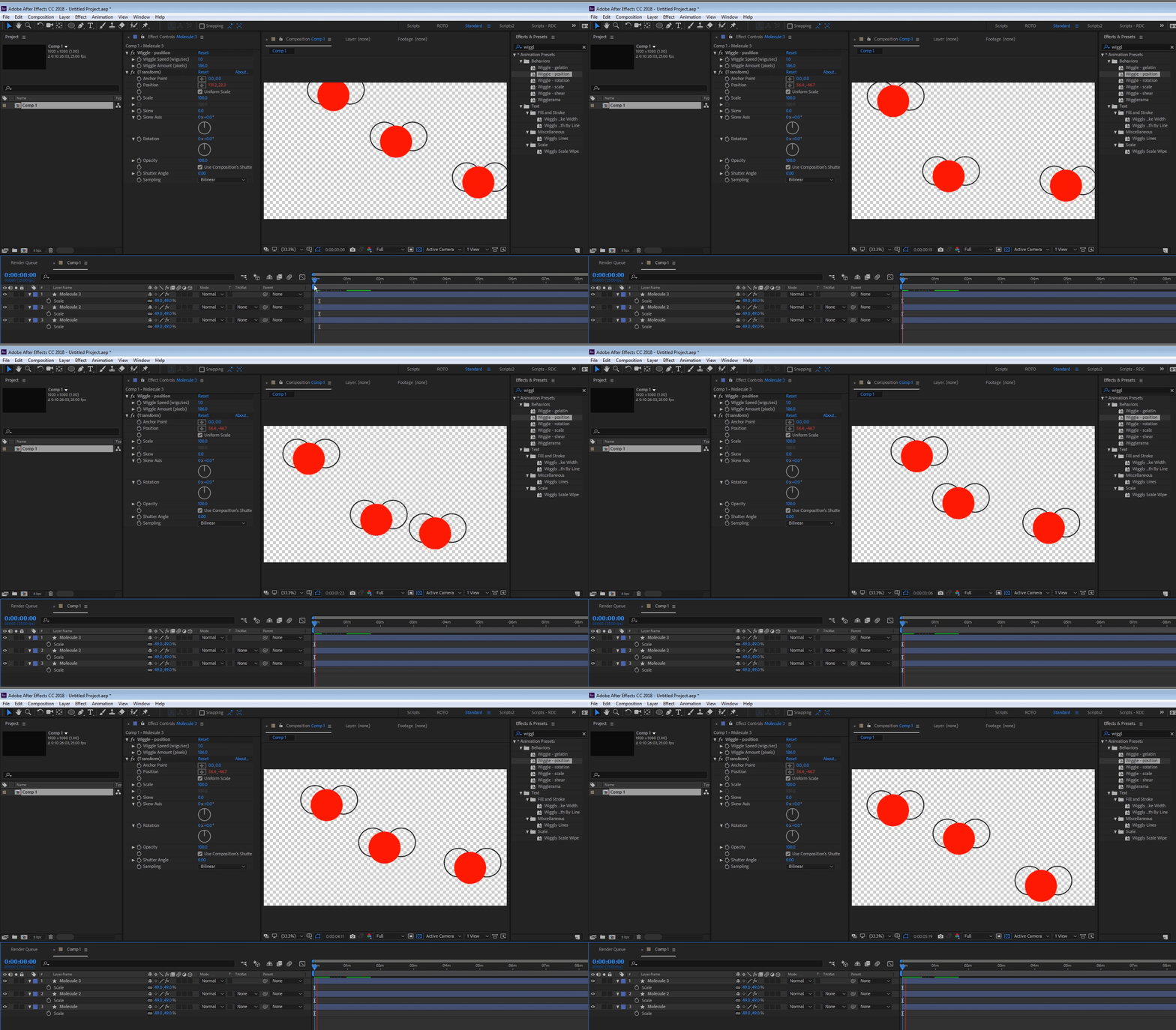
to make it easier on you, there is an option to use already made preset you have in the effects and preset panel called "wiggle-position". it's the same expression Paul and Rick suggested but it's already setup in a rig that is connected to sliders in the effects control panel. you would need each molecule to be on a separate layer. and add the wiggle-position preset from the effects and presets panel by typing its name and clicking on it twice while your layer is selected. like this:
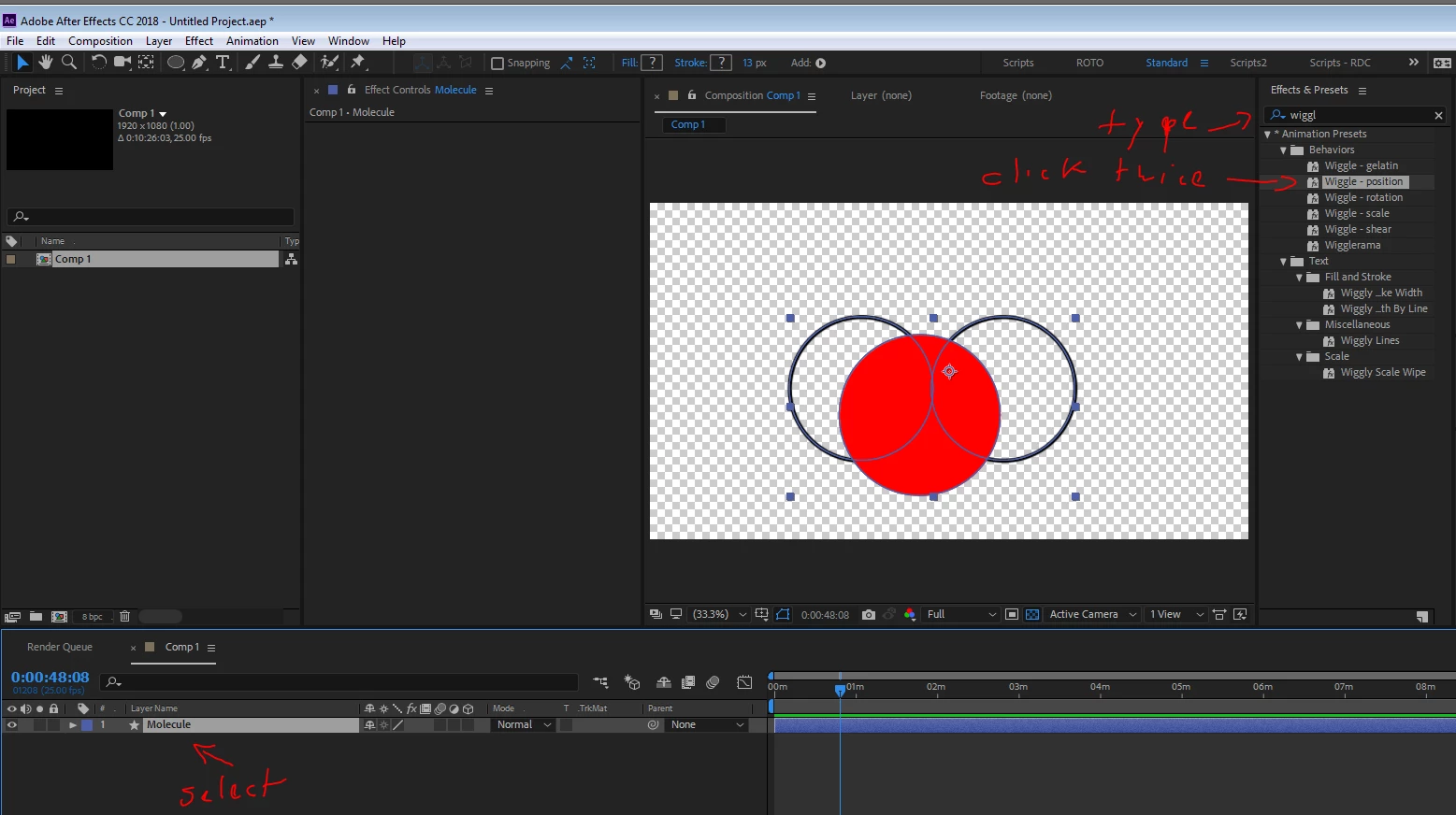
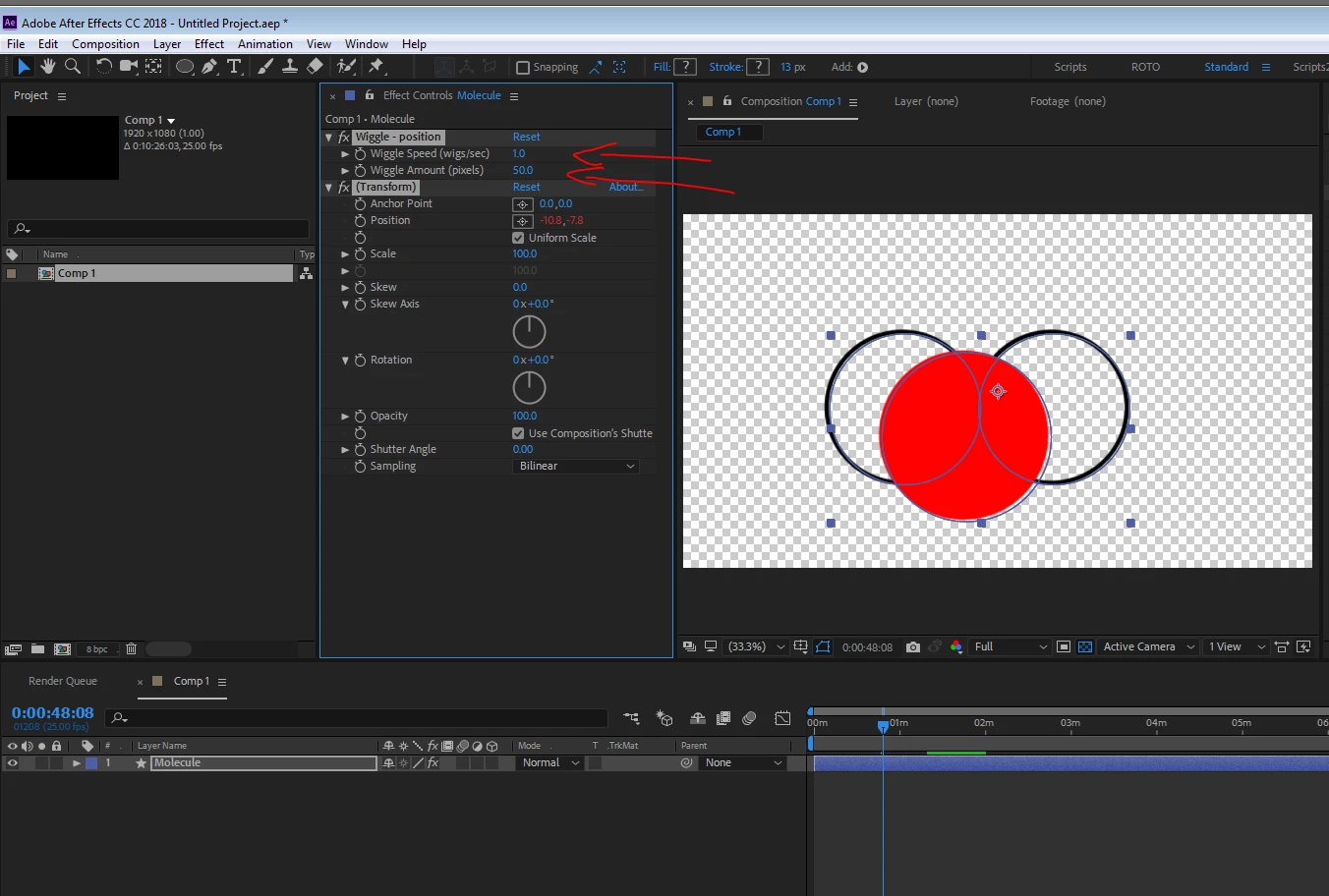
now you got these controls in the effects controls panel. you only need to play with the ones under "wiggle-position"
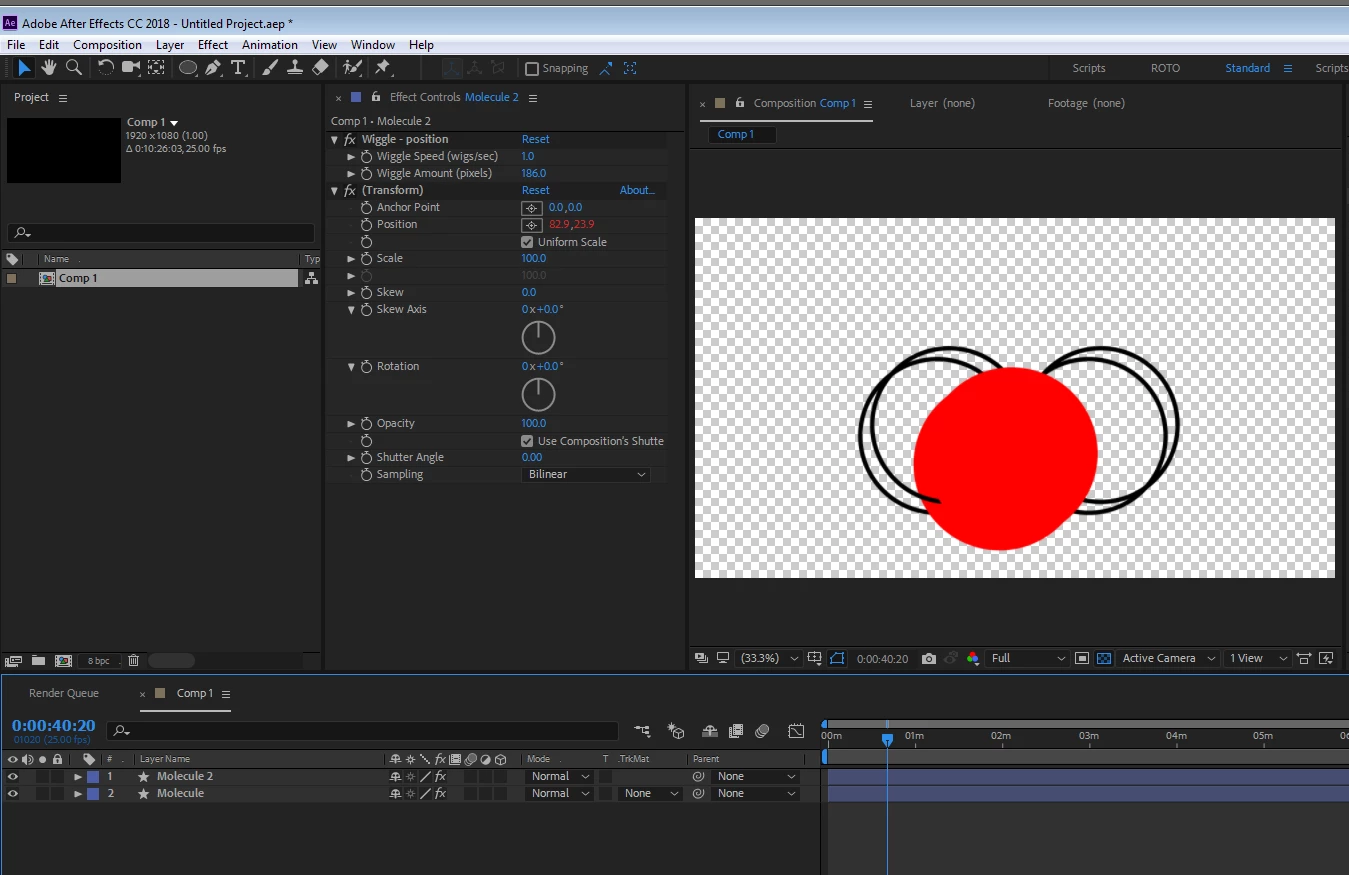
when you are satisfied, simply duplicate the layer, it will automatically look a bit different each time since wiggle is based on a random seed which is connected to the layer index number and the overall total of layers.

 AdChoices