
Wild Y-axis distortion on 3D layer...
Firt time posting under this user account. This is the work-Adobe account.
So, animating a logo (I blurred the full name just for the agency's privacy), and decided to do something I've done before several hundred times on animations over the years - rotate an element into view using the Y-axis rotation. Here's what I did:
Saved the asset in Illustrator
Imported to After Effects
Created a new composition
Added the element
Set the anchor point to the left edge to anchor the rotation
Clicked the 3D button on the layer...
That's where it went sideways.
Never seen this before, but if you look at the screenshots attached, the Y-axis is wildly distorted. It's unuseable as a rotation value. I did nothing exotic or different. Done this many, many times. This is the first time I've seen anything like this.
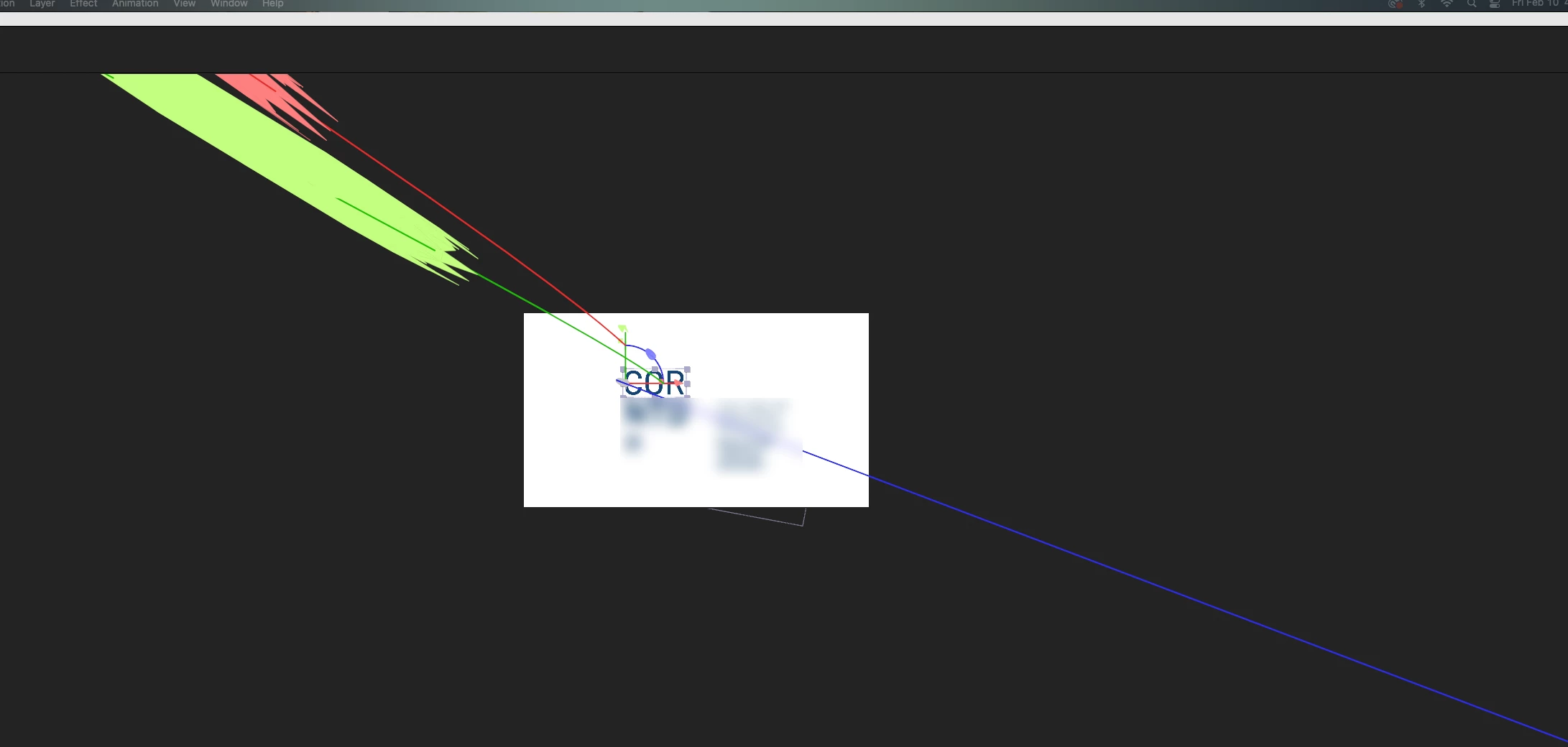
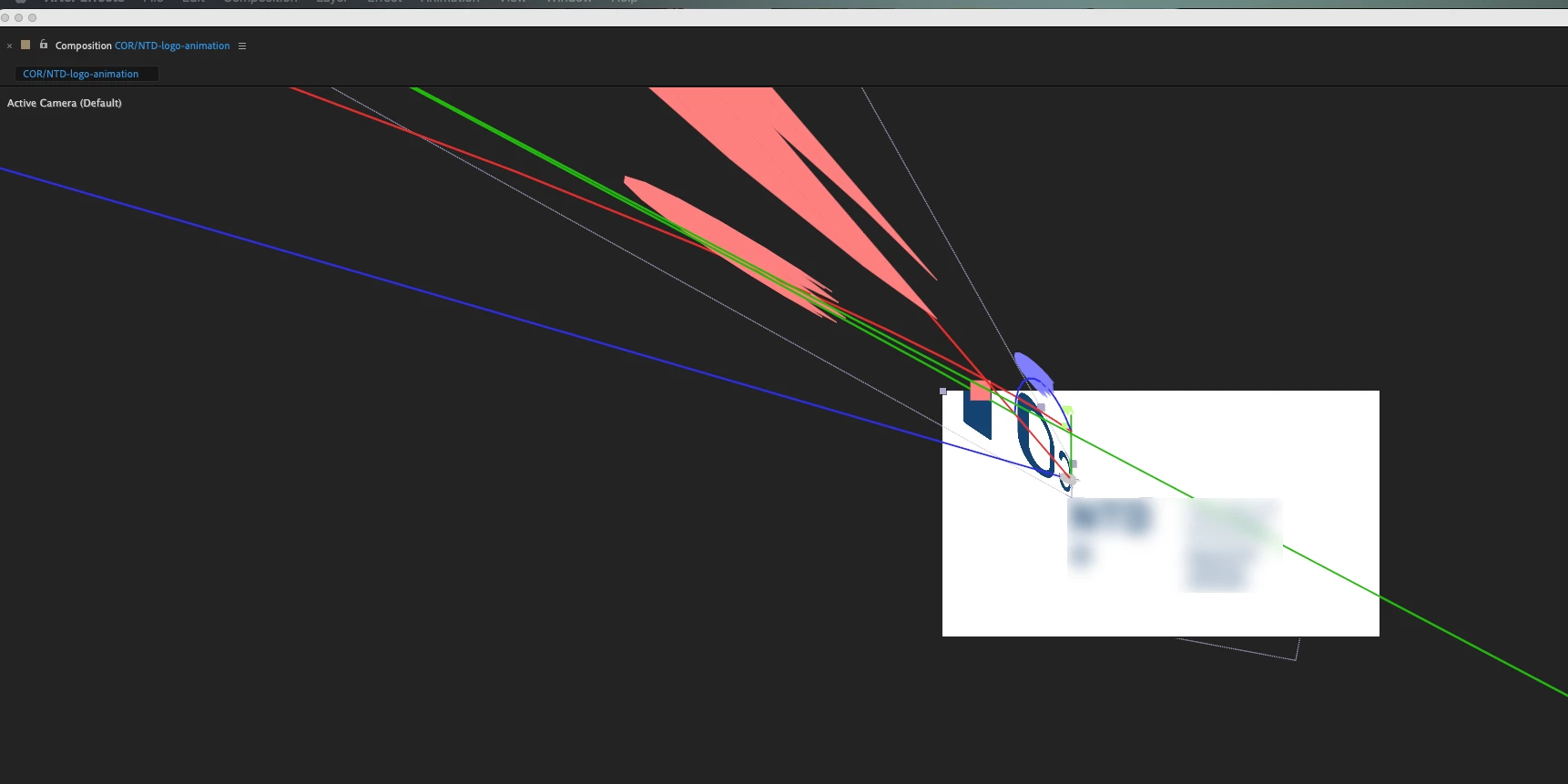
Anyone have a suggestion?
 AdChoices