

BenSCR
Inspiring
September 28, 2018
Answered

Wip Pan Transition 2

  • September 28, 2018
  • 1 reply
  • 1149 views

I followed this tutorial this very helpful After Effects Tutorial - Whip Pan - YouTube on and creating a 'Wip Pan Transition'. But it only shows how to animate and transition two still photos. How can I animate 6 or more photos by 'Parenting' all 6 layers to a 'Null Object'.

Below is a screenshot of a 'Wip Pan Transition' I've done with who photos.
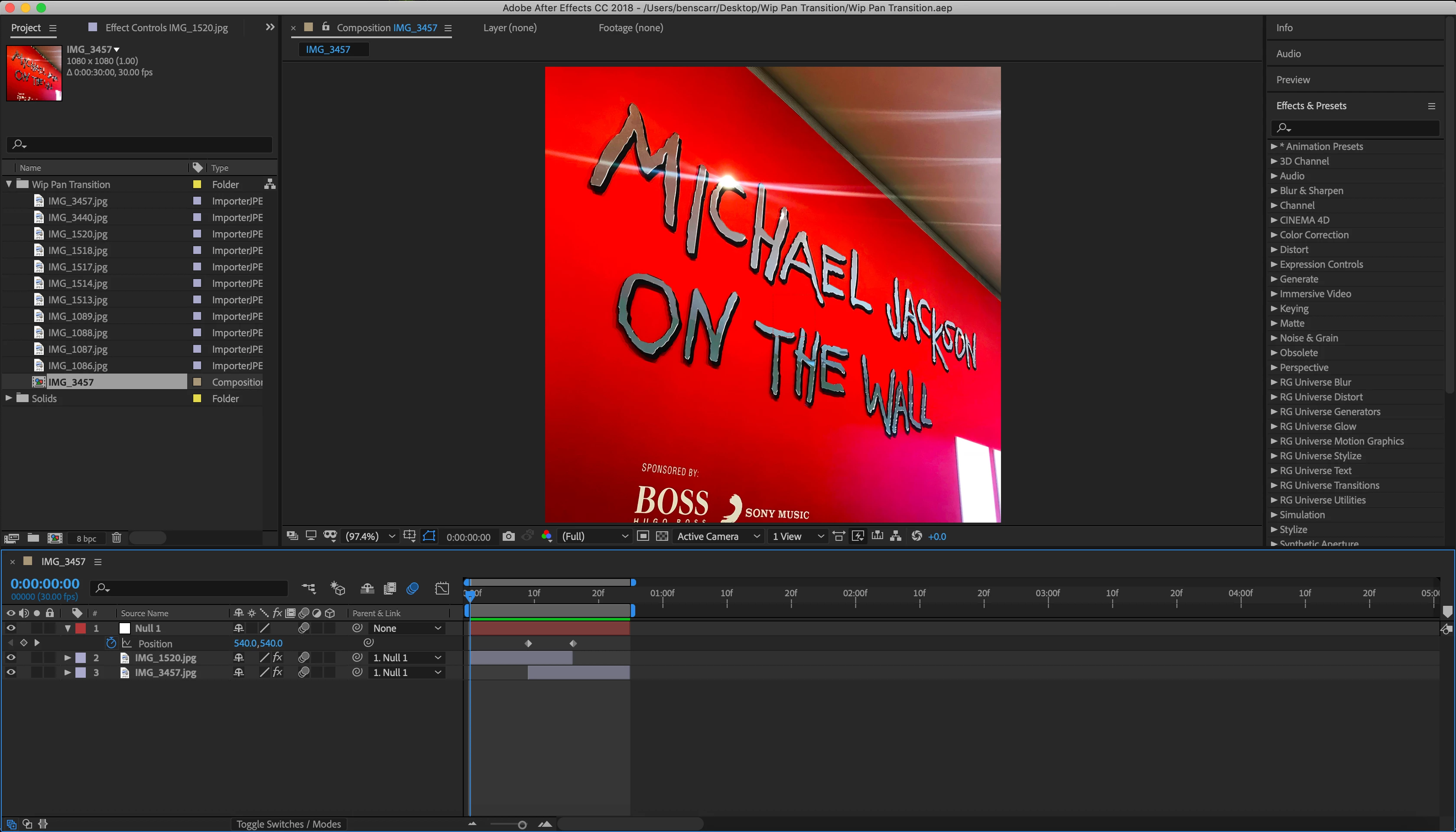
    This topic has been closed for replies.
    Correct answer OussK

    Ok check this small tutorial to see how to do this pan transition effects with 6 picture

    1 reply

    Dave_LaRonde
    Inspiring
    September 28, 2018

    It's all in their initial positions. Every layer except the first one will be off screen.  Figure out their positions, parent 'em all to the null and you're good to go.

    BenSCR
    BenSCRAuthor
    Inspiring
    September 28, 2018

    Thanks for the advice. I tried that before I uploaded my question and it didn’t work (for me).

    I know your right  about parenting all layers to the null-object. The issue is where  two ‘Position’ keyframes, and I think I next to create two ’Position’ keyframes on each layer. But I have tried it and don’t get any movemen from extra layers?

    OussK
    Community Expert
    OussKCommunity ExpertCorrect answer
    Community Expert
    September 29, 2018

    Ok check this small tutorial to see how to do this pan transition effects with 6 picture