Participating Frequently
July 8, 2019
Question

AE/Premiere CC2018 and CC2019 Not Dynamic Linking

  • July 8, 2019
  • 1 reply
  • 368 views

Hello,

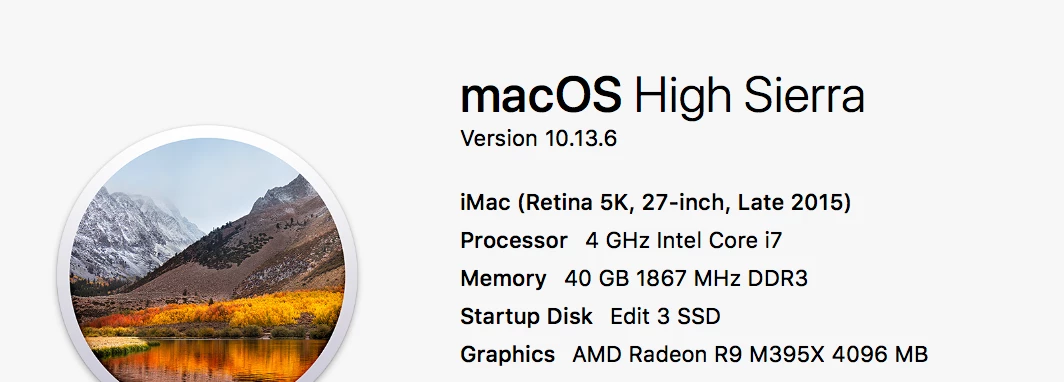
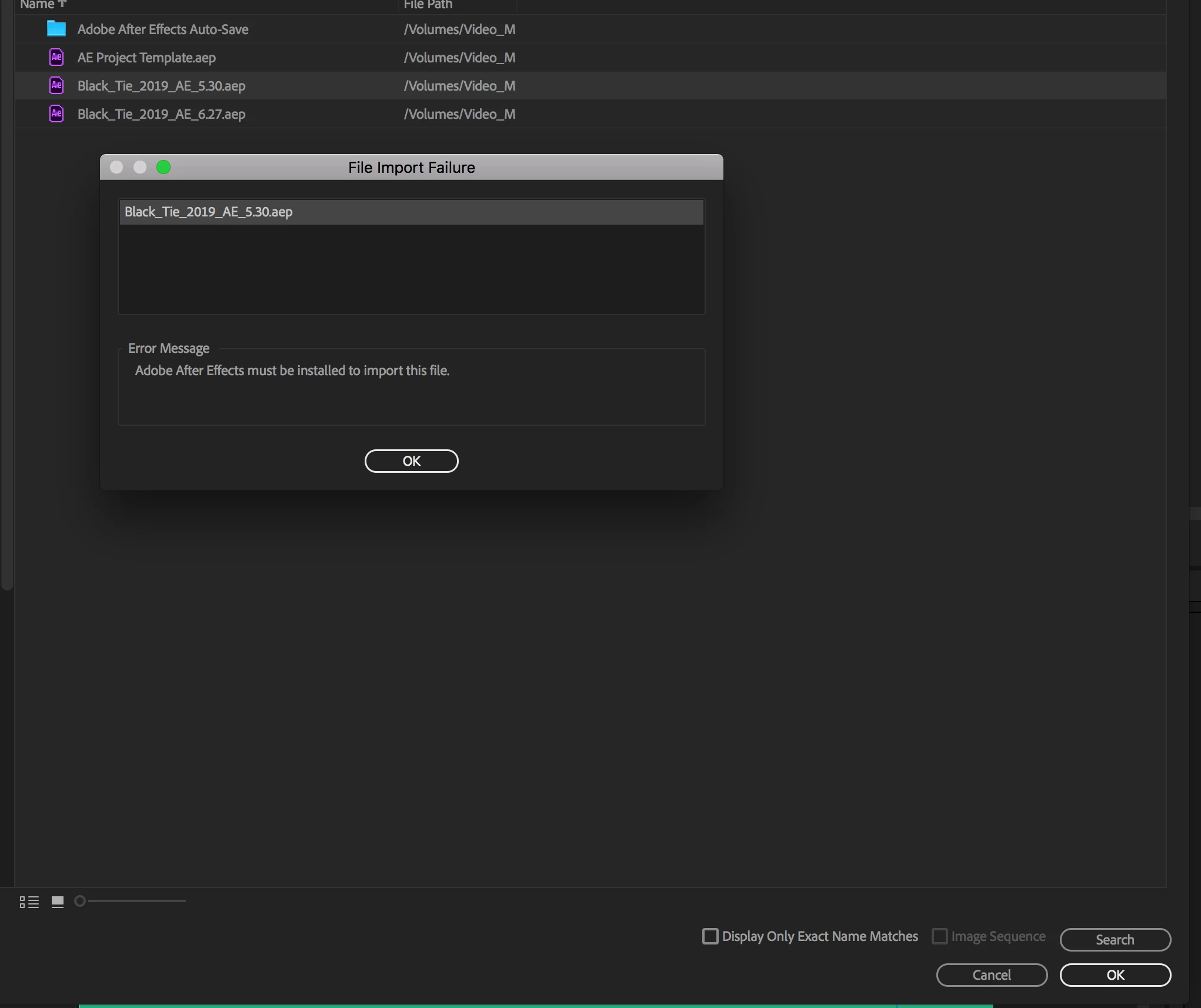
I just recently loaded After Effects 2019 to test while keeping After Effects 2018.  I have projects in Premiere 2018 dynamic linked to After Effects 2018 files that will not connect. When I try to relink the footage it gives the message that I do not have After Effects install on my computer. Is there a work around to have them linked or should I just uninstall After Effects 2019?

I have tested multiple projects to make sure this isn't a solo incident.
This topic has been closed for replies.

1 reply

Dave_LaRonde
Inspiring
July 8, 2019

Sorry, but Dynamic link doesn't work between two different versions.  They have to be the same ones.

J@esonAuthor
Participating Frequently
July 9, 2019

Hi Dave - Just making sure you understand my issue because I am not trying to link between two different versions. I have a Premiere 2018 project file that is opened in Premiere 2018, linked to After Effects files that were created in After Effects 2018. I still have both Premiere and After Effects 2018 on my system.

I loaded After Effects 2019 to test.

Is there not a way to continue my Premiere 2018 project with my AE2018 files without uninstalling 2019?