raaes_
Participant
January 21, 2020
Question

After effects messing up colors

  • January 21, 2020
  • 1 reply
  • 1375 views

Hello,


I'm here to seek some help.


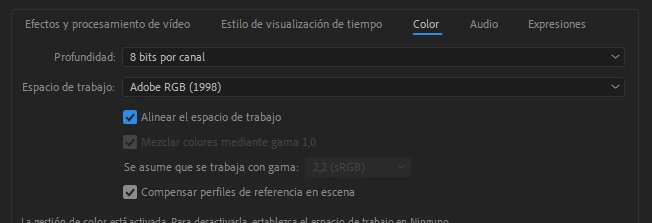
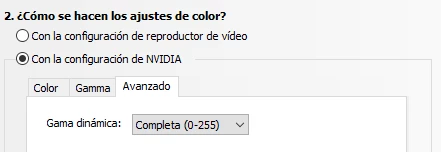
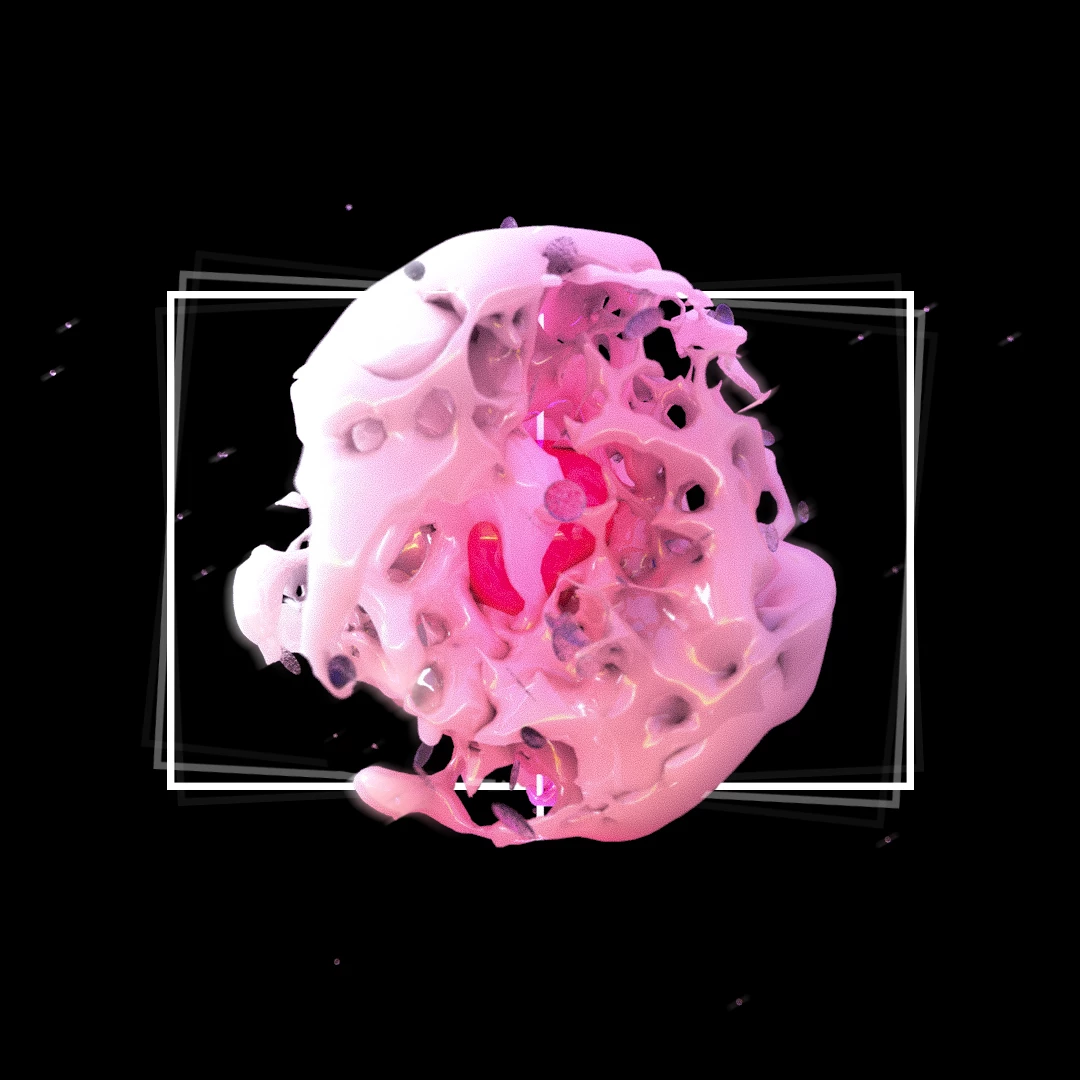
I'm having lots of trouble working with AE and PS or AI when I create a new composition based on a .psd or .ai file. The colors keep changing, and end looking washed out. I've tried changing the color settings, adjusting my GPU color settings, but nothing works, please help and thank you in advance.


edit: same color profiles in both the .psd or .ai and .ae files


Here are some screen shots that may help understanding my problem:

 

1 reply

Mylenium
Legend
January 21, 2020

Well, straight up (and you're not going to liek the answer): Fiddling with AE color settings will not fix anything. What you see is a typical sign of an inadequate/ screwy workflow in the other programs vis à vis lack of color management/ wrong color management/ messed up monitor settings. You need to read up on this stuff and then act accordingly, like in fact not assigning specific profiles in AI/ PS and using the monitor default profile or just in the opposite extreme instating correct proof previews, calibrating your monitor and so on. in short: The flaw is how you create the artwork in a mistweaked/ miscalibrated environment to begin with, leading you to make wrong assumptions about colors being correct.


Mylenium

raaes_
raaes_Author
Participant
January 22, 2020

Hello,


You are not helping me with nothing but a lecture of my abilities as a designer. I apreciate your answer, and thanks for your time, but if you see that im making mistakes, I would love to recieve help instead of a lecture.


Thanks for nothing.