

After Effects & Mocha AE problem
Hey there,
Over the past few days I have learnt about Mocha AE for tracking. Despite feeling like I have tried everything I still can't get the tracking data to work when copying it over to after effects.
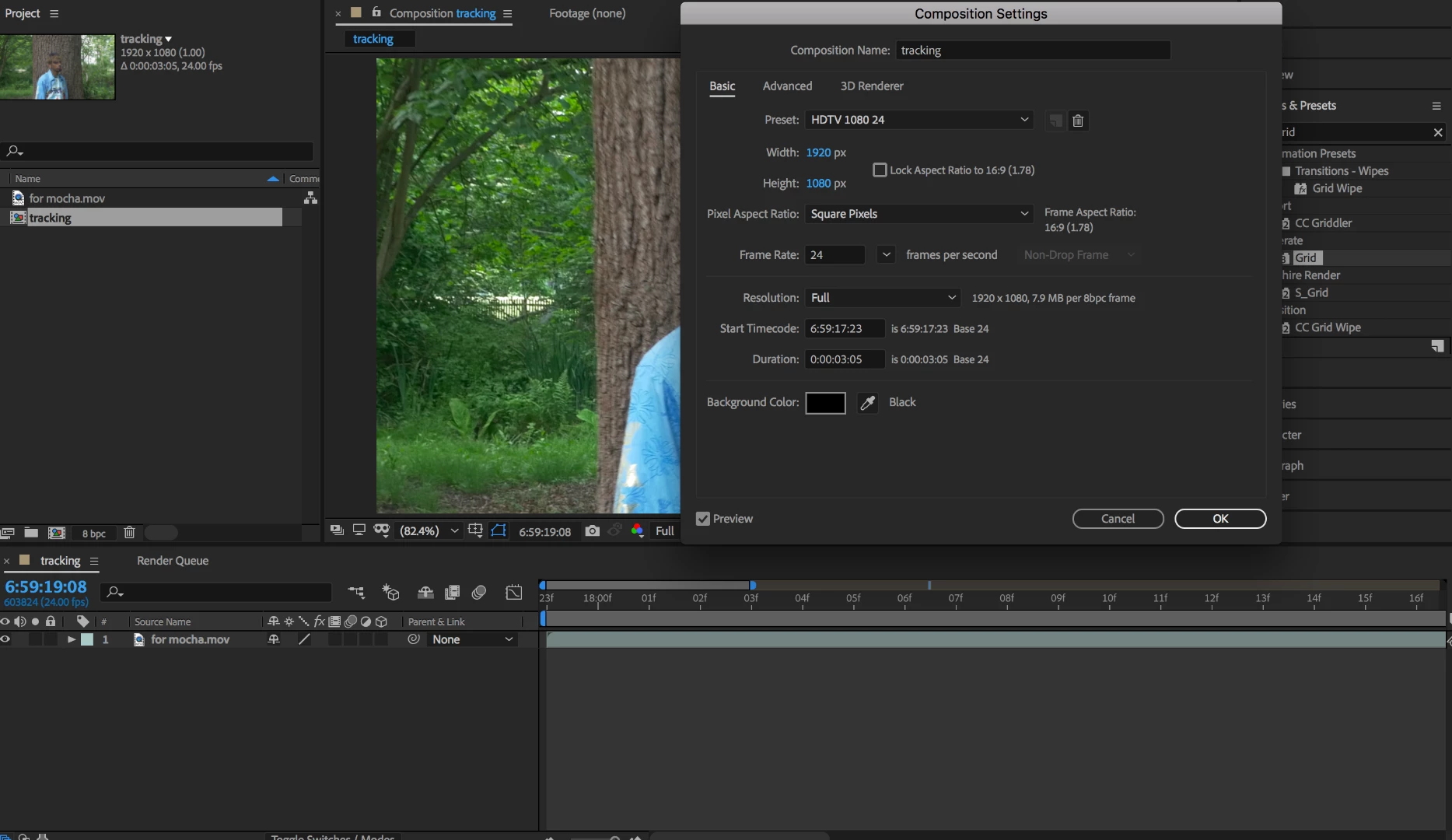
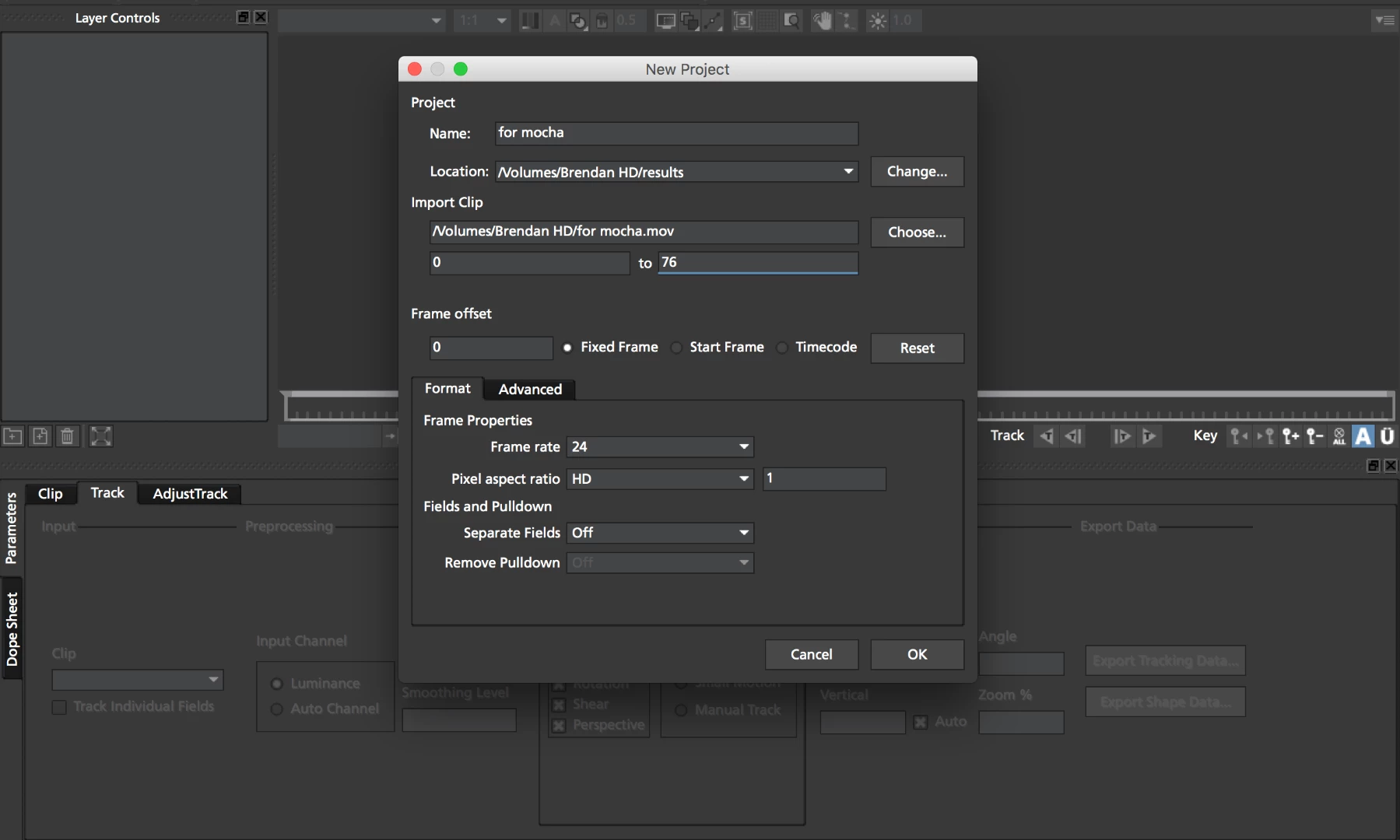
-I have checked and I feel like all my composition settings are matching.
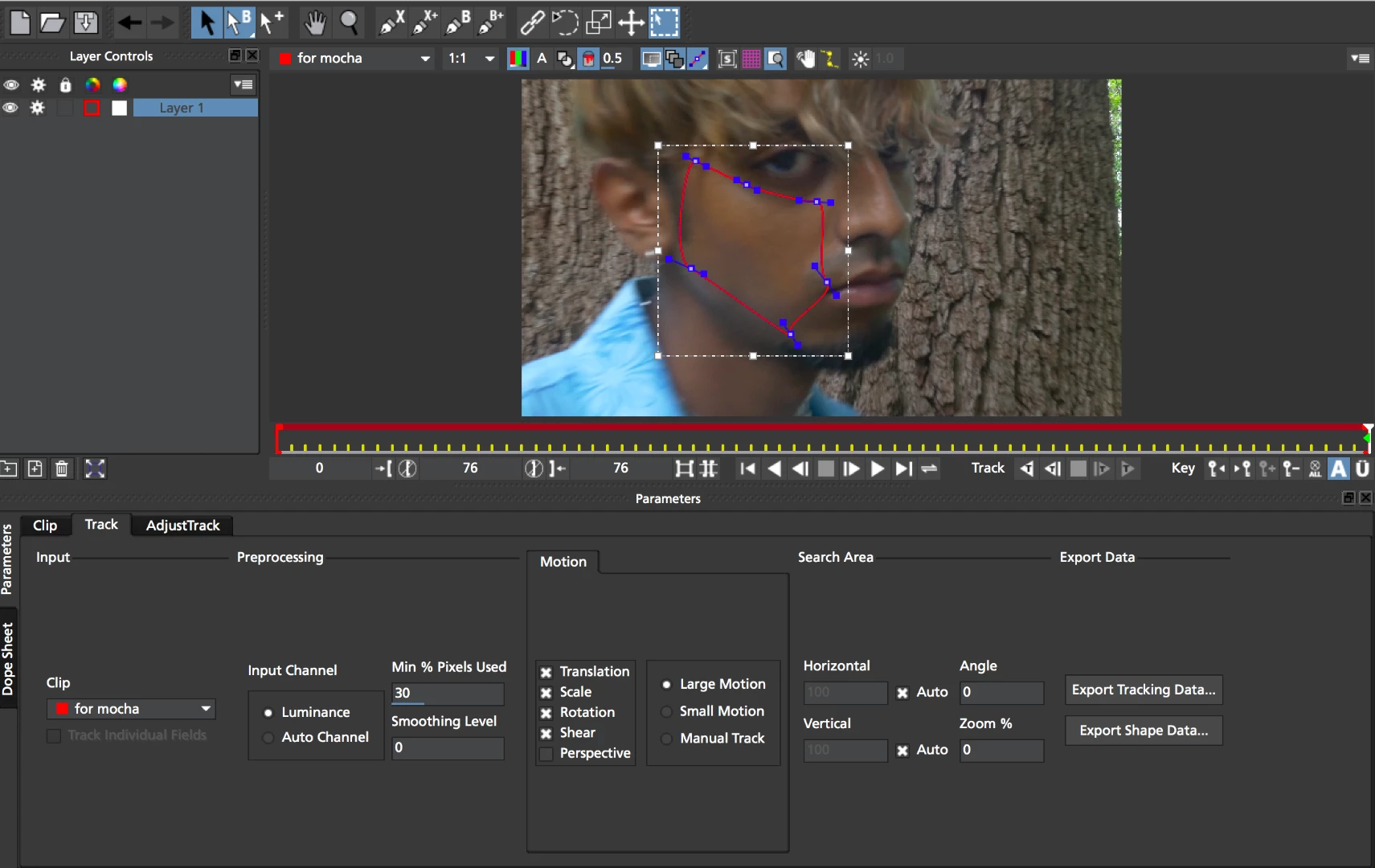
-I used the Bezier tool and the tracking turns out perfect in Mocha AE.
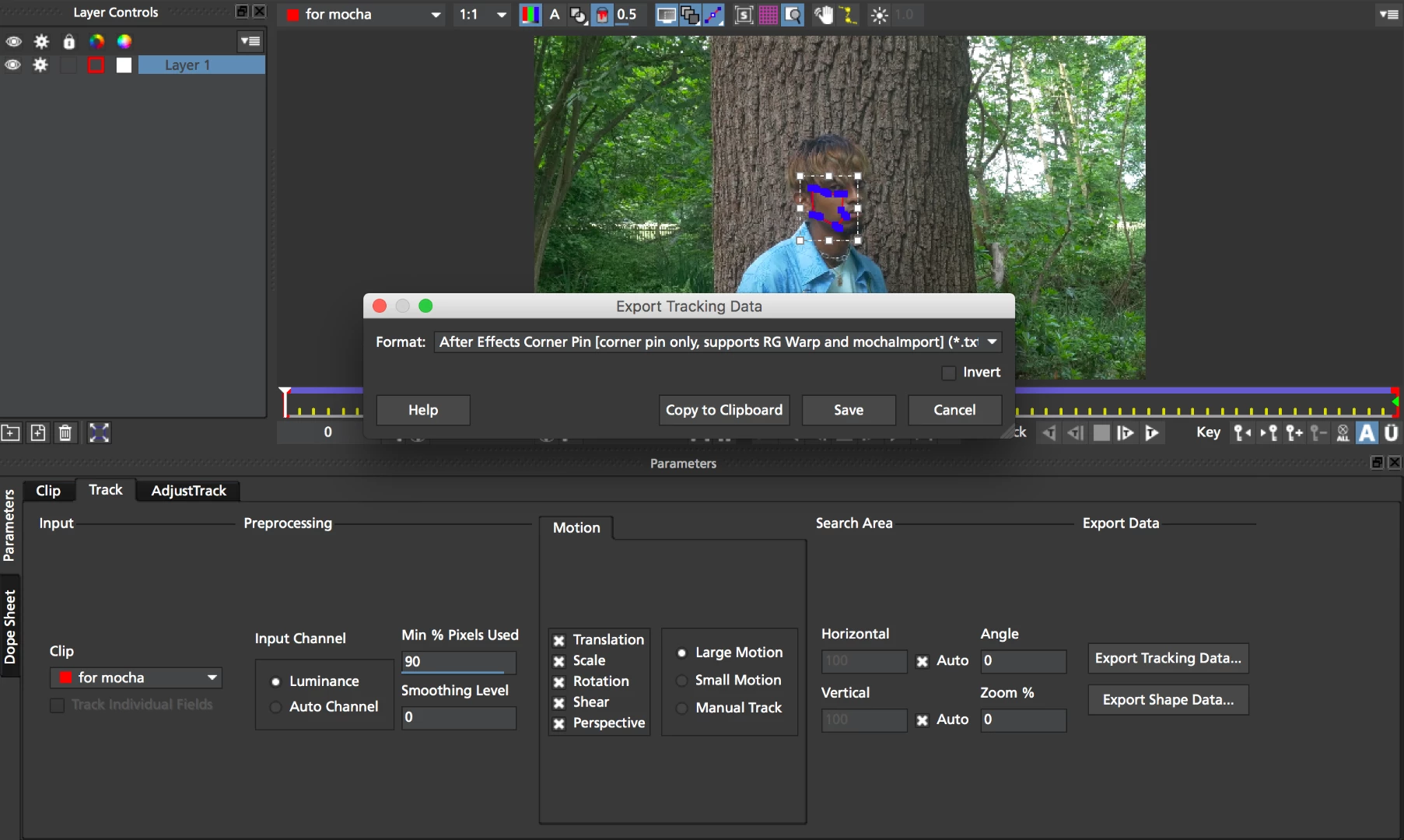
-When copying the tracking information over to After Effects I have made sure that it's on the first frame .
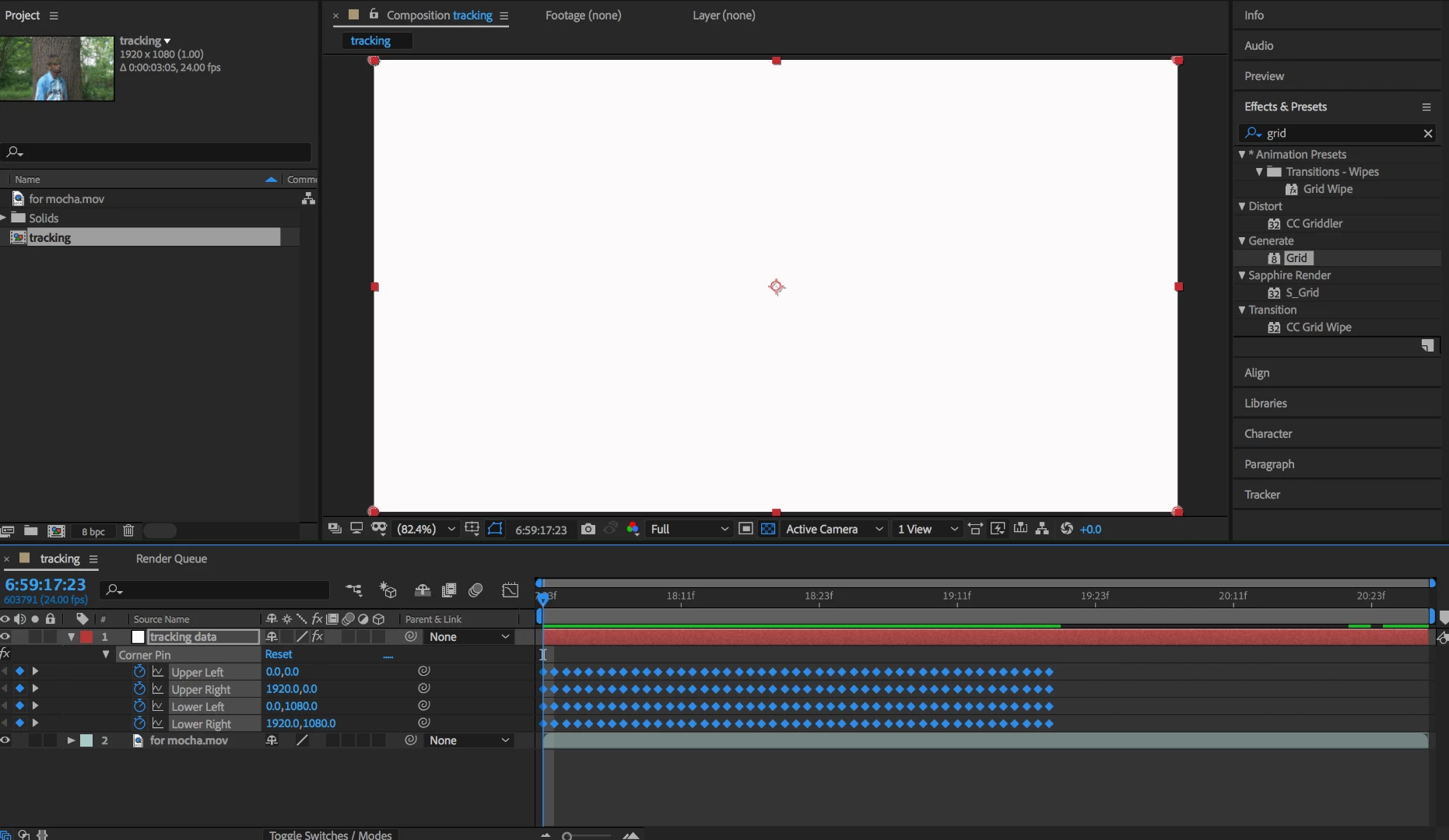
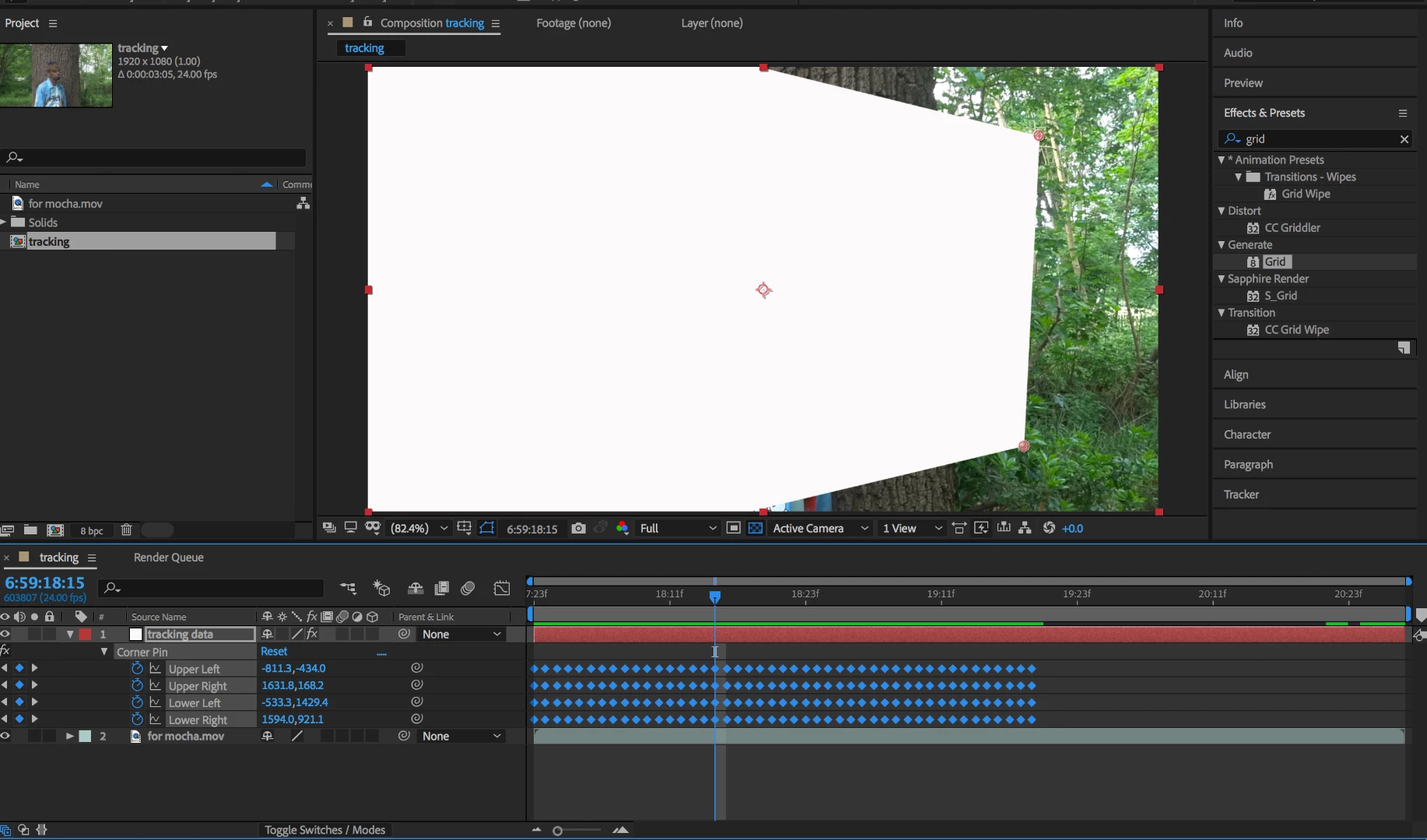
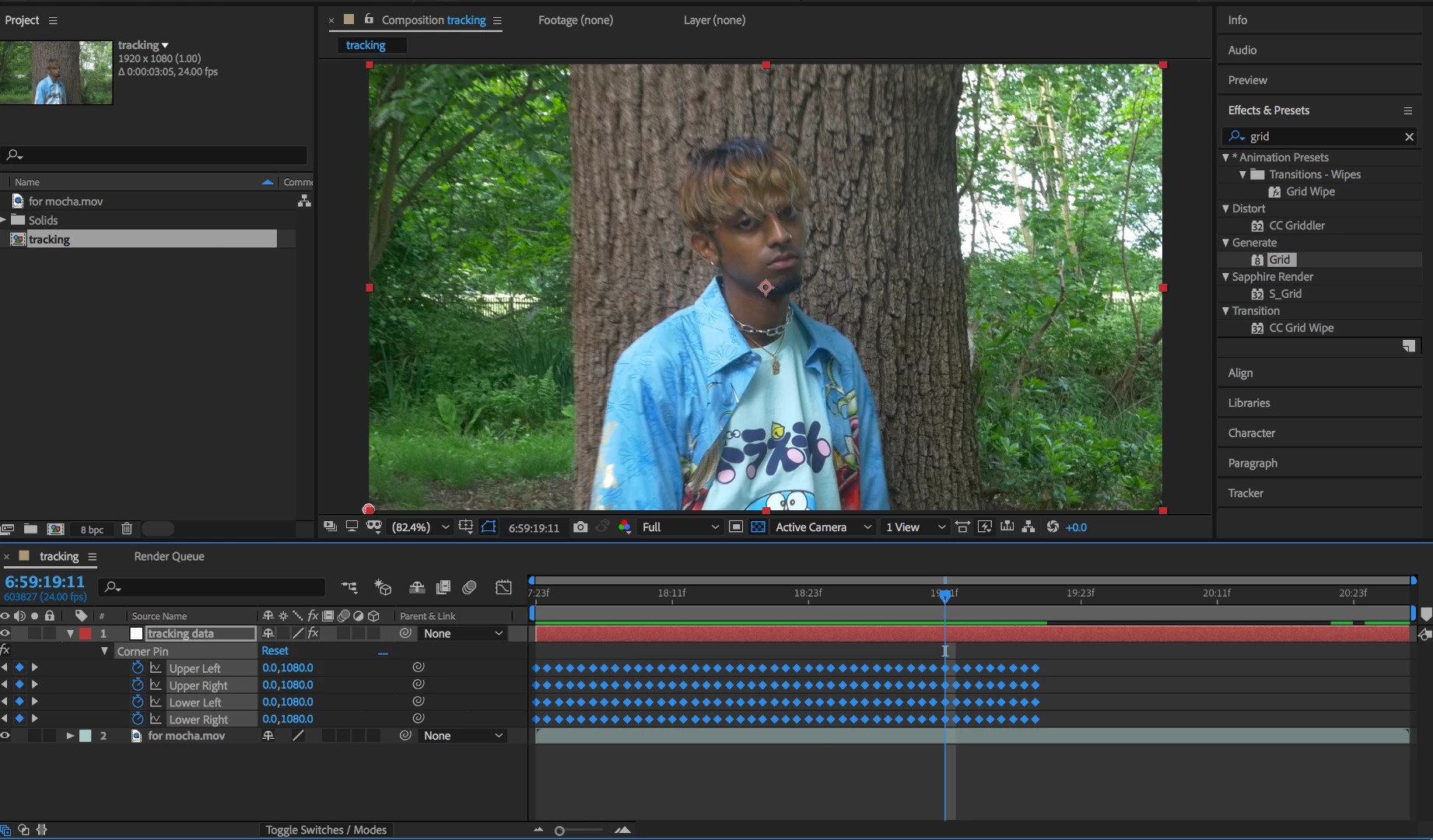
-When I add a new solid and then paste the tracking information nothing happens on the first frame(other than the solid), however when I scrub through the footage there is some movement and then the solid completely disappears.
I am sure I am making simple rookie mistakes but would appreciate any help.
Hopefully the pictures below explain things better.
Thank you
Brendan
 AdChoices