

jordan.zirretta
Participant
September 20, 2018
Question

After Effects Rendering Glitch?

  • September 20, 2018
  • 2 replies
  • 4799 views

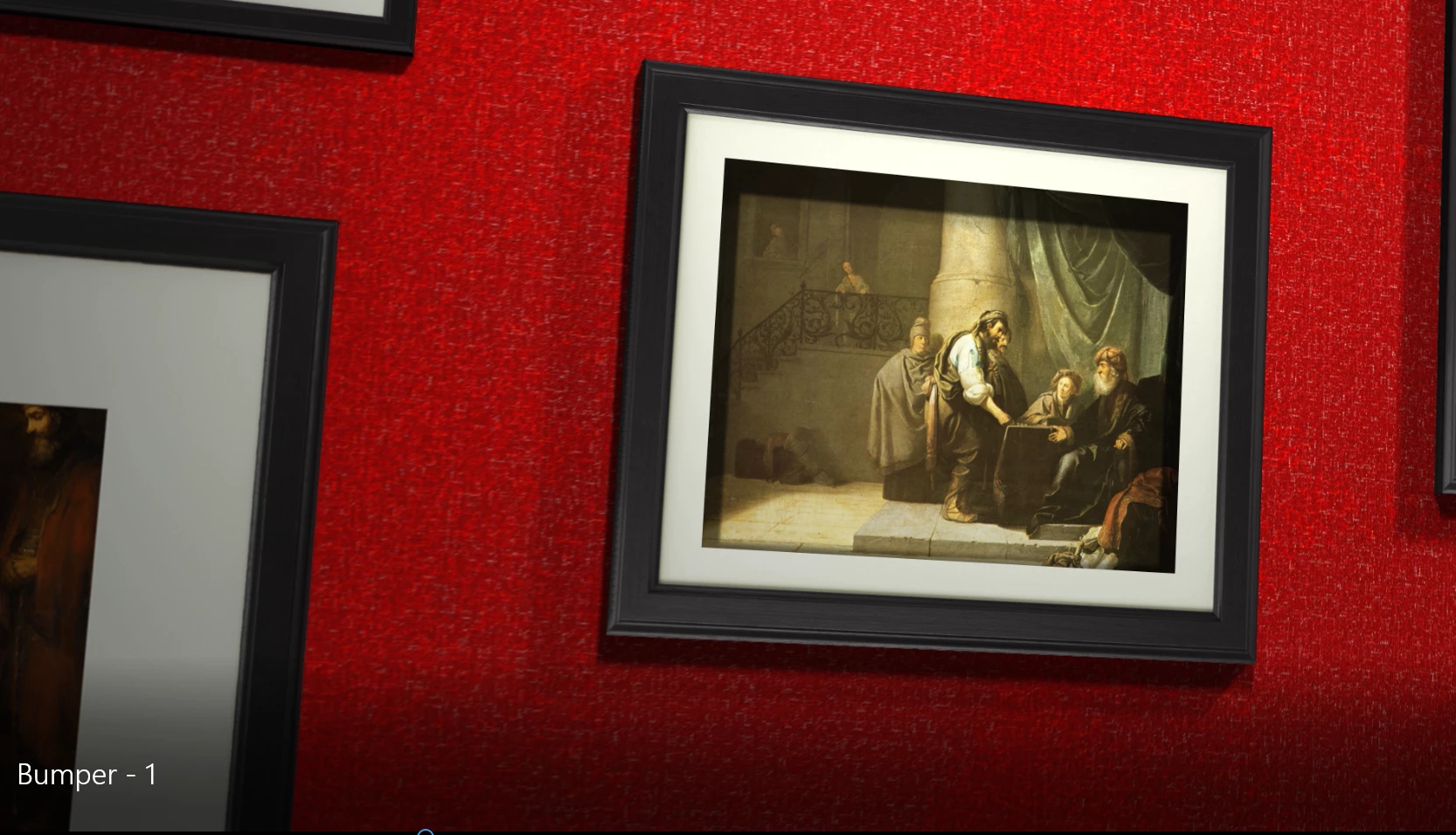
I just waited over an hour for a render from After Effects only to find 2 problems: 1. there's a line pattern that glitches around the border of the paintings (seen below on the left), and 2. the white frame on some of the pictures gets thinner and thicker, off and on at random. It's not just a playback glitch -- this is the export. I did AVI lossless in a 1920x1080 composition, 30fps. Any help is appreciated
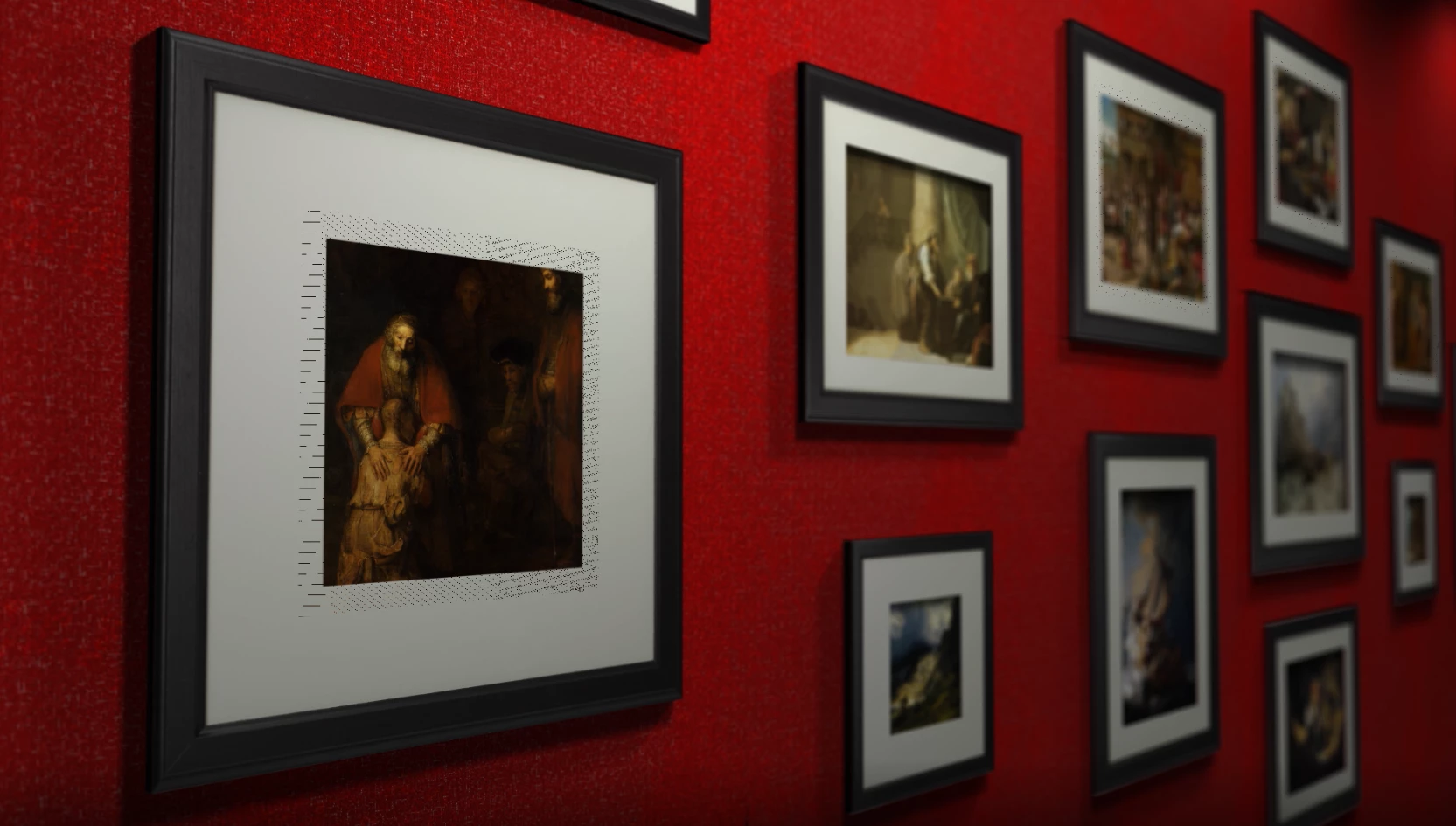
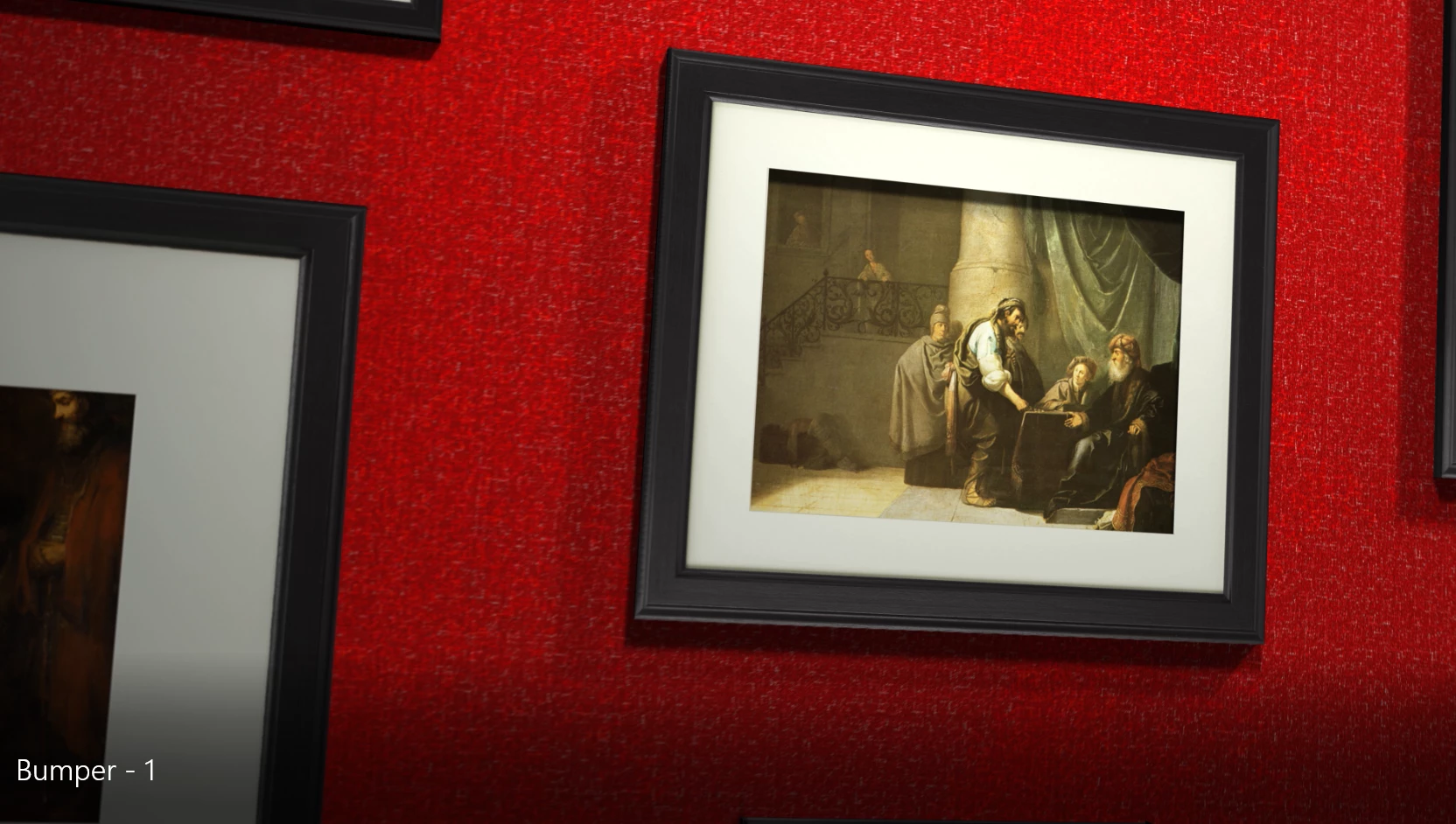
notice the difference between these 2 frames. The shadow thickens and the frame gets smaller
This topic has been closed for replies.

2 replies

Roland Kahlenberg
Legend
September 20, 2018

Which of AE's Render Engine are you using? This looks like a ray-tracing glitch related to rendering semi-transparent areas.

So ... which Render Engine?

What effects have you applied?

Have you tried rendering to another file format?

Very Advanced After Effects Training | Adaptive & Responsive Toolkits | Intelligent Design Assets (IDAs) | MoGraph Design System DEV
jordan.zirretta
Participant
September 20, 2018

I'm not in ray-trace 3d. I'm in classic 3d, and I just rendered straight out of After Effects. I'm currently exporting again from media encoder as an h.264. This time I moved the images back in Z space a few pixels within the white frames and the line pattern went away, so maybe the layers were just conflicting. I have no effects, but I have motion blur and depth of field on, but up until now none of the individual compositions (each painting is a composition) had motion blur selected. Only the full composition had motion blur turned on, so I'm not sure if that was part of the problem as well. The red wall in the pictures is a small picture that's tiled, so that's the only effect in the project, but I'm not having issues with that. Here's what it looked like: Bumper - 1 on Vimeo

Roland Kahlenberg
Legend
September 20, 2018

Now that you've mentioned about z-position, this is also a likely cause for your issue. There will be preview/render issues such as yours when two or more layers share the same z-position + orientation. As you now know, offsetting one of the layers a little, in z-position is the way to solve the issue.

Very Advanced After Effects Training | Adaptive & Responsive Toolkits | Intelligent Design Assets (IDAs) | MoGraph Design System DEV
Kanikas
Community Manager
Community Manager
September 20, 2018

Moving to After Effects