Participant
August 10, 2021
Question

After Effects won't Auto-Relink MP4 files when finding misplaced footage?

  • August 10, 2021
  • 16 replies
  • 3727 views

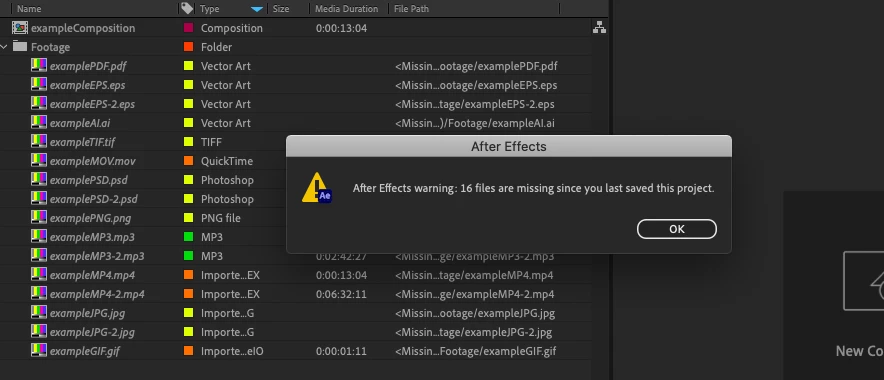
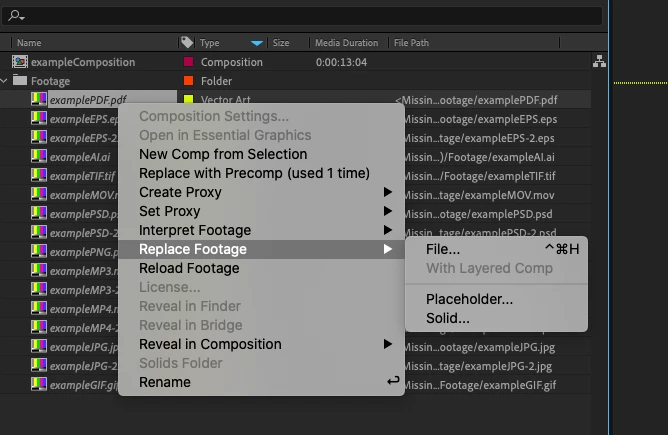
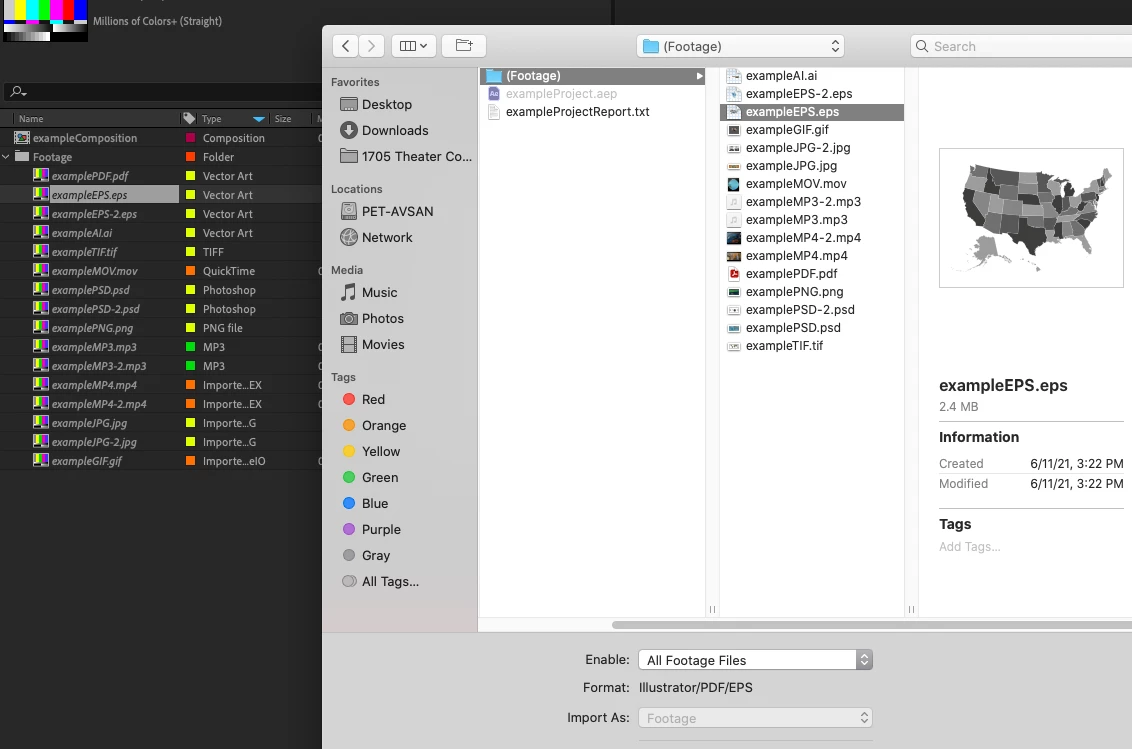
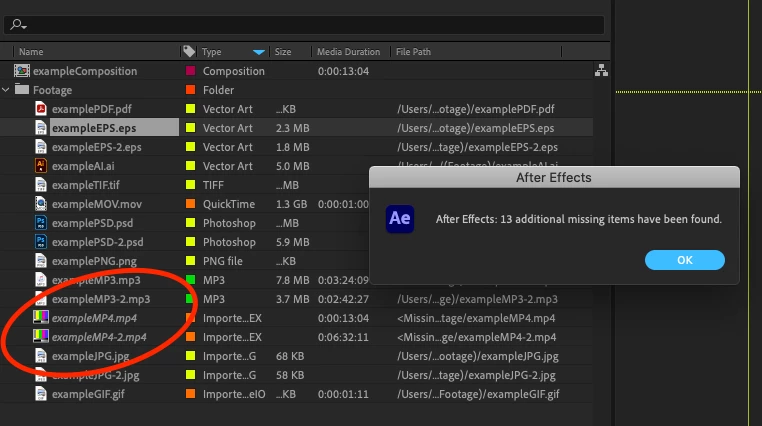
I've been using AE for over a decade now and can't remember ever having this issue. After finishing a project, I will reduce, consolidate, collect, etc. in order to archive the project for storage. Currently, the latest version of AE 18.4.0 Build 41 running on MacOSX 10.15.7. I have noticed when relinking footage placed in a new folder, all footage types will be located automatically once the first project file has been located... except for MP4s. Excuse me, but what? I can't be the only one that has decided to rename a footage folder before, used "replace footage" on a single PNG for example, and seen all other footage be found and updated to the newly renamed folder. Well, normally this would grab all footage files, including MP4s. Now, let's say I change the MP4 location back to the original recorded in the file, and I click "Reload Footage"... well, that too will fail. A dialog box says the footage is not at the very location that it is at. The only way to restore the footage is to go through the Replace dialog for every single MP4. This is ridiculously tedious on large projects. Please fix this problem or explain a workaround. I've attached screenshots of this issue in action:
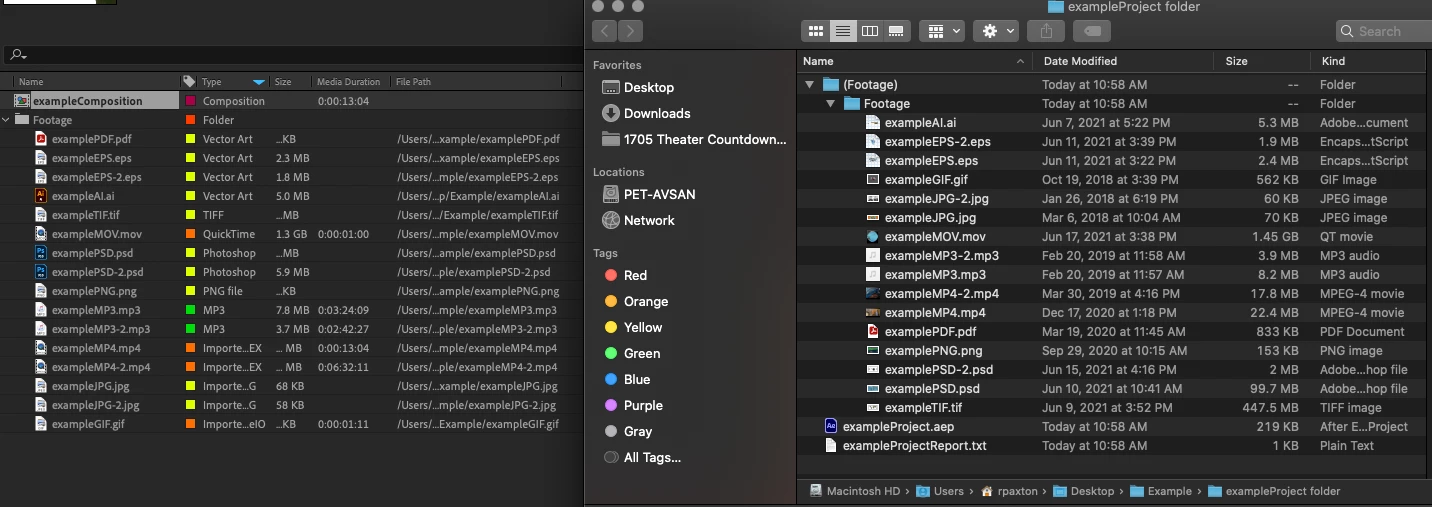
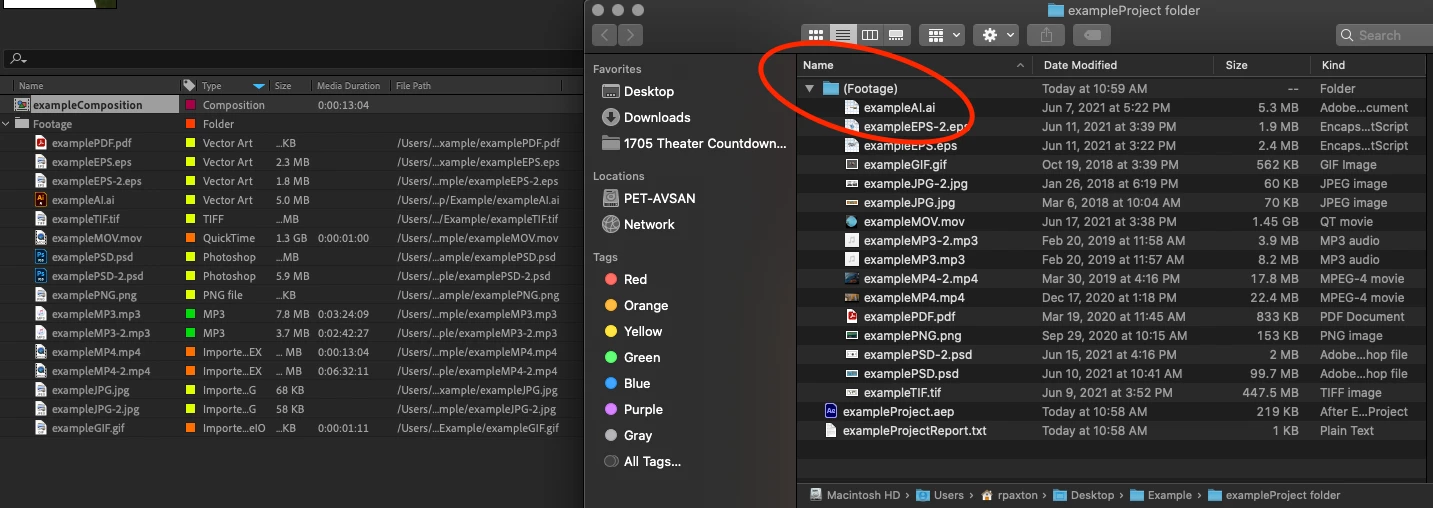


16 replies

Participant
June 16, 2022

I'm having the exact same issue, clearing cache hasn't helped. This is ridiculous. No one has time to relink HUNDREDS of files, fix this Adobe. 

Participant
May 23, 2022

This still hasn't been fixed, I guess. This is an insane bug that causes a lot of extra work for absolutely no reason. It needs to be fixed asap

Participant
January 15, 2022

I'm having the exact same issue, After Effects 22.1.1 on an iMac 5K 2017.

It completely ignores all other MP4's except for the single one you selected.

Clearing disk cache or disabling hardware acceleration did nothing.


This is unacceptable.

Adobe please fix this now!

It's been 5 months since it was reported!


Inspiring
December 24, 2021

I am also having this issue, tried clearing the cache and restarting AE but still no luck... I'm using an eGPU and I wasn't last time i opened this proejct file so i'm wondering if that has anything do with this...

kimberlyp84208604
Participant
November 22, 2021

Hello,

I'm having this same issue with batch relinking .MP4 files. [H.264, H.265, any .MP4 extension]

Up until a couple weeks ago with the 22 update everything batch relinked fine, if the video files were in the same folder as eachother. Now I have to relink .MP4 files one by one and the whole process is slowing down my workflow a lot.


.MOV & .MPEG files batch relink w no problems, but my clients prefer me to work with .MP4 and .MOV files. But .MOV files are 4x as large and converting everything to .MPEG doesn't make sense with the workflow me and my coworkers use. 

Do you think this is a bug that will be fixed? Or should I adapt to a new workflow? Thanks in advance! 

Mylenium
Legend
August 10, 2021

That's a bug related to hardware accelerated functions. I believe clearing the cache before opening such a project at least fixes it temporarily.


Mylenium