

BenSCR
Inspiring
June 1, 2018
Answered

Animate Solids/Shapes (Slow Down & Speed Up)

  • June 1, 2018
  • 1 reply
  • 710 views

How can I animate Solids/Shapes to the start at a normal speed, then "Slow Down", freeze a bit then "Speed Up" to give it an Antigravity feel etc.

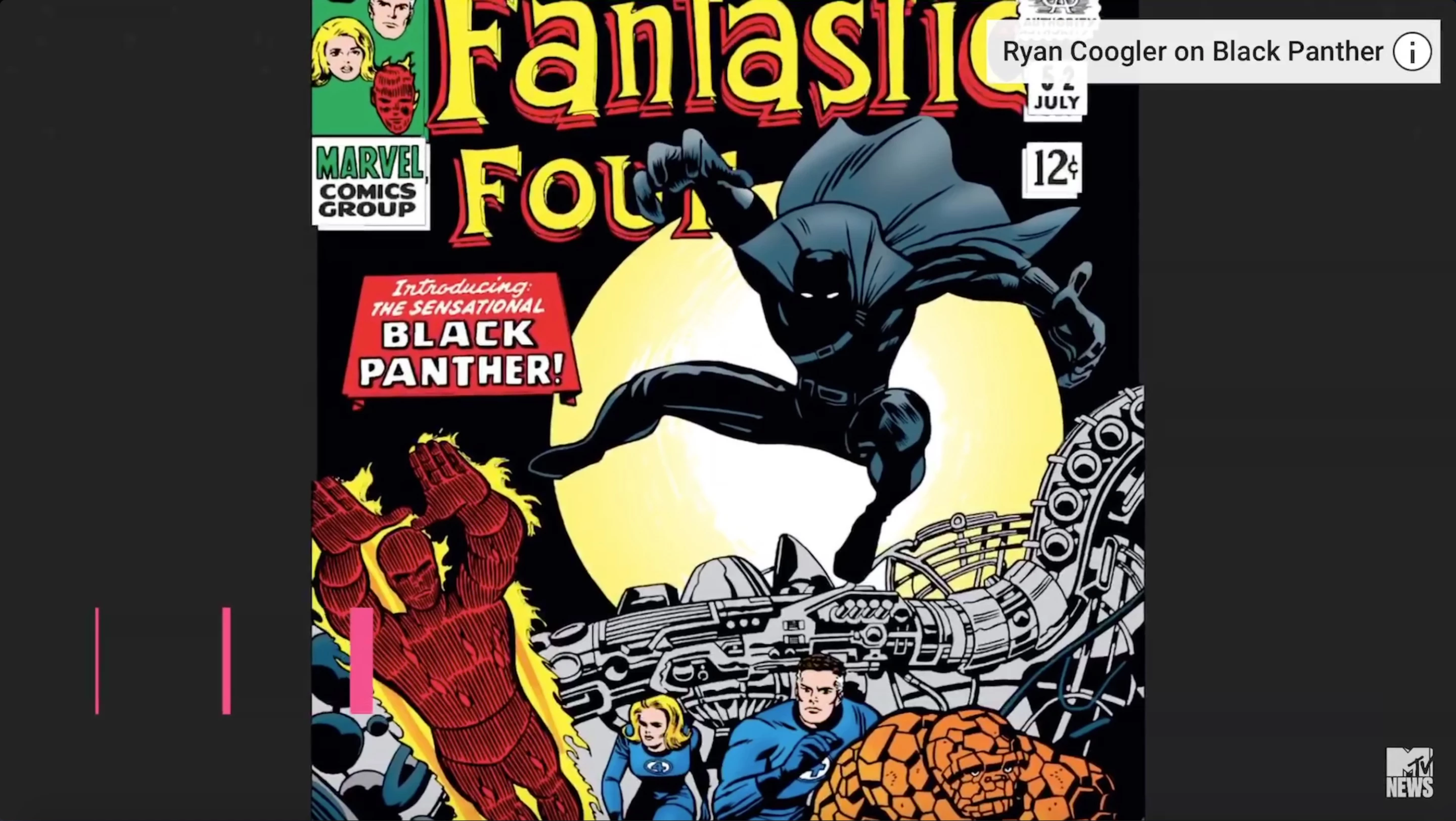
Here is an example from an MTV ticker that starts as 0.26secs Black Panther: The Origin Story | Black History Month | MTV News - YouTube
    This topic has been closed for replies.
    Correct answer Andrew Yoole

    I assume you're talking about the lower third graphic in the bottom left corner.

    Animation speed is controlled by the types of keyframes you use, and by adjusting the Motion Graph.

    Some essential info in the Adobe Help files:

    Apply and control speed changes in After Effects

    And a video tutorial that isn't too bad:

    Intro to Animation Curves in After Effects - YouTube

    1 reply

    Andrew Yoole
    Andrew YooleCorrect answer
    Inspiring
    June 1, 2018

    I assume you're talking about the lower third graphic in the bottom left corner.

    Animation speed is controlled by the types of keyframes you use, and by adjusting the Motion Graph.

    Some essential info in the Adobe Help files:

    Apply and control speed changes in After Effects

    And a video tutorial that isn't too bad:

    Intro to Animation Curves in After Effects - YouTube

    BenSCR
    BenSCRAuthor
    Inspiring
    June 1, 2018

    Thanks for these two links, they look exactly what I'm looking for!