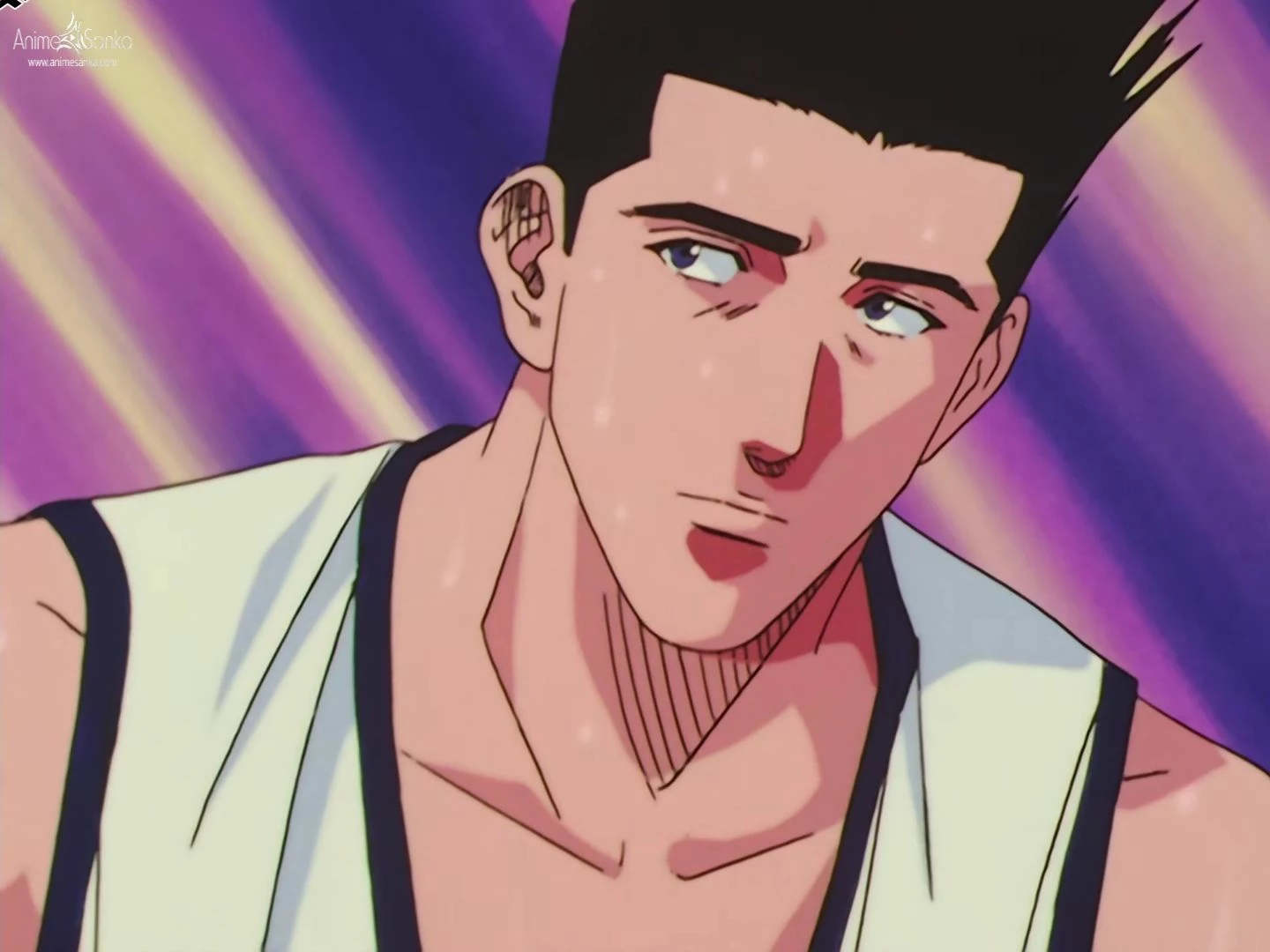
To reproduce that effect precisely you have to separate different parts of the image into different layers, duplicate some of them, add blurs and glows and experiment with blend modes. The yellow glow on the top of the character's left hand could be created by just placing a copy of just the hand layer below the hand, adding the fill effect to the copy, then adding a fair amount of Gaussian Blur and changing the blend mode to Screen.
There is no plugin that will add all of the different glows on all the different layers automatically. You have to separate the image or the video into individual layers and start adding the glows. It's like building a sandwich.
I don't know if was you, but I provided the same answer a few days ago when someone posted a very similar, if not the same image.

 AdChoices