
Participant
November 3, 2017
Answered

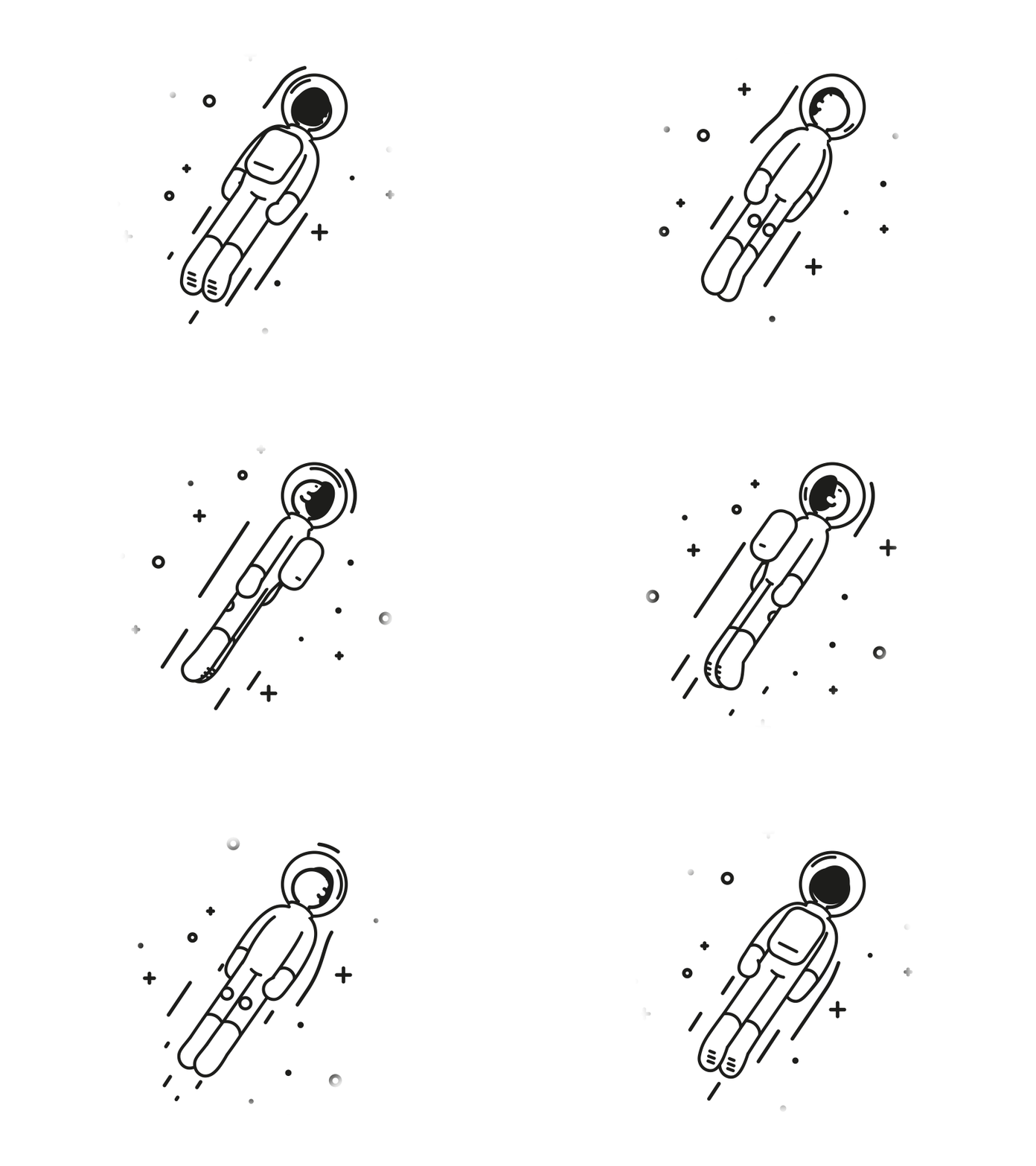
Awesome fake 3D, how is this done?
  • November 3, 2017
  • 2 replies
  • 2678 views

astronaut by Markus Magnusson - Dribbble

I've been looking at this for a while, and it looks like its just animated paths (correct me if i'm wrong), but I'm wondering if there's any trick, workflow or script/plug in that makes this awesome animation easier or less tedious than just animating the paths and masking elements.

This topic has been closed for replies.
Correct answer Rick Gerard

EZ way - Cartoon shader in a 3D app.

Hard way - Draw every frame. You'll need about 15 drawings for this gif.

2 replies

Roei Tzoref
Legend
November 3, 2017

it's probably all After Effects and clever use of Shape layers and of course knowledge in principles of animation, a lot of talent and timing.

start here with Emanuele Colombo:

Character Animation in AfterEffects - Tips&Tricks Chapter 4 - YouTube

other names worth mentioning:

James Curran

How to create animated GIFs | Adobe Creative Cloud - YouTube

Evan Abrams:

Animate Shape Layer Arms & Legs [EASY] - Adobe After Effects tutorial - YouTube

you can go a long way with 2d and using Rigs.

Rick GerardCommunity ExpertCorrect answer
Community Expert
November 3, 2017

EZ way - Cartoon shader in a 3D app.

Hard way - Draw every frame. You'll need about 15 drawings for this gif.