
Participant
October 8, 2020
Question

Can't Edit from a Duplicate Composition.

  • October 8, 2020
  • 1 reply
  • 506 views

i have many compositions in my project.
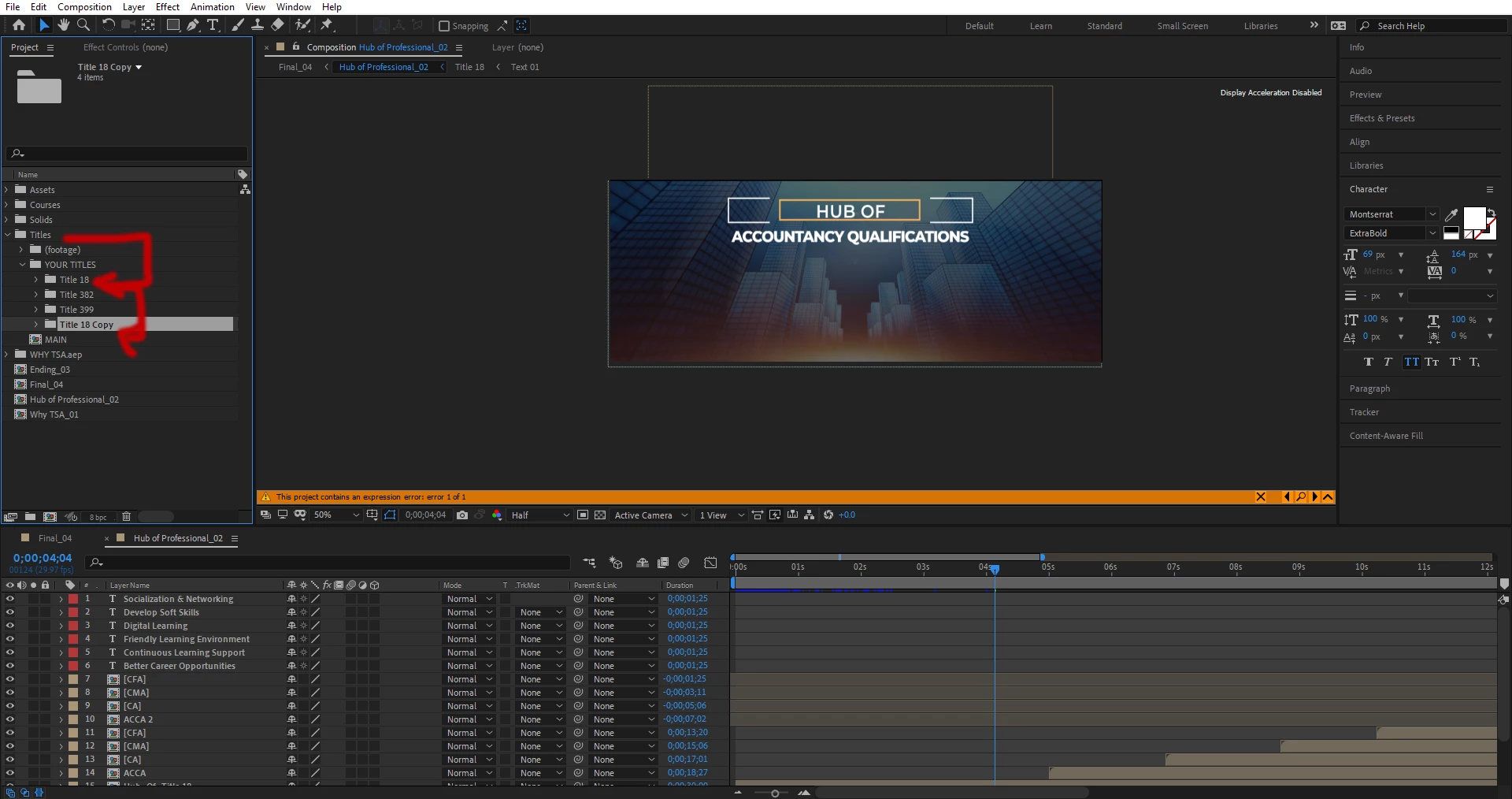
when i duplicate composition folder 18, or just composition 18 then there is changing both composition. however i have changed texts in duplicated composition. then why Previous Composition changed.

There is Footage folder also may be linked with this composition.
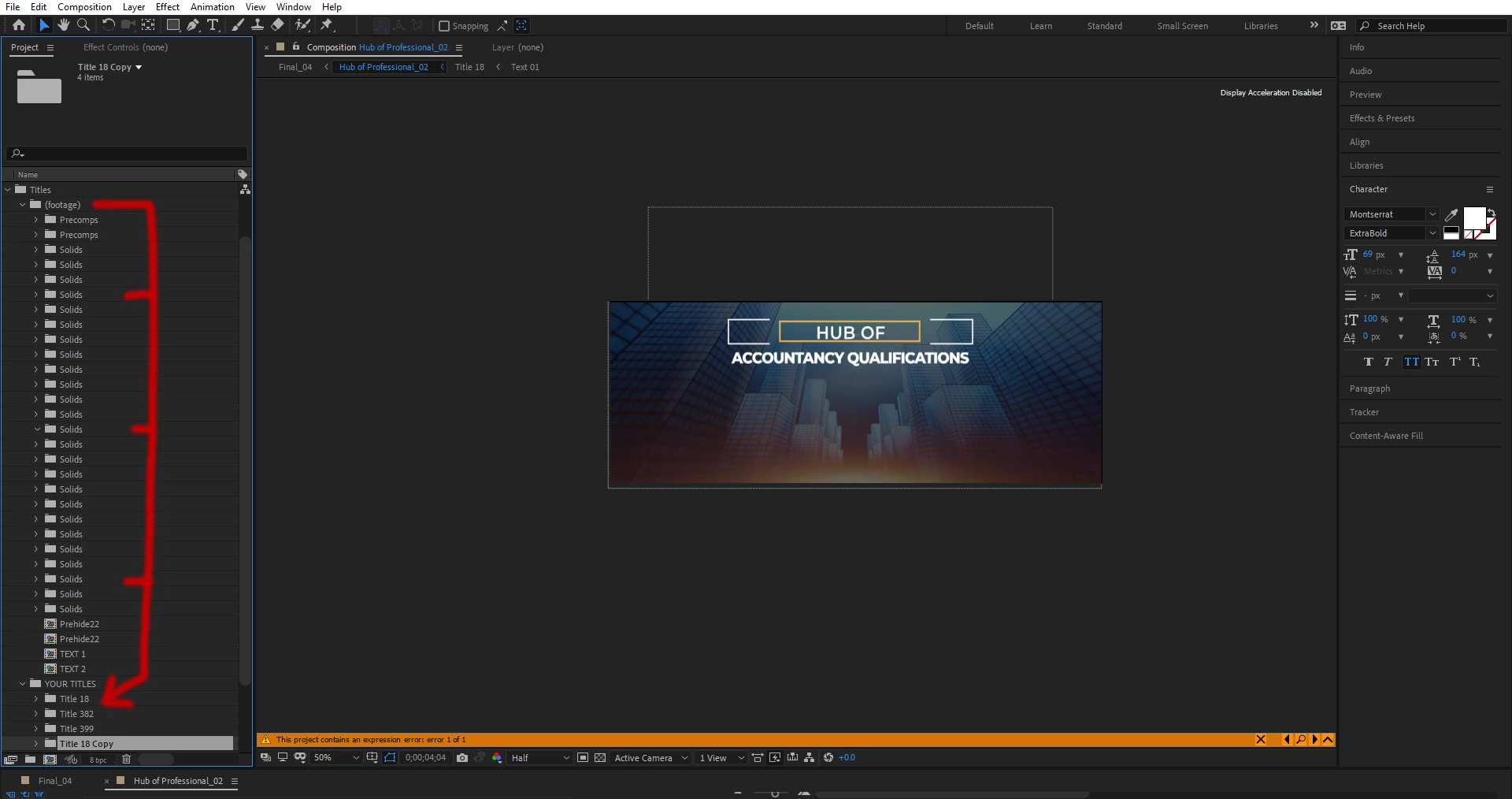
I Dont know what is the deep logic in these compositions. i used it for minimal titles. But cannot copy or modification in duplicated composition from them.

Is there any way to duplicate and changing saparately? because there is changing in both composition automatically.

This topic has been closed for replies.

1 reply

Andrew Yoole
Inspiring
October 8, 2020

When you duplicate a composition in the project window you only duplicate that composition, not the precomposed compositions that sit inside it.  So if you edit some precomposed text, it will change in any of the compositions that the precomposition sits in - in your case, the original comp and the new comp.


You can manually duplicate and replace any pre-composed elements in your duplicate comp, but that can be very slow and tedious if there are more than a few.


There is a very handy script at aescripts.com called "True Comp Duplicator" that automatically duplicates and replaces all the internal precomps of a composition when you duplicate it.   Well worth spending a few dollars on it.

https://aescripts.com/true-comp-duplicator/


Participant
October 8, 2020

Thanks Andrew. For your Comment.

Participant
October 8, 2020

You're very welcome.


As a side note, you can use Flowchart View in After Effects to get a better sense of where your precomps are in a project, and how they interact with other comps within your main comp.


Good. But Adobe Still Havn't any slution for this headache problem in one click. May be they consentrate in future.