
Can't see my composition in Adobe After Effects
I rarely use after effects so I am not super fluid with it. I decided I needed to composite a shot that I had inside Premiere so I right clicked and did "Create composition inside After Effects". At first this wasn't an option, and I was unable to Dynamic link. But after updating After Effects to the 2018 version I was able to get it to work.
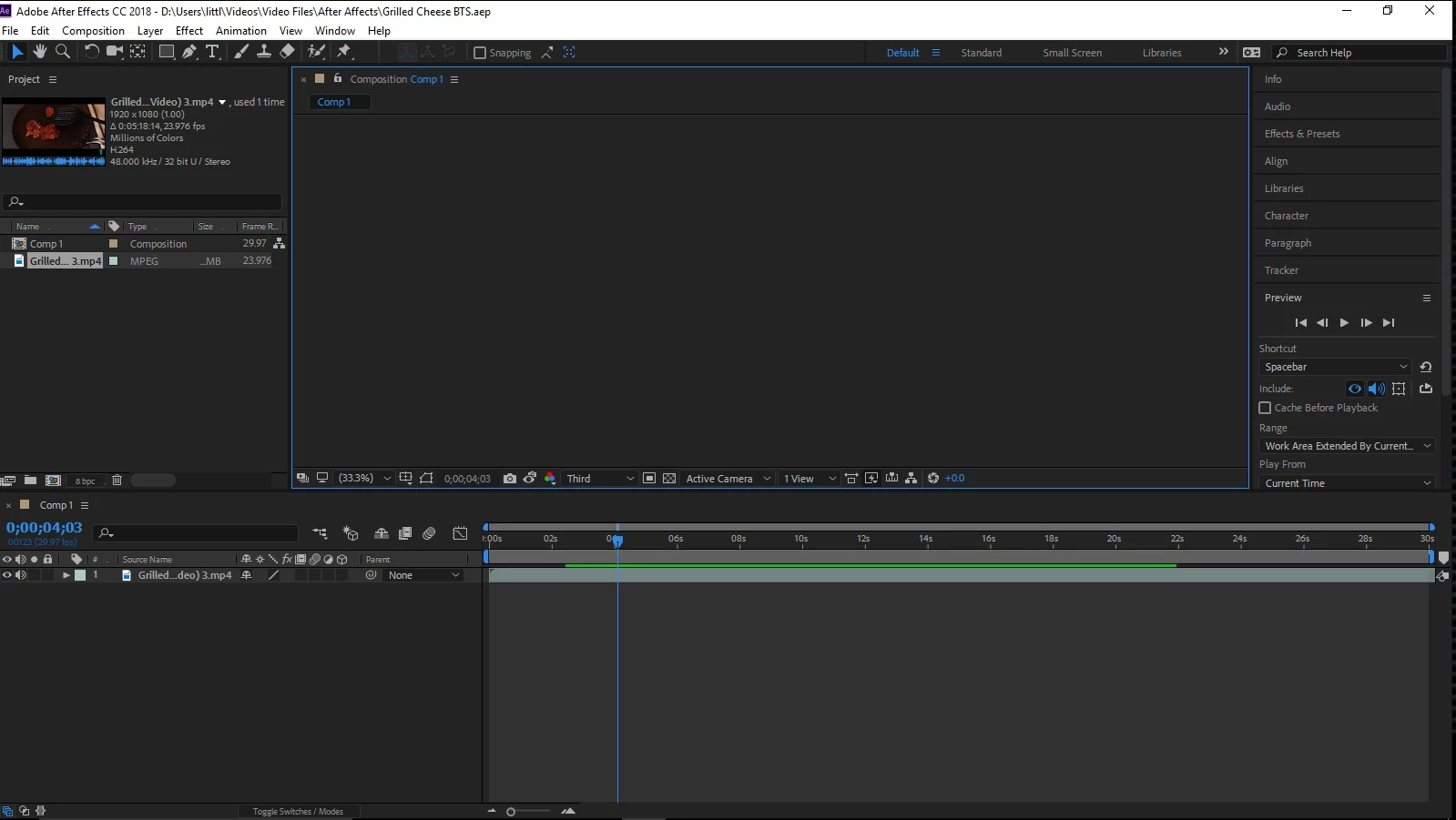
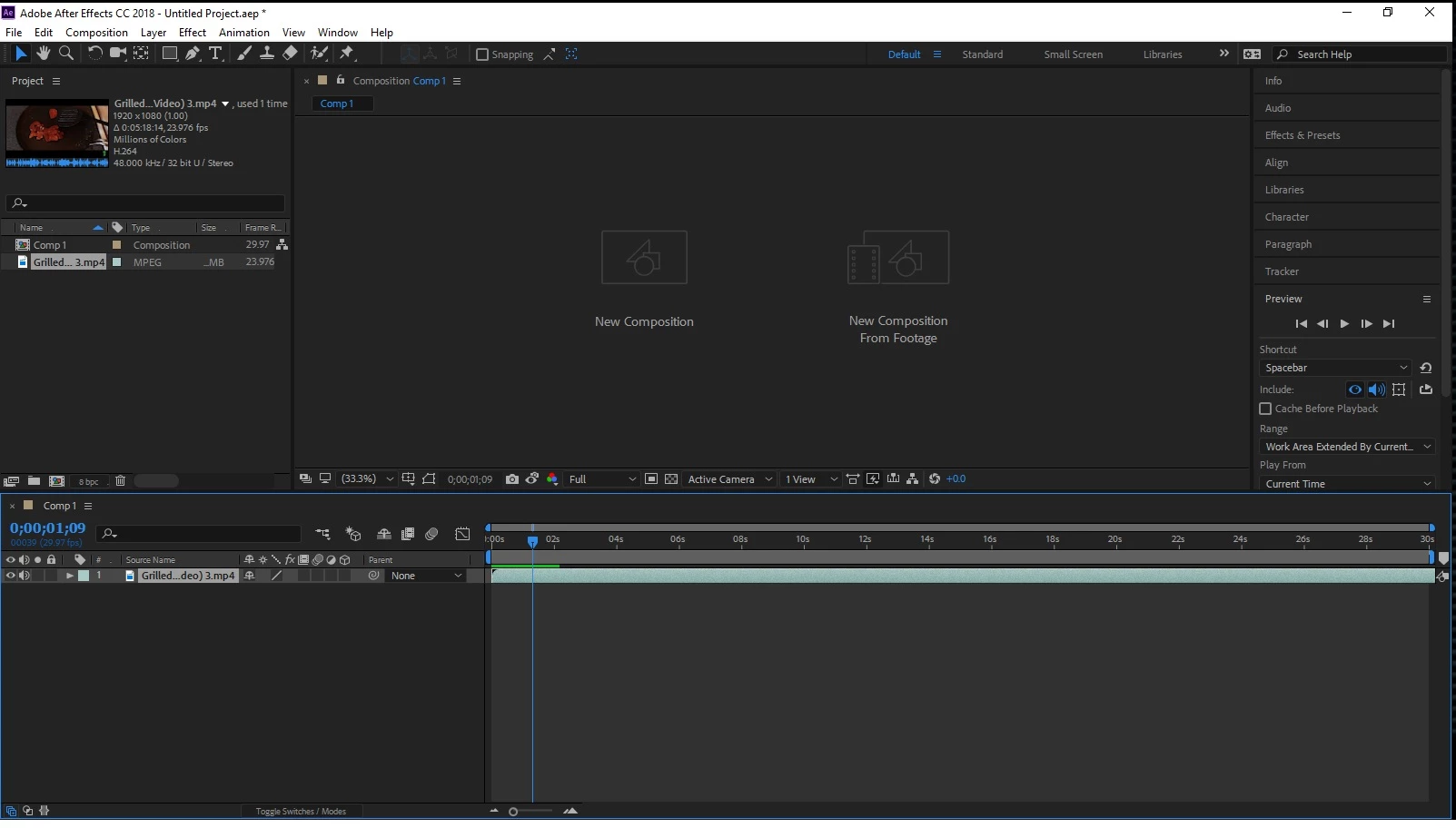
Now that I have it imported, when I try to play back the video I can hear the audio from the track but I cant see anything. On the place where I can normally see the video it either still says "new composition" and "new composition from footage", or it is white, or blank. I don't know if I have some setting wrong, or if it is a problem with the dynamic link, but it still does the same thing if I just make a new project and composition. I updated my operating system to the latest version of windows and I updated my graphics card drivers. Any help would be amazing. Thanks!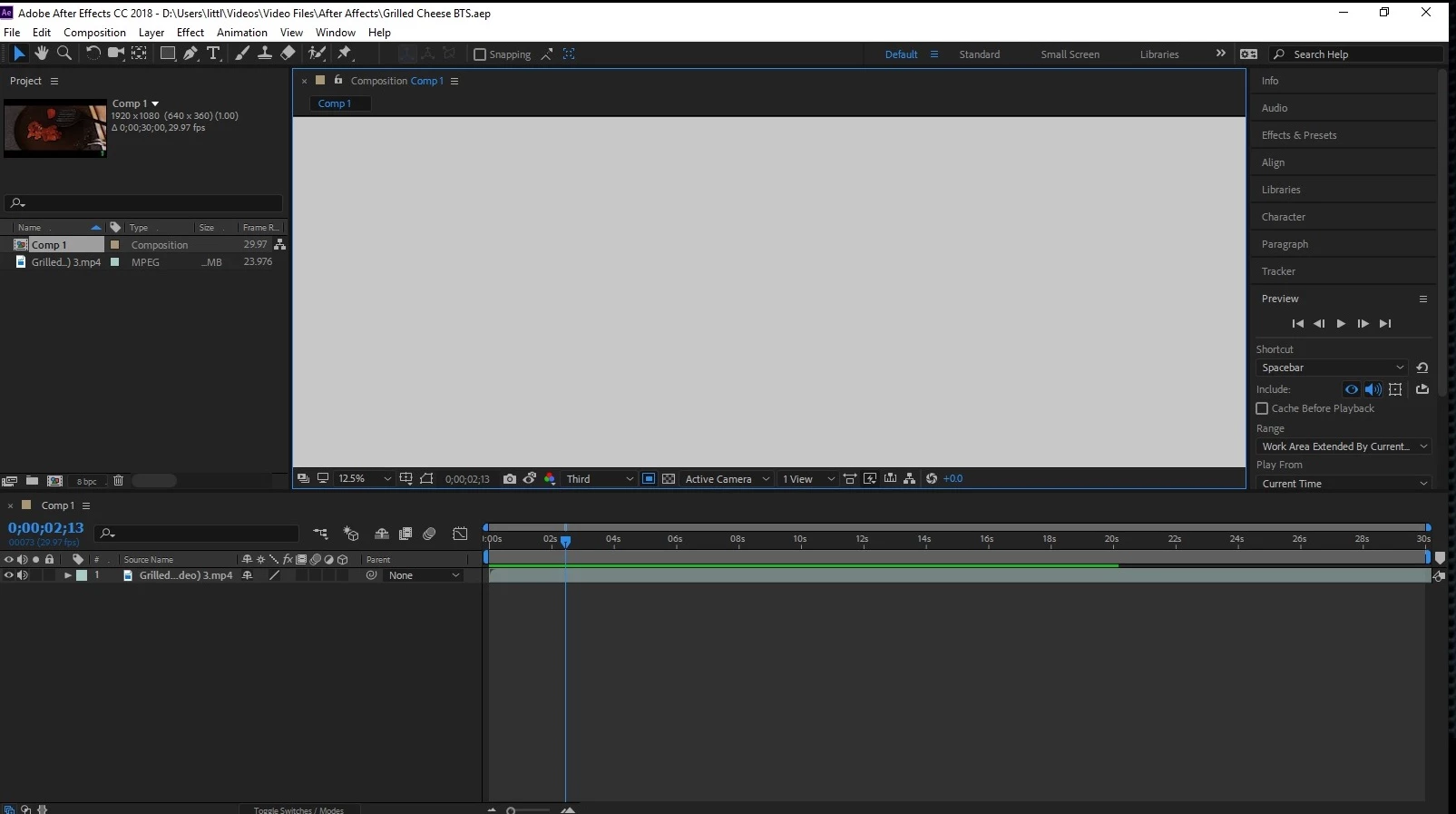
 AdChoices