
Participant
November 27, 2017
Answered

CC 2018 Composition Window does not update

  • November 27, 2017
  • 10 replies
  • 9653 views

Hi,

I have seen a few posts about related issues. When I am working in CC 2018 the composition window often does not update. I have attached 2 screenshots where I toggled layers on and off, waited for a while (10-30 seconds) and saw no change. I made other changes which were not updated (levels, other) but this is the most obvious.

Layers on
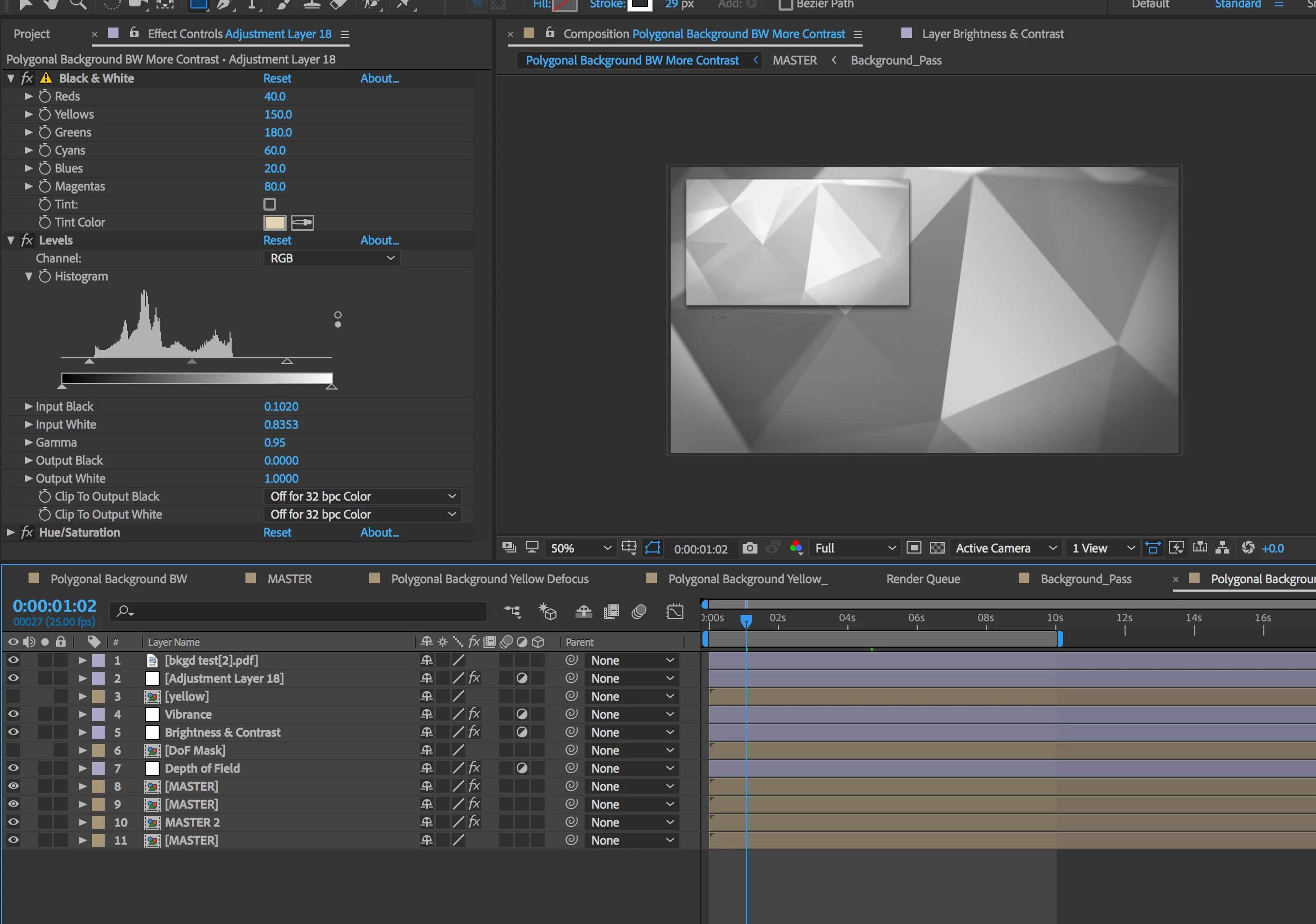
Layers off - same display in composition
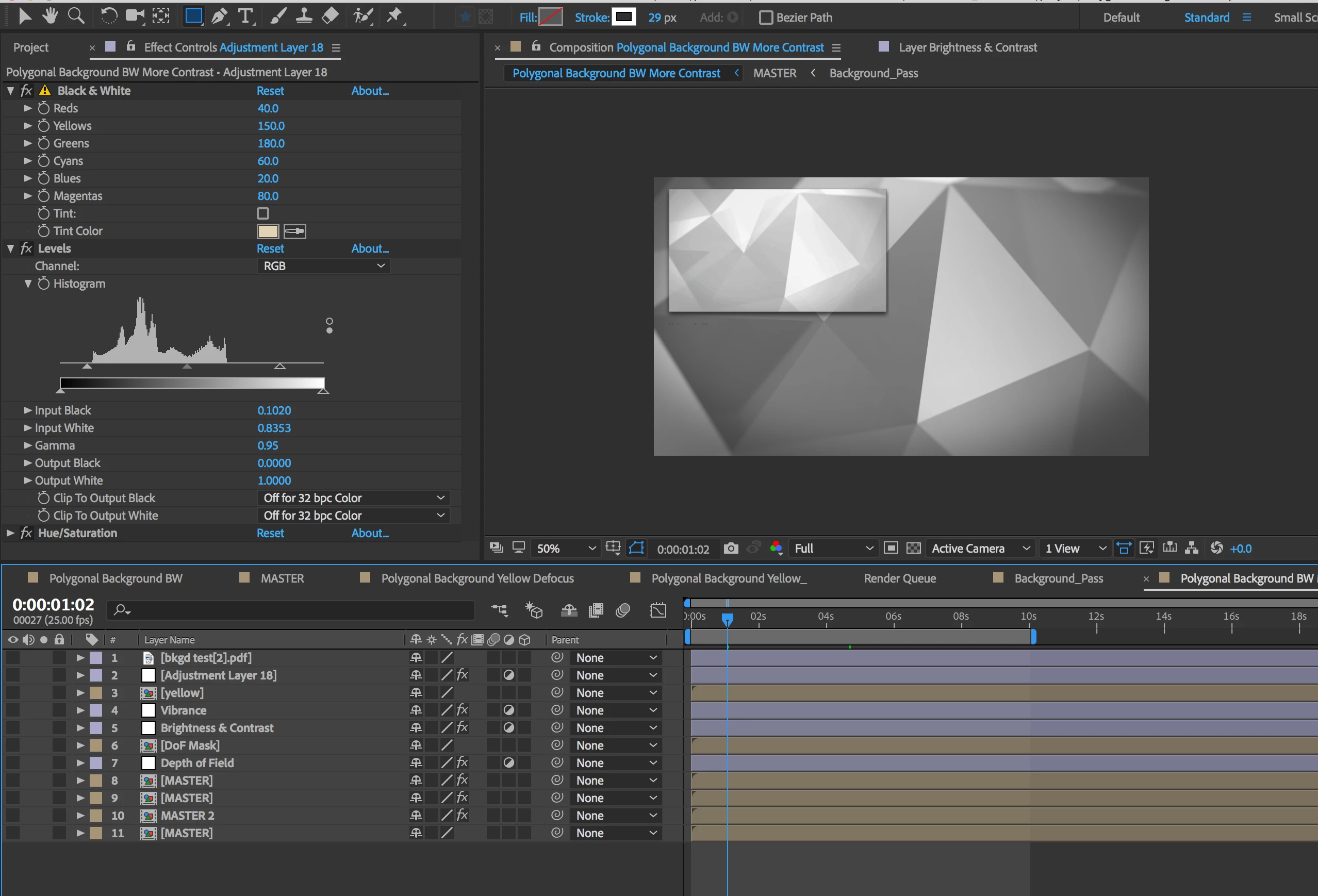
MBP Retina, 16 G Ram, OS 10.11.6 - I have updated my drivers, checked settings, cleared cache/memory.

As a note, for me 2017 and 2018 are not usable or reliable. I rely on 2014.

Thank you,

Paul

    This topic has been closed for replies.
    Correct answer Kevin-Monahan

    Hi Nonregla,

    Sorry about this. Can you contact us for 1-1 support then? Here's how: FAQ: How do I contact Adobe Support?

    Thanks,
    Kevin

    10 replies

    CEJLLC
    Known Participant
    December 25, 2019

    With all due respect Keven this is not an answer.  It simply kicks the can down the road.  When I call support [and they are great BTW] the voice prompt tells us to check the forums first.  Why bother with forums when support is the answer?


    Cutter

    April 18, 2019

    I have the same issue. When te window "effect & preset" is open the comp window does not updata. I have to close the window and restart AE, both CC 2018 and 2019.

    Participant
    December 11, 2018

    I'm having the same, or similar issue with AfterEffects not updating, or reflecting the changes to layers, timeline, etc.

    AfterEffects used to be very reliable. Something changed recently...

    OussK
    Community Expert
    Community Expert
    December 11, 2018

    try to purging Cache/memory this must help you

    Participant
    October 9, 2018

    Still facing this problem. Didn't found yet a good solution.

    kassel
    Known Participant
    September 17, 2018

    I'm having a similar issue. My comp window does not update until I move the CTI. Then it shows my changes. It's very annoying and disruptive to my workflow to have to constantly move the CTI to see changes. I've tried everything I can think of (restarting, trashing prefs, purging cache, etc). If anyone has a solution to this please let me know. Using version 15.1.2.

    Roland Kahlenberg
    Legend
    September 17, 2018

    Your issue is quite different - your comp DOES update but only after moving the CTI. Did you inadvertently disable te Live Update feature? The Live Update feature is enabled, by default. You'll find it in a Comp's Menu - see image below.

    Very Advanced After Effects Training | Adaptive & Responsive Toolkits | Intelligent Design Assets (IDAs) | MoGraph Design System DEV
    kassel
    Known Participant
    September 20, 2018

    Nope. Live Update is checked. After quitting and restarting SEVERAL times, it finally started working again.

    Participant
    July 24, 2018

    I just had this issue happen to me.  What happened to me was I had a precomp opened and used the puppet tool on a layer.  Then when I went back to my main comp, the window wouldn't refresh.  Once I deleted it, it refreshed.

    Participating Frequently
    February 22, 2019

    This same thing also happened to me and when I deleted the puppet tool effect, it worked again. Thanks!!

    kitchhock
    Participating Frequently
    January 24, 2018

    I think I found the solution to this problem "comp window not updating"

    - when the 'effects & presets' panel is open at launch, the start-up window doesn't appear and the problem occurs.

    - when you close (or hide) the 'effects & presets' panel before quitting ae, so it doesn't have to load the presets at start-up,

    the start-up window does appear at launch and the problem does not occur.

    maybe there are other things involved,

    but this does the trick for me.

    cheers,

    jan

    Roland Kahlenberg
    Legend
    December 19, 2017

    In AE, Edit>Purge - choose to purge Cache and Memory

    In AE's Preferences, in the General Section, towards the bottom of the Window, deselect Show Start Screen on Startup - see if this helps.

    Very Advanced After Effects Training | Adaptive & Responsive Toolkits | Intelligent Design Assets (IDAs) | MoGraph Design System DEV
    kitchhock
    Participating Frequently
    December 19, 2017

    thanks, let's hope the problem doesn't recure after this.

    Kevin-Monahan
    Community Manager
    Community Manager
    December 12, 2017

    Hi pkoneoneone,

    Are you still having trouble with the UI not updating? Please let us know.

    Thanks,
    Kevin

    Kevin Monahan - Sr. Community and Engagement Strategist – Adobe Pro Video and Audio
    Participant
    December 17, 2017

    yes it is still happening.

    The only fix for me right now is to constantly restart AE. So basically, i just have to restart AE until it works correctly.

    If the "open recent file" screen does not come up after starting AE then I know I will have problems. If that happens then I restart. Then if the "open recent file" screen shows up then I know it will work correctly, and I can continue to work as usually.

    It is a very strange bug.

    Kevin-Monahan
    Community Manager
    Kevin-MonahanCommunity ManagerCorrect answer
    Community Manager
    December 19, 2017

    Hi Nonregla,

    Sorry about this. Can you contact us for 1-1 support then? Here's how: FAQ: How do I contact Adobe Support?

    Thanks,
    Kevin

    Kevin Monahan - Sr. Community and Engagement Strategist – Adobe Pro Video and Audio
    Participant
    November 27, 2017

    This has been happening to me as well. I uninstalled then reinstall the app, and it worked for a while( opening and closing the program 2 or 3 times), then it decided to do it again. I uninstalled and reinstalled again and it seems to be working so far. I sent in bug reports but i guess we'll see what happens...There is always 2019.

    Participant
    November 27, 2017

    also, for me, when this is happening the "Effect & Presets" panel goes blank(empty) and is not able to refresh.