
Answered
CC Ball Action Preset - removing shading/lighting
I am using the CC Ball Action preset but I don't want the lighting and shading effects. Is there any way to remove them?
I am essentially animating a a flat object but in 3D space.

I am using the CC Ball Action preset but I don't want the lighting and shading effects. Is there any way to remove them?
I am essentially animating a a flat object but in 3D space.
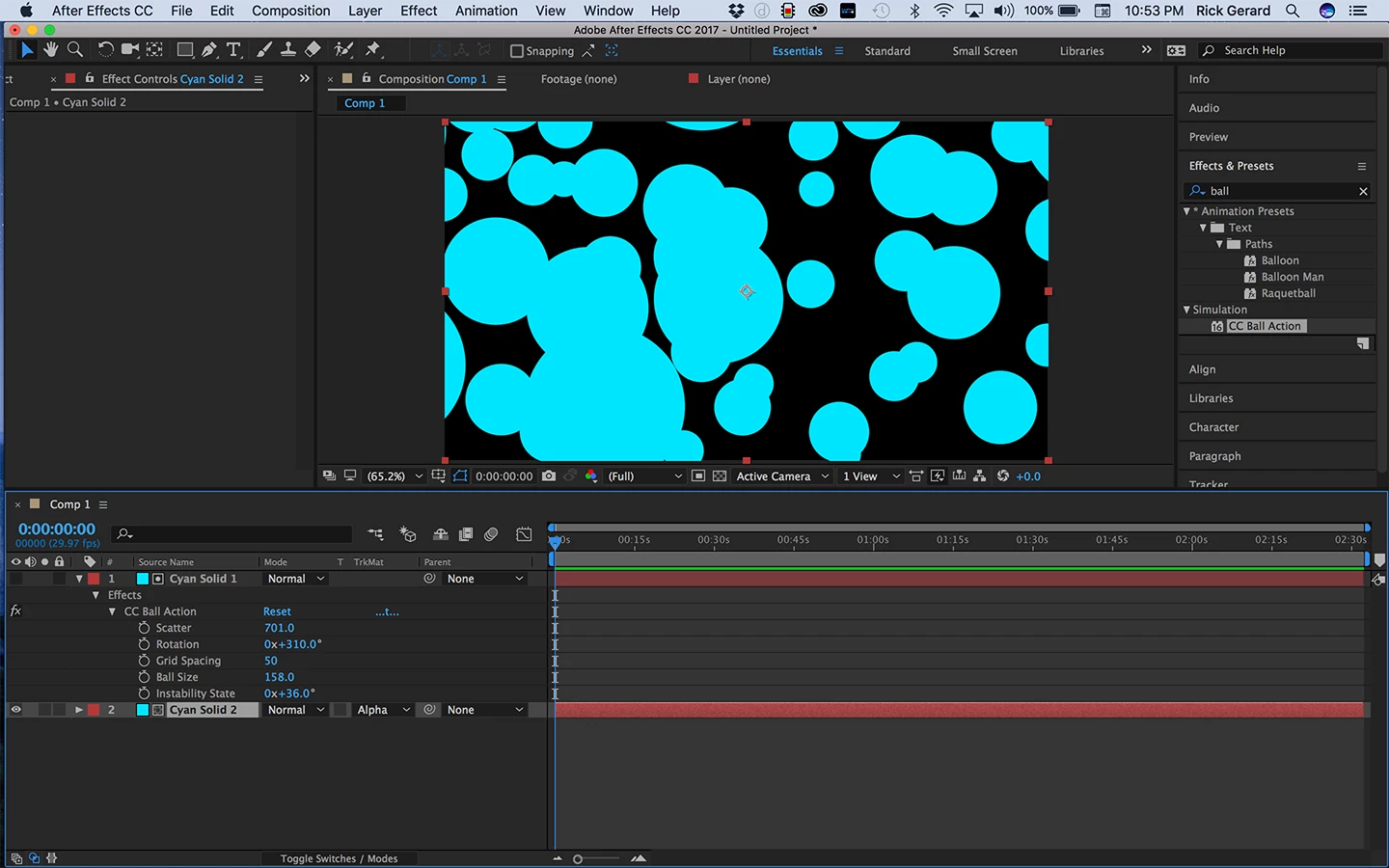
Without shading you won't get the look of spheres. if all you want is circles you have two choices. The first is to use your Ball Action layer as a track matte for another layer.
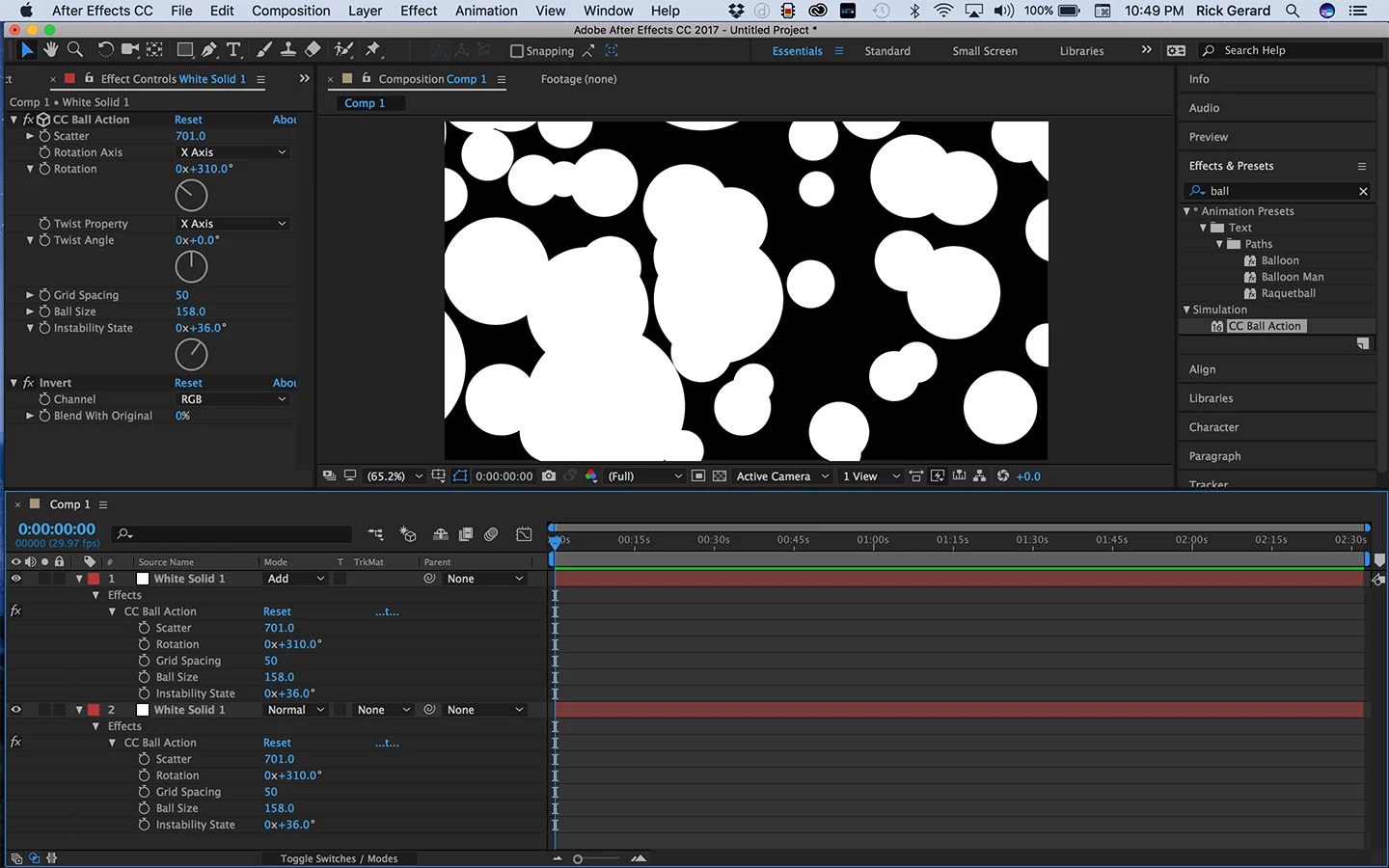
The second is to duplicate the ball action layer, add Effects>Channel>Invert and then set the blend mode to add. This will give you white circles.
It would really help if we had a little better idea of what you were trying to do. There may be an easier solution.
Already have an account? Login
Enter your E-mail address. We'll send you an e-mail with instructions to reset your password.
 AdChoices