Inspiring
June 20, 2019
Answered

Changing properties of multiple vector elements at the same time

  • June 20, 2019
  • 1 reply
  • 3847 views

Hi!

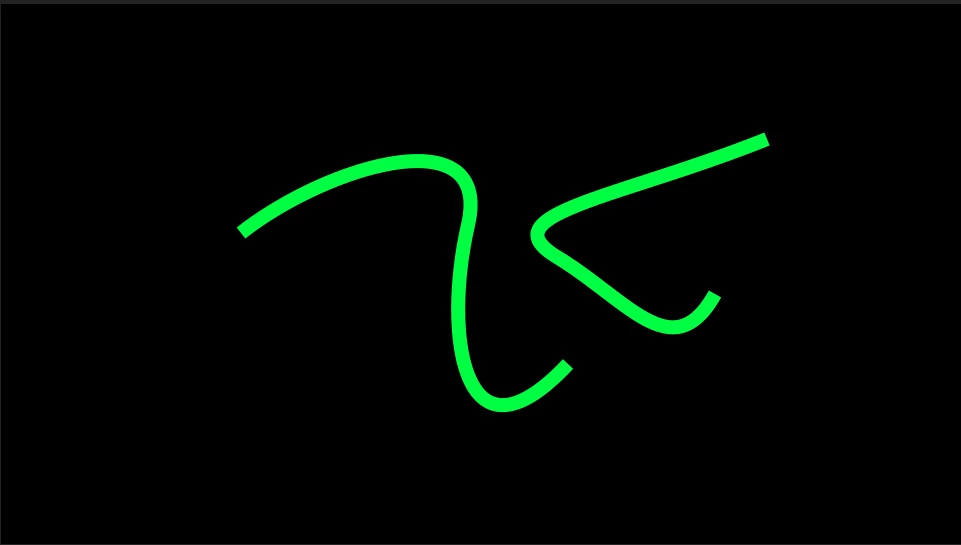
I have 2 lines:

I want both lines to have rounded endings.

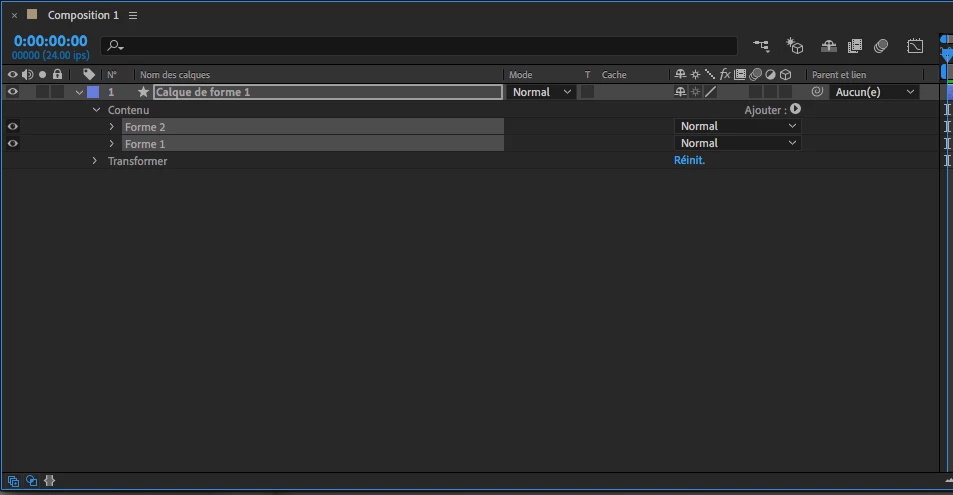
I select both shapes:

I change the look of the ending to round:

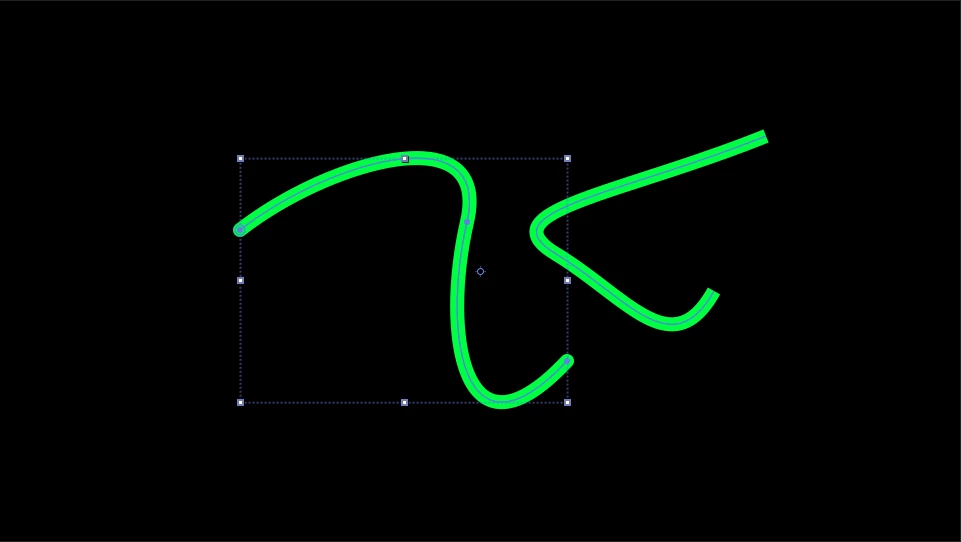
But only one of the 2 shapes change:

How is it possible to do both at the same time?

Thanks!

    Correct answer Rick Gerard

    Thanks! Will check it out!


    If you want to change all line caps, even in multiple layers type cap in the search field in the top of the timeline, draw a selection around them all, then change 1 and they all change.

    Step 1:
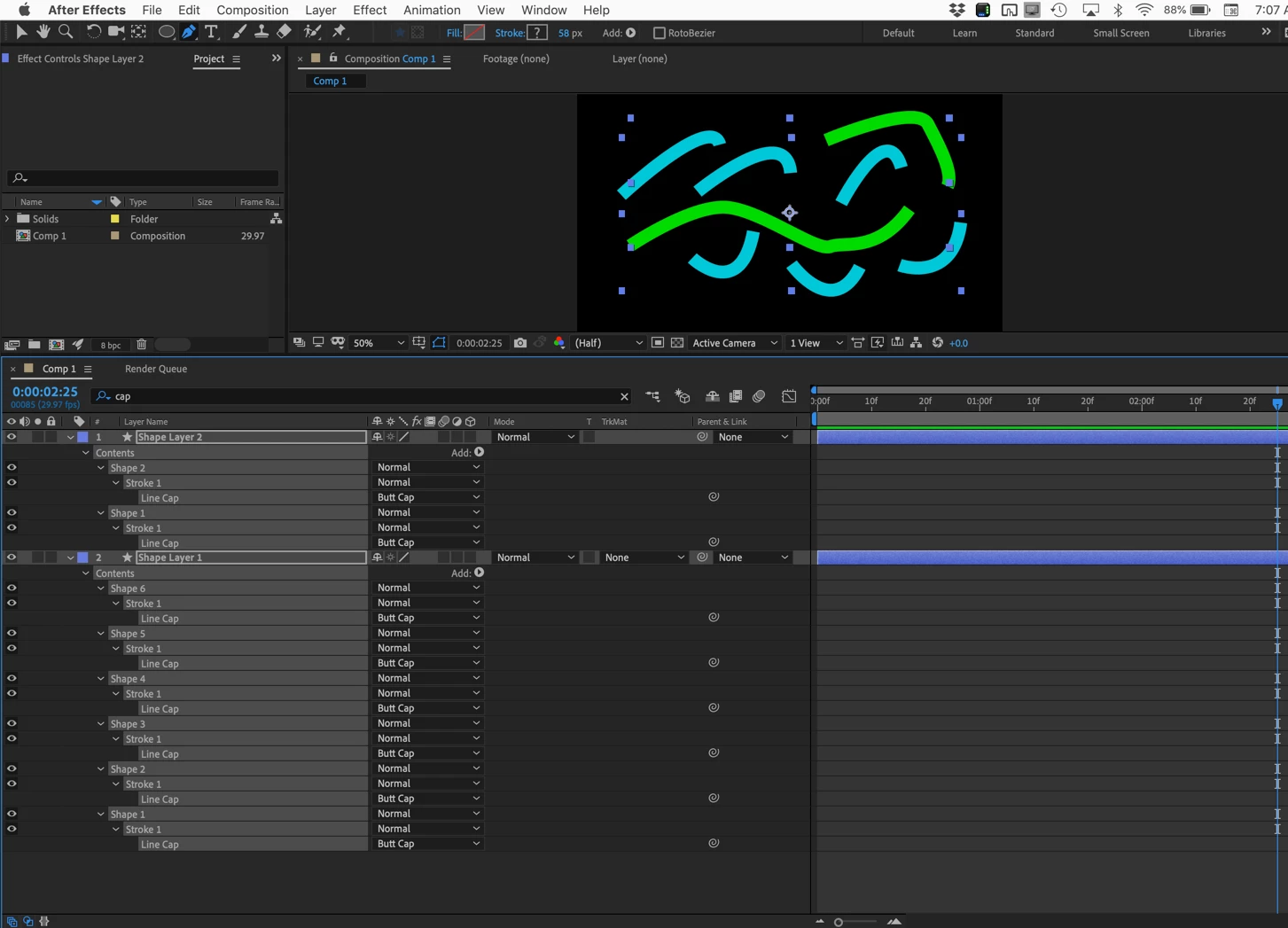
    Takes about 5 seconds, then step 2:
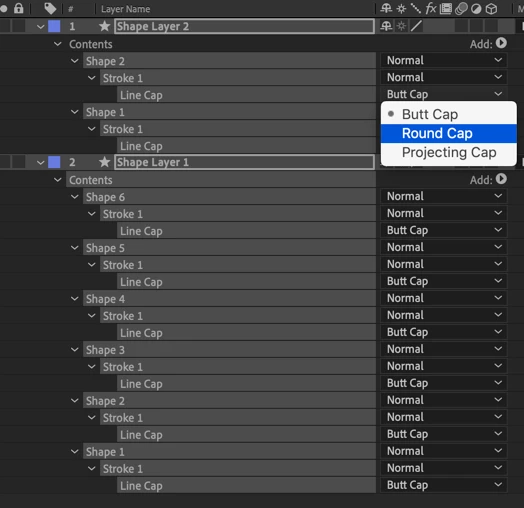
    The result:
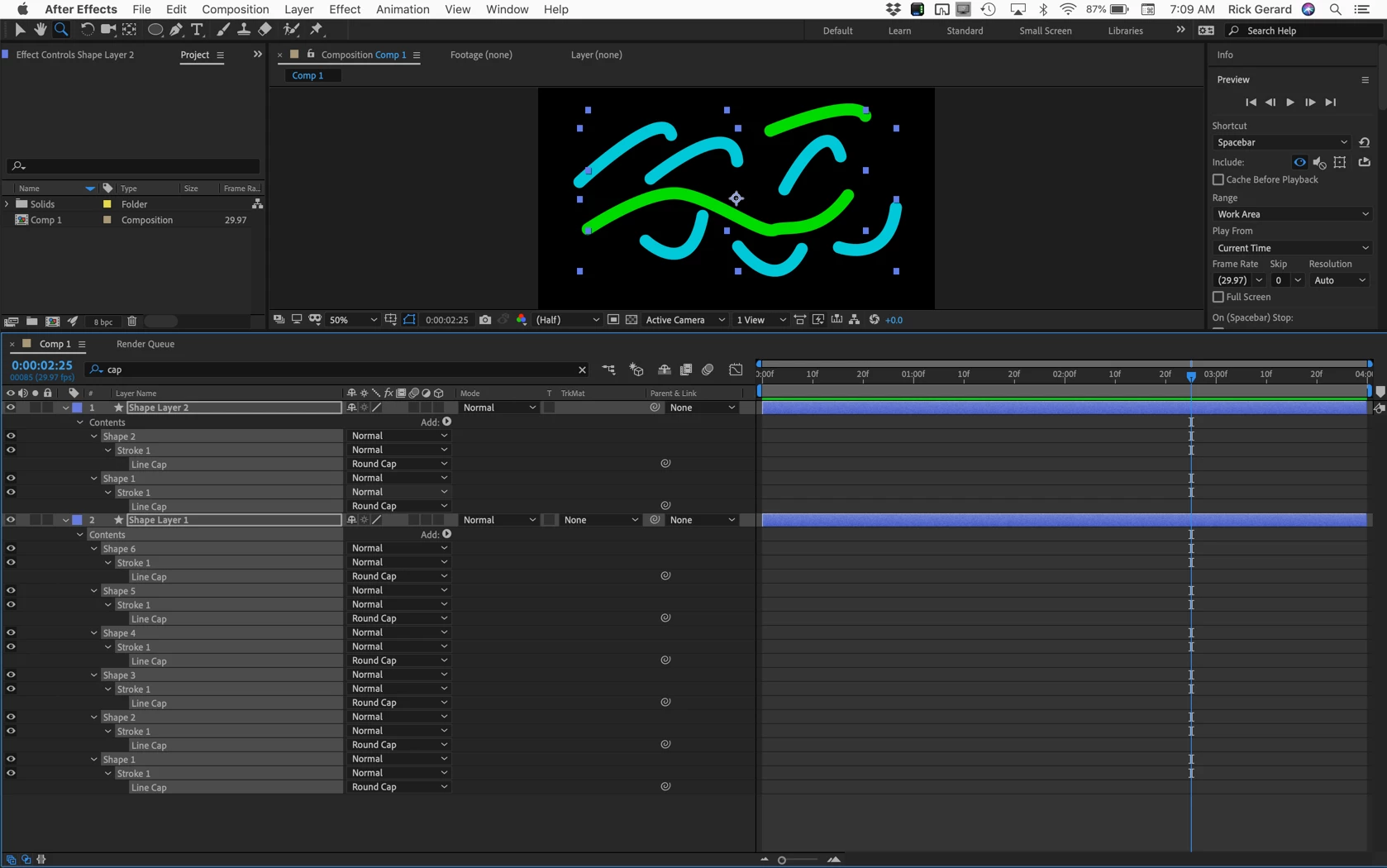
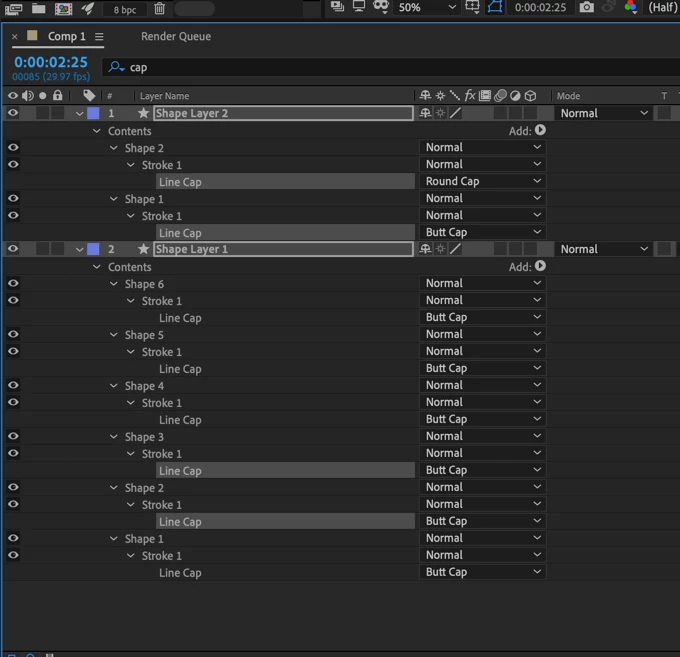
    This works for any property in the timeline. If you want only a few properties to change at the same time hold down the Ctrl/Cmnd key and just select the ones you want to change:
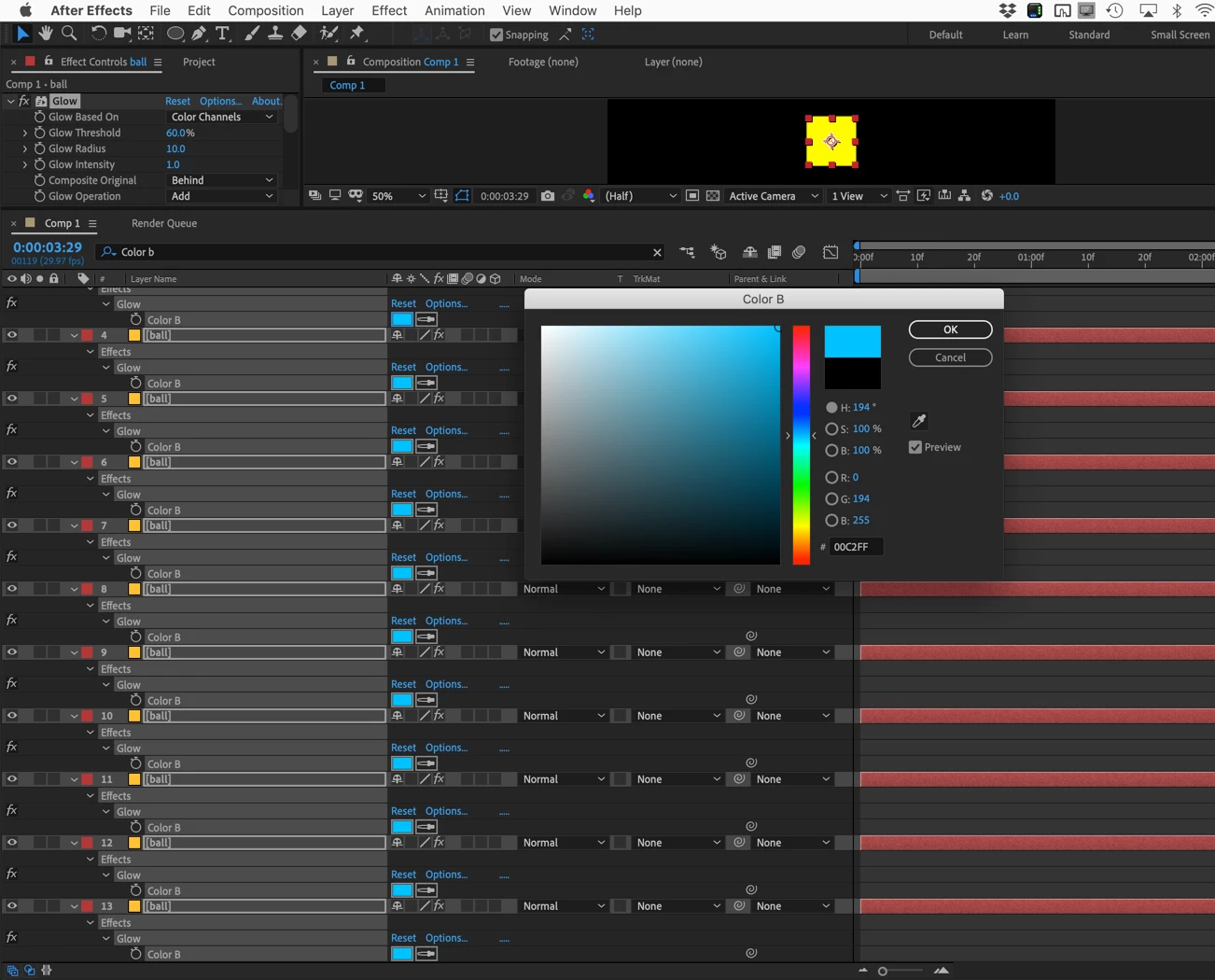
    No script needed.  If you had a glow added to 20 layers you could change the Color B of every glow using the same technique:
    This technique is in the user guide.

    1 reply

    Community Expert
    June 20, 2019

    Every stroke parameter in a shape layer has the option to change the line caps, dashes, and gaps. You just have to spin down the options.

    All of this information is in the User Guide. Fine it and more by typing "edit path" in the Search Help field in the top right corner of After Effects.

    Inspiring
    June 20, 2019

    Thanks! But unfortunately, this doesn't answer my question...

    Participating Frequently
    June 21, 2019

    Hi. You need to twirl open Countour 1 in both shapes, select/highlight Extremite de ligne on both shapes, then do the change.