
Participating Frequently
January 29, 2020
Question

Connect animated shape layer to text box for lower third reveal

  • January 29, 2020
  • 2 replies
  • 3079 views


I designed the animation for a lower third template before adding in the expressions and have hit a block with finishing it out.


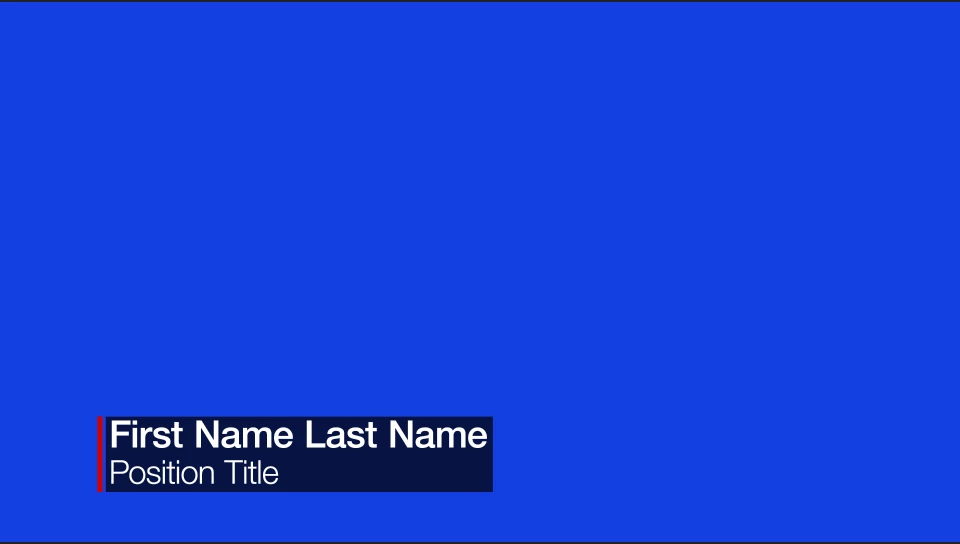
I have a bar that builds on the right and moves to the left, revealing two lines of lower third text as it goes. The two lines of text are linked to an optional background box who’s width is determined by the longest of the two text layers.


I want to tie the bar animation to furthest edge of the background box so that the bar reveals the text and optional background layer from their longest point when animating on. I want the bar to hit the same landing position every time. Right now, the bar animates on/from the same point.


The text/background reveal is currently tied to the bar layer. I've tried tying the bar position to the text layers like I did with the background box but can't figure out how to retain the animation/easing and the landing position. 


What would be the best way to finish this out so it works the way I want it to? What expressions should I use? Would a null object function better here?


Current bar starting point:
 

End result
 

Thank you!

This topic has been closed for replies.

2 replies

Mathias Moehl
Community Expert
Community Expert
February 20, 2020

Sounds like the perfect job for Pins & Boxes.

1. create pins and a box around your text

2. create a second box, set its options to render as a vertical line and set its X anchor to 0% such that you have a line at the left edge of the box. With the margin parameters you can offset the line as needed and with the offset controls you can animate it in easily (these are all parameters of Pins & Boxes Box rig).


In this example we create horizontal line, but vertical ones work in the same way


Mathias Möhl - Developer of tools like BeatEdit and Automation Blocks for Premiere Pro and After Effects
Roland Kahlenberg
Legend
January 30, 2020

The keyframe values for the animated bar MUST be linked via Expressions to the Right and Left edges of your text box. The sourceRectAtTime Expression Method is what you'll be looking at, to get at these values.


There have been a number of related Qs on this in the forum. I'm in a rush so please do a Forum Search -


Very Advanced After Effects Training | Adaptive & Responsive Toolkits | Intelligent Design Assets (IDAs) | MoGraph Design System DEV
Participating Frequently
January 30, 2020

Excellent, thanks!! I'll reply again if I'm not able to figure it out. Appreciate the fast reply!