Answered
Content Aware Fill Problem
Just trying to take out a stand that a clock was set up on but every time I use content aware filter it seems to badly warp the image, anyway around this?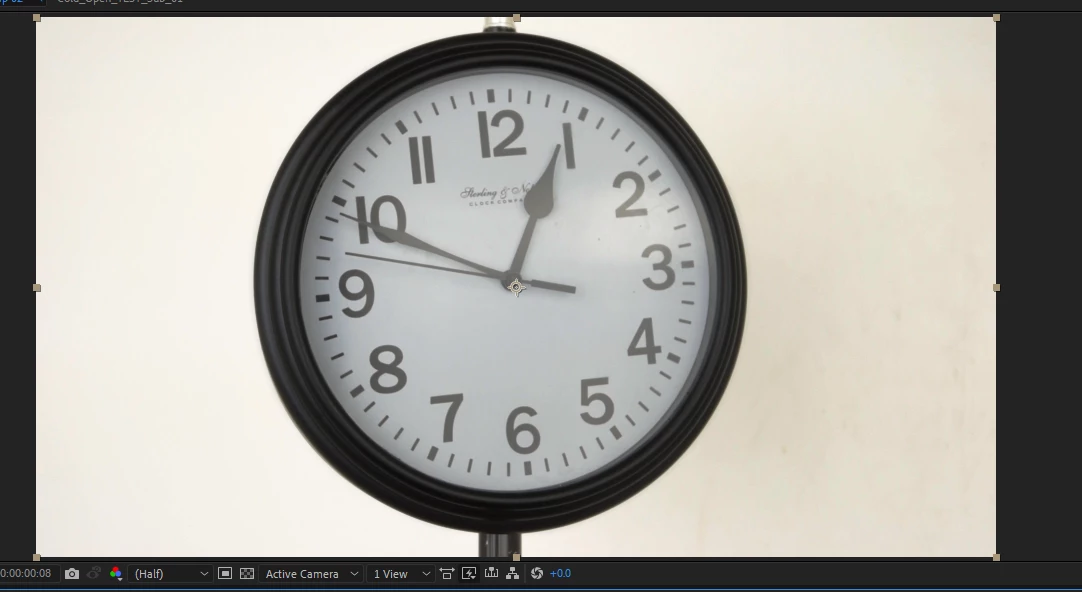
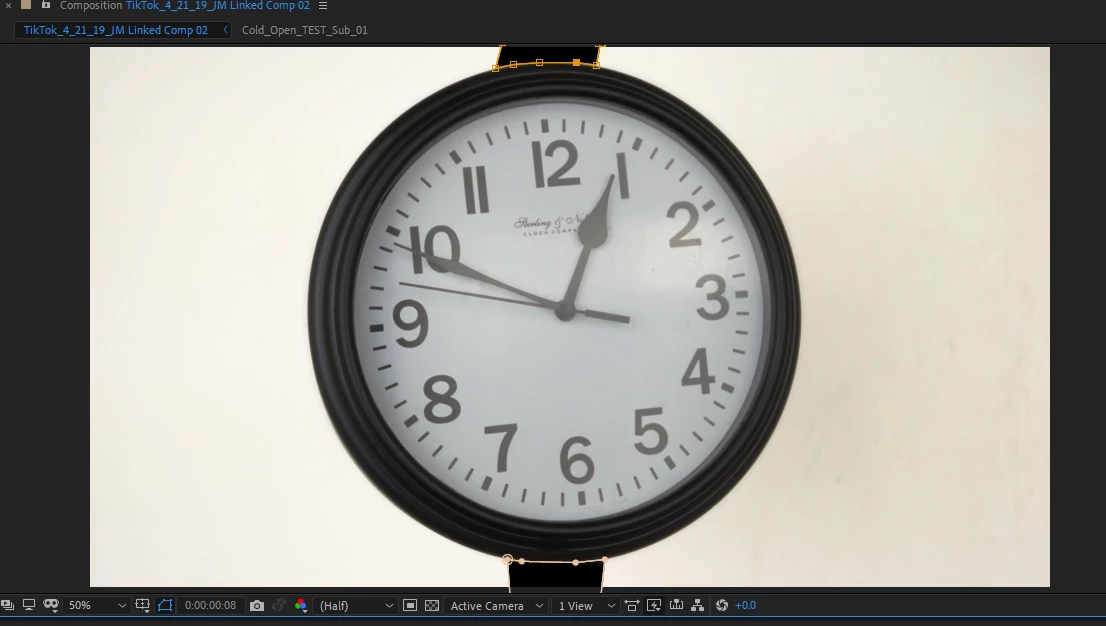
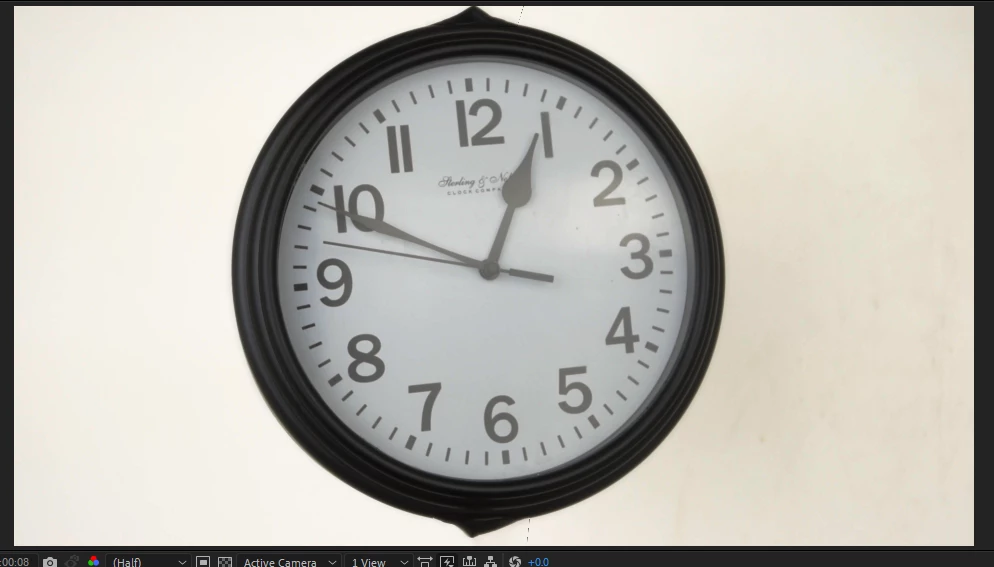

Just trying to take out a stand that a clock was set up on but every time I use content aware filter it seems to badly warp the image, anyway around this?
You need to create a reference frame on photoshop for this kind of job,,
try to follow this tutorial, starting 5:35 to learn more about reference frame and how to use it.
Already have an account? Login
Enter your E-mail address. We'll send you an e-mail with instructions to reset your password.
 AdChoices