
Participating Frequently
November 23, 2017
Question

Copying timeline from Premiere to AE doesn't work anymore

  • November 23, 2017
  • 1 reply
  • 1814 views

Hi,

I've noticed a glitch in newer versions of Adobe tools, which worked just fine before. My workflow is like this; I cut all the footage clips in Premiere (I interpret the framerate if slow motion before putting on a timeline), remove spaces between them and put a black video block between each clip for avoiding frame overlaps or anything strange in a later process. Then I select all edited clips, push the CTRL+C and open an empty timeline in Adobe after effects, with pasting it on a timeline which made same timeline in layered order with all settings saved (interpreted frame rate, the position of cut footage and length). But in the newest version of Adobe tools this doesn't work anymore. Adobe After Effects doesn't copy any interpret, position and length of footage that was made in Premiere. Now it would be better to cut and order clips directly in After effects, because I almost have to do the same job as I did in Premiere. Because of this bug, I now have to color correct, track and denoiser footage in Premiere, but this process now completely kills the resources of the PC.

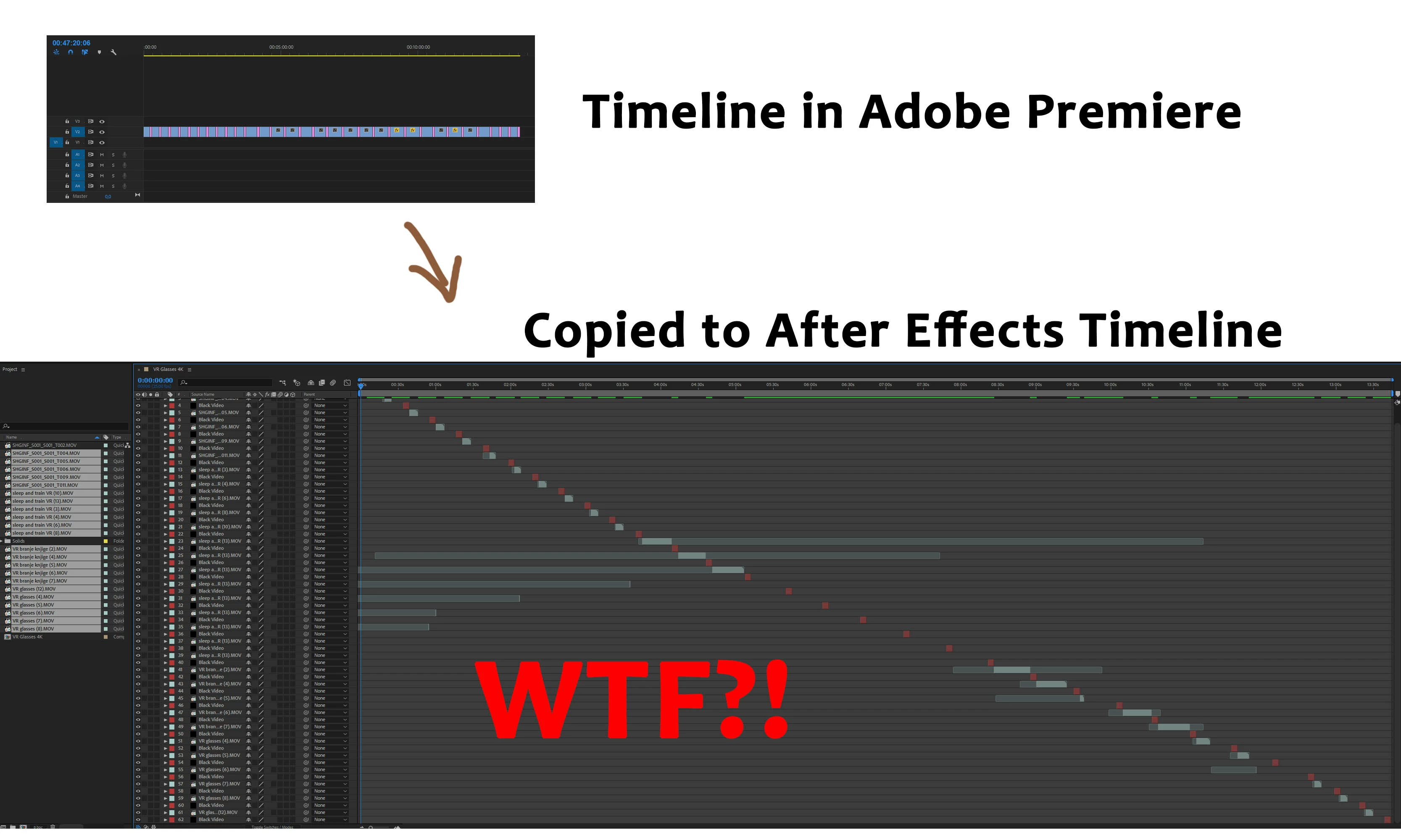
See the attached image how now the timeline in after effects looks in After effects.
And how it should look if it copied files in the past versions;
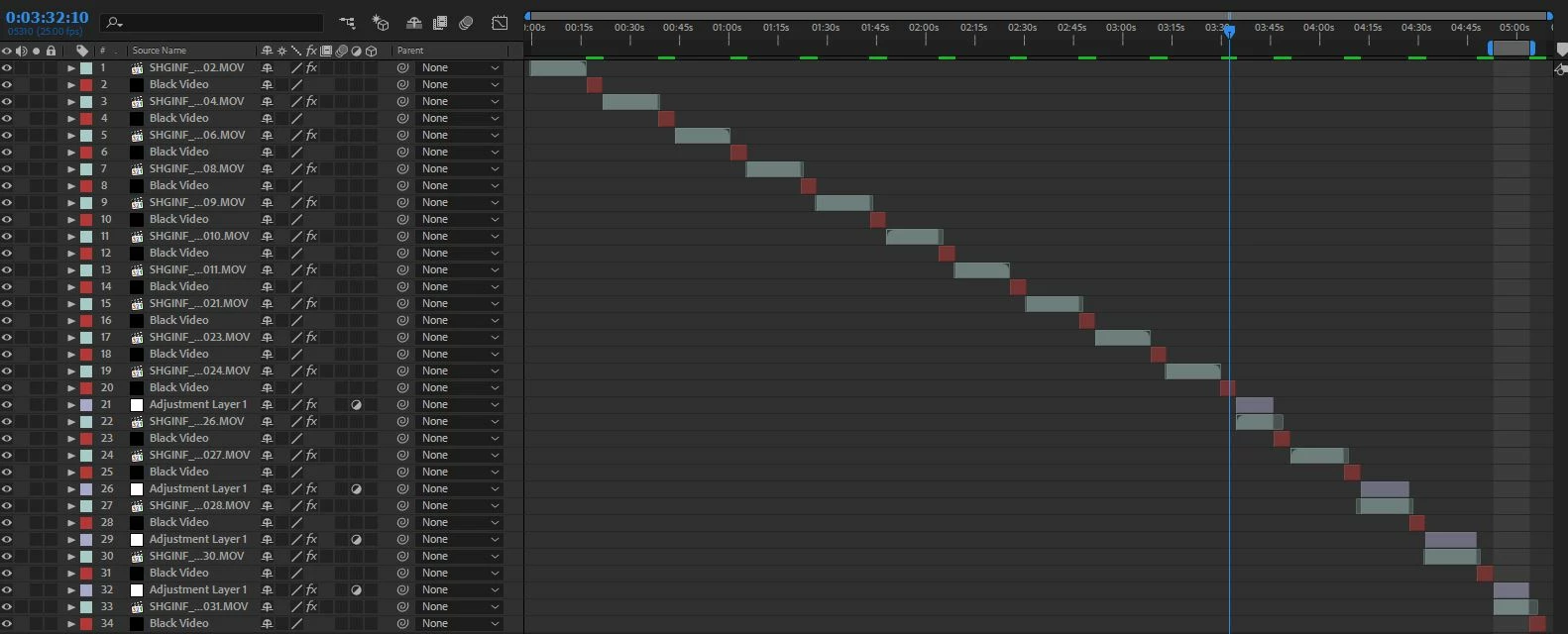
It worked just fine for many years. Now the only choice I have is to revert the version to older ones somehow or download a pirated edition that still works.

    This topic has been closed for replies.

    1 reply

    Roei Tzoref
    Legend
    November 23, 2017

    there is a bug in Ae CC2018, interpret footage is not preserved when crossing over from premiere to ae cc2018.

    same issue here: Re: Frame Rate changes when sending from Premiere to After Effects

    workaround: try this - manually set the interpret footage in Ae (use remember interpolation and paste to make it faster if it's the same interpolation)

    Participating Frequently
    November 23, 2017

    Hi,

    thank you for your response. And I already tried your version of workaround at first, which worked only with interpolation, but still, I had to manually correct the length of each footage on the timeline. On another occasion when the same source raw footage had more cut edits it was impossible to manually correct the length. See the first image above what happens with long takes that are cut on more positions and copied to AE timeline. They are 1 frame long (cuts) and positioned completely off the point where they should be cut in Premiere. It is a real mess.

    Participating Frequently
    November 24, 2017

    Why illegal? if you have CC2018 it means you are a CC subscriber and have access to all version all the way back to CS6.

    interpret footage for Premiere clips is broken, all we can do is report it and wait for a fix and in the meantime use PR2017->AE2017.


    Really? Didn't yet tried that.

    Thank you for that info.