
Participant
March 19, 2020
Question

Fixed Position Timer in After Effects

  • March 19, 2020
  • 4 replies
  • 8788 views

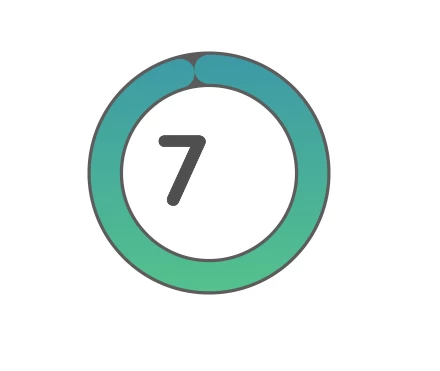
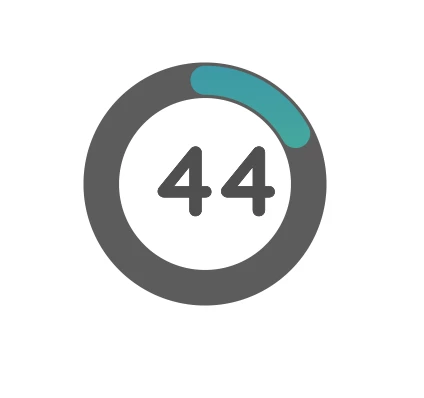
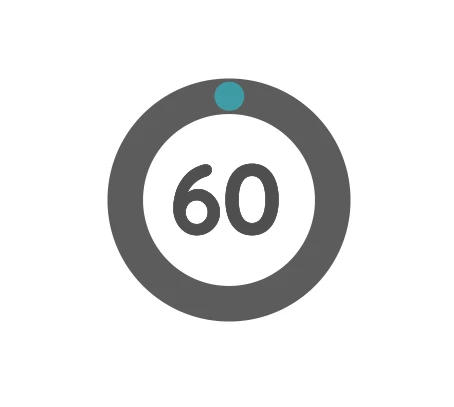
Hi, I am creating a countdown timer which has a circle around it. The circle filled as the time goes by.

Everything is going great except that as the timer digits change - the numbers aren't aligned in the center of the circle. 

I don't want to go through every second and adjust manually the position using key frames... I am looking for an expression or other automatic solution for evey second.
 

4 replies

Participant
July 10, 2025

Look at this hint, and it is solved 🙂
https://www.youtube.com/watch?v=__-rPlFfRow

Andrew Yoole
Inspiring
March 20, 2020

There's free monospaced fonts at FontSquirrel, and lots of others elsewhere no doubt.


https://www.fontsquirrel.com/fonts/list/classification/monospaced


As mentioned above, make sure your text is also centre-justified.


Participant
February 8, 2023

Digit Fiddler from Plugin Everything does this exact thing -- lets you make timers and apply a "mono spacing" effect to ensure that the numbers don't wiggle from one character to the other.  Highly recommended!

https://aescripts.com/digit-fiddler/ 

Mike_Abbott
Legend
March 19, 2020

Are you sure you're using centered paragraph alignment here - not left aligned?
Those 3 examples look left aligned to me...

Community Expert
March 20, 2020

Center Justified text will keep the center if the text layer in the same spot but the appearance and position of the digits will only remain constant if you use a monospaced font. Courier Bold is monospaced and fairly close to your font.

Mylenium
Legend
March 19, 2020

Long and short: Nope. The only way to fix this would be to use a monospaced font and/ or tabular numbers in an OpenType font. It's the nature of type design - each glyph may have a different pre- and post kerning as well as numbers like 6 and 9 may have a baseline offset built in to look "nice" next to other numbers. Only using a font (or subset) specifically designed to have a fixed area can compensate for that. otherwise you indeed have to animate a few things/ use multiple layer segments pieced together with individual alignment options.


Mylenium

Participant
March 19, 2020

Thanks for the reply,

I thought I'm losing my mind trying to find a solution for the last 7 hours.