meirb32583178
Participating Frequently
December 4, 2016
Answered

Help, working with 360 video appears a vertical line

  • December 4, 2016
  • 2 replies
  • 10151 views

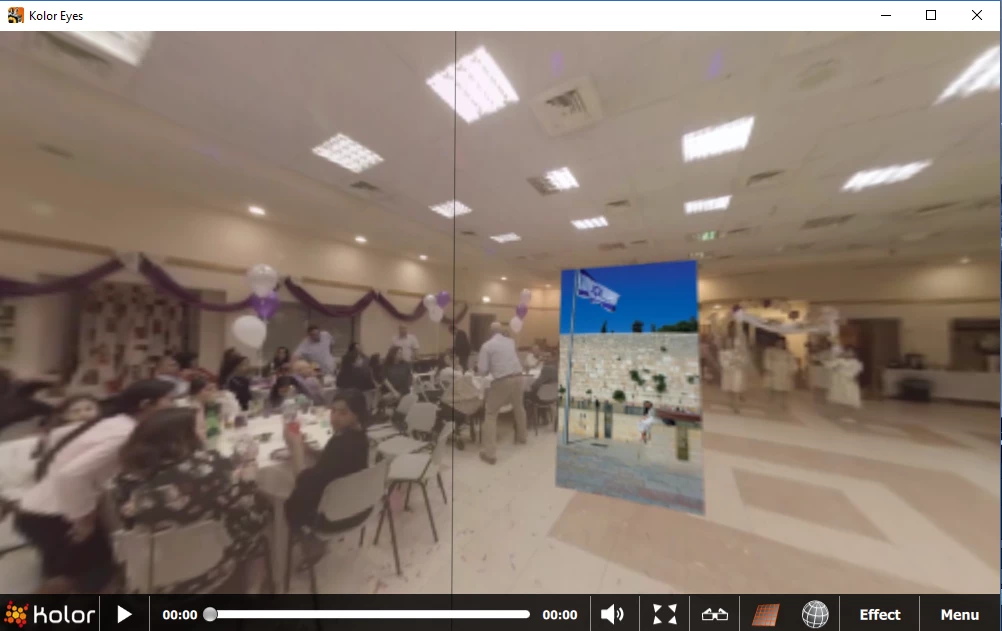
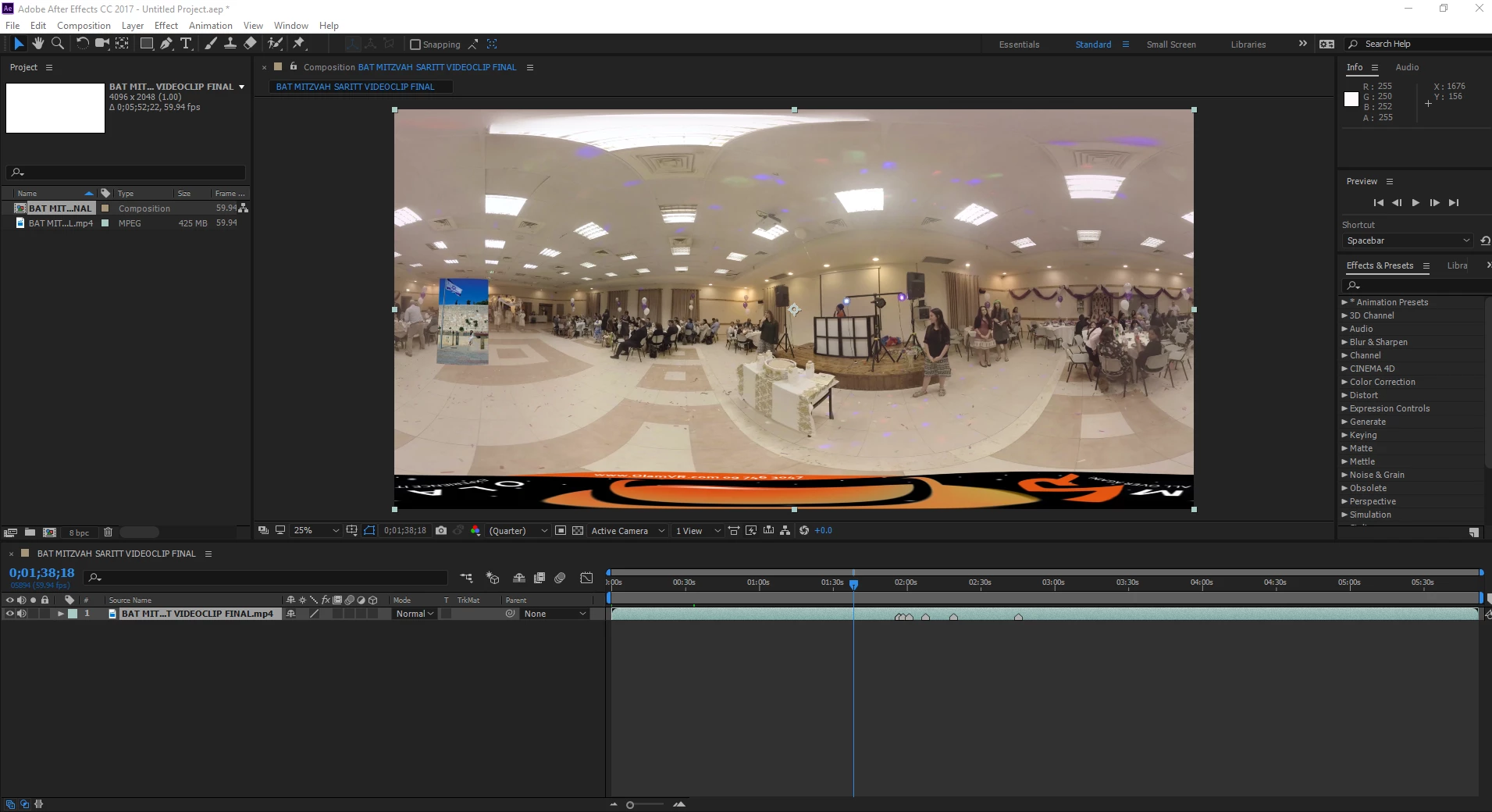
I was working with a 360 video it was displaying okay and I do not have idea what is happened suddenly appear a vertical line, I wasted a lot of time trying to fix it, then I closed that project and started a new one from zero, and the line still there, I try with different footage and appears the same problem. Please check the images bellow: I need help urgently please.
    This topic has been closed for replies.
    Correct answer Roei Tzoref

    hello Meir,

    there seem to be a problem with the stitching of this video. how did you stitch it? what is your workflow exactly?

    here's a nice tutorial with a nice workflow: Full Adobe Workflow - For Editing 360 Video - Using After Effects, Photoshop & Premiere - Tutorial - YouTube

    could it be that your footage when you first manipulated it in Ae to set it to equirectangular was not stretched all the way through? if there is a small unnoticeable gap in the edge of the composition then you would see this seam. make a simple test just use the offset effect to run through your video in Ae.

    it has to continue with no seam and then you will have you 360 bar mitzva

    if you want, you can upload a sample and I could test it in my system.

    2 replies

    meirb32583178
    Participating Frequently
    December 4, 2016

    Hi again, thank you for the mazal tob .  I just come back and made another test with a GOOD footage, it may have paralax issues, but it does not matter, this is not the point. The point is that when I watch this video with any VR player (in this case Kolor) there in NOT any vertical line, then I imported this video to a NEW project in AE and I have a KOLOR player plugin, which allowed me to see an 360 scene of the video and it has already this fail. I rendered it with AE and it has the line!  I tried to attached to this message  the original footage and the rendered one but I couldn't, how could I send it to you?

    Roei Tzoref
    Roei TzorefCorrect answer
    Brainiac
    December 4, 2016

    hello Meir,

    there seem to be a problem with the stitching of this video. how did you stitch it? what is your workflow exactly?

    here's a nice tutorial with a nice workflow: Full Adobe Workflow - For Editing 360 Video - Using After Effects, Photoshop & Premiere - Tutorial - YouTube

    could it be that your footage when you first manipulated it in Ae to set it to equirectangular was not stretched all the way through? if there is a small unnoticeable gap in the edge of the composition then you would see this seam. make a simple test just use the offset effect to run through your video in Ae.

    it has to continue with no seam and then you will have you 360 bar mitzva

    if you want, you can upload a sample and I could test it in my system.

    meirb32583178
    Participating Frequently
    December 4, 2016

    Hi thank you for your soon response. I can ensure you that this is not a stitched problem, since rendered this video before and looks perfect, and also with this same footage I made too many samples and any one have this problem, and also I changed the footage and all of them presents the same problem. And is a 360 Bat Mitzvah no Bar, it was my daughter

    Roei Tzoref
    Brainiac
    December 4, 2016

    Mazal Tov.

    since rendered this video before and looks perfect, and also with this same footage I made too many samples and any one have this problem, and also I changed the footage and all of them presents the same problem.

    how do you mean it was perfect? have you seen in stitched with no seam?  let's trace back to where it first started to appear. is this just this video? did you test the offset effect like I suggested to see there is no gap? can you upload even a frame of it so I can test it here and see if I can trace the issue?

    try to test your footage in various stages in Premiere using the VR Mode. this will help you determine where is the problem exactly

    more about it here: What’s New with VR in Premiere Pro CC | Creative Cloud blog by Adobe