
Participant
November 28, 2018
Answered

HEVC footage from AE not showing up in Media Encoder

  • November 28, 2018
  • 3 replies
  • 3479 views

When I export my comp containing HEVC footage to Media Encoder, it shows up as missing footage in AME. Inside AE, the footage shows up and works fine, it's only once I try exporting the project that it shows up as missing.
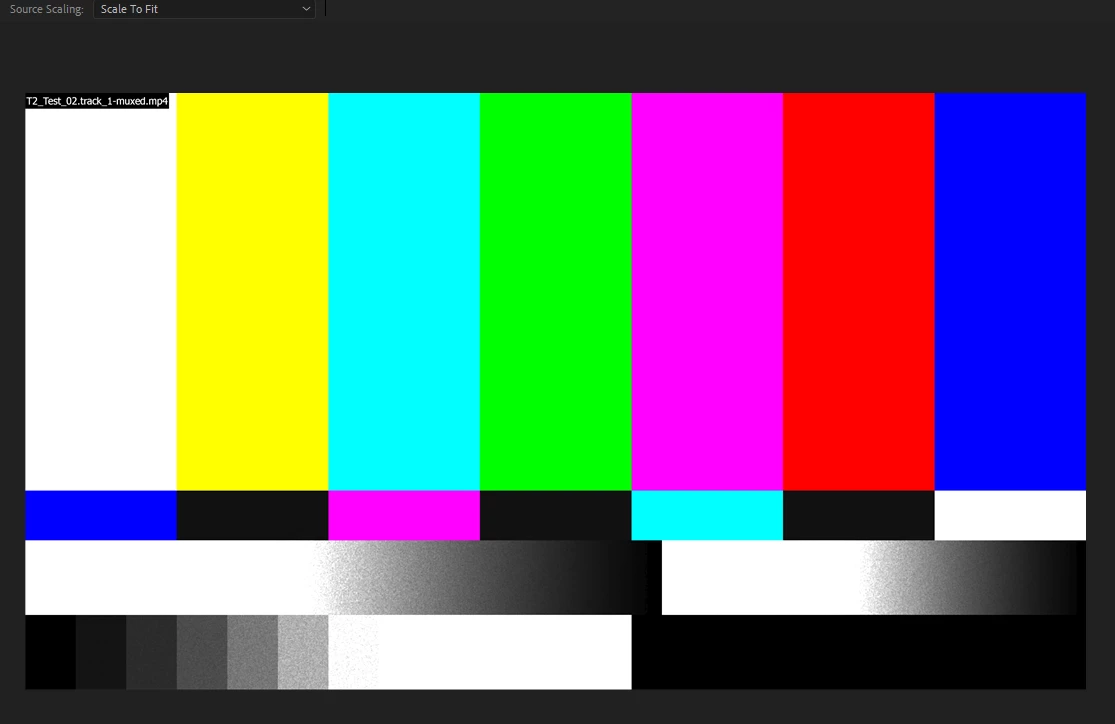
When I try to export the exact same footage from Premiere, there is no issue. However when I import the AE project into Premiere instead of just the source footage, I get the same issue, this time even in Premiere itself. Needless to say, the file is not missing at all and has never moved.

So it seems like it's an issue with AE specifically as both AME and Premiere can export the file itself just fine, it's when AE gets involved that it breaks.

I'm using the latest 2019 version of everything. This happens across 2 different computers. Footage other than HEVC seems to render just fine. Anyone know how to fix this?

This topic has been closed for replies.
Correct answer Rameez_Khan

Hi edwardcharlesbg,

This issue has been resolved in After Effects CC 2019 (16.0.1). Bug fixes in the December 2018 release (version 16.0.1) of After Effects

Let us know if you still encounter this problem.

Thanks,

Rameez

3 replies

berzins
Inspiring
November 6, 2019

😞   The same problem here with AFX 16.1.3
Is there a solution?

Participant
October 12, 2020

Hi I am having this issue and I have the latest Adobe 2020 after effects version. I think this is 17.1.3 version. 

Need help on this matter urgently. I have video files in other formats in the comp I am trying to render but it is just HVEC videos that are causing issue. 


Please help! 

chrisc59771773
Participant
December 19, 2020

Hi,

Yes i'm having this issue too! Just started in the early hours of this morning and persisting after several reboots and 'reloading' footage in AE. Everything is fine in AE but Media Encoder shows the files as missing. I've even tried rendering individual comps within the main comp and they still fail.

Help needed!

ME 14.6

AE 17.5.1

Rameez_Khan
Rameez_KhanCorrect answer
Legend
January 2, 2019

Hi edwardcharlesbg,

This issue has been resolved in After Effects CC 2019 (16.0.1). Bug fixes in the December 2018 release (version 16.0.1) of After Effects

Let us know if you still encounter this problem.

Thanks,

Rameez

Participant
January 17, 2019

I am encountering this same problem still in AE (16.0). Because I am on my work computer, I can't experiment with downloading patches. Any resolve? Even playback in the Timeline is glitchy sometimes and I'm on an i9

Rameez_Khan
Legend
January 18, 2019

I think the only way to resolve this is to update to AE 16.0.1. Sorry to hear that you can't download the update.

-Rameez

Tim Kurkoski
Adobe Employee
Adobe Employee
November 29, 2018

This is a known issue in the October 2018 release of After Effects CC (version 16.0). Our apologies for the disruption.

We are testing a fix for this problem for a future update to After Effects. If you would like to help us test this fix, go to https://www.adobeprerelease.com/ and join the After Effects CC bug-fix patch update program. A non-disclosure agreement is required to join the program.