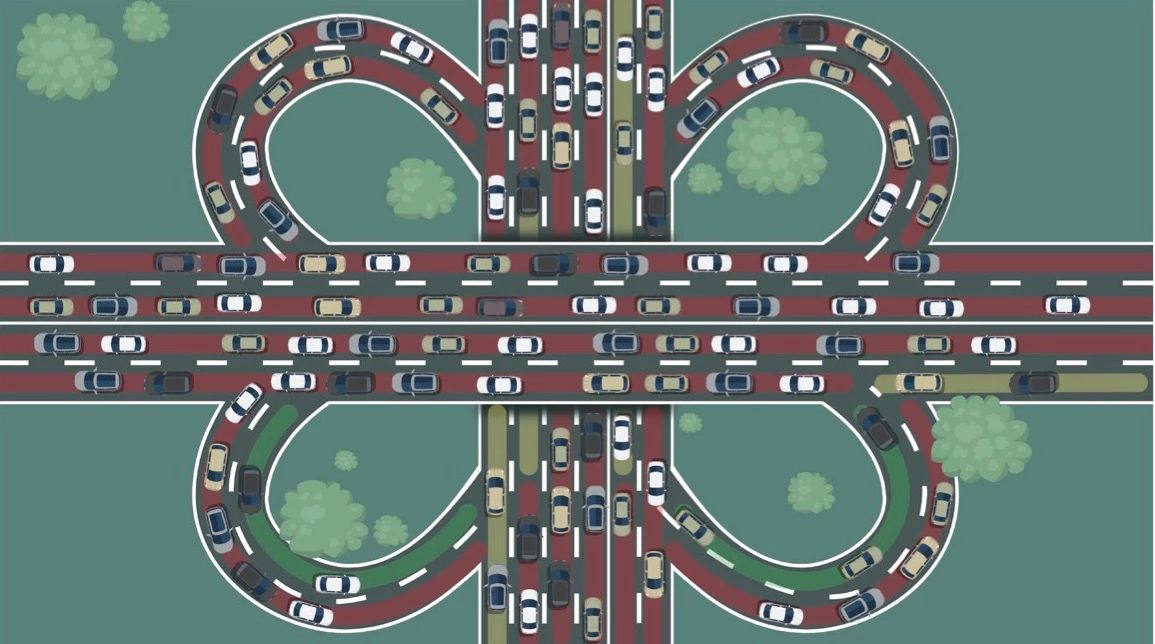
You could select multiple cars then move them to animate them together (ie. move multiple cars in one go). Another idea: maybe a null layer with all the cars that are going in a straight line in one direction (set all of them to have their parent the null layer). That should also allow you to slightly vary the individual car speeds I think (ie. alter a few frames for individual cars, but move all that are going in a straight line with the null layer?).
Another idea: (maybe a bit like Szalam's suggestion but without the expression): animate 1 car, then copy the keyframes to a layer for a different car, but select the keyframes and reposition them along the timeline (so each car in that lane follows the same path but so many frames later) - this should work even with the curved roadway. After copying and repositioning them along the timeline, you could slightly alter them to make different cars move slightly differently.

 AdChoices