

Answered
How to give video 1920's movie feel?
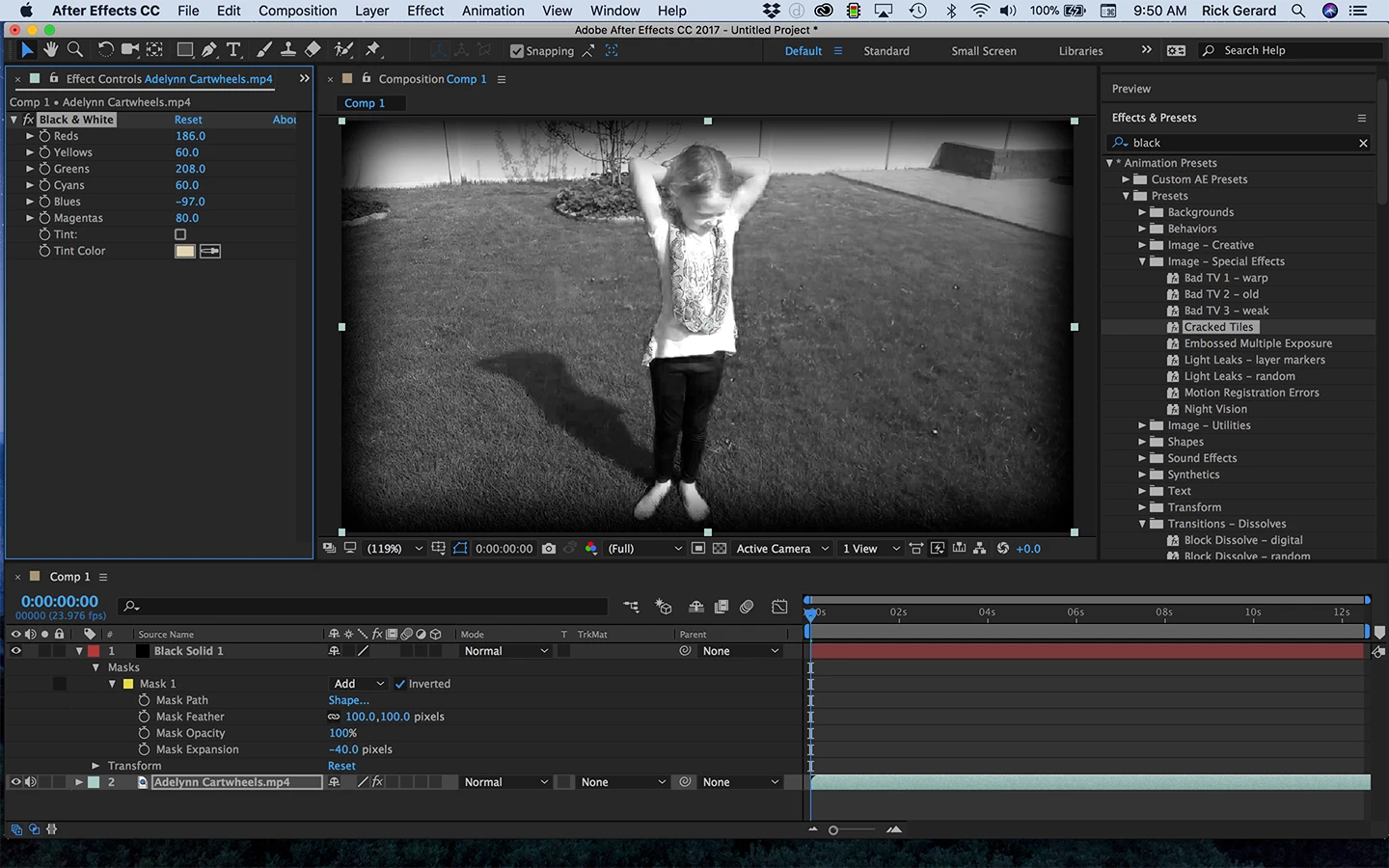
Im currently trying to make a video look like a 1920's movie. How do I make it black and white with a dark tint, add in the different black and white spots that appear, the quick movement, etc. Or maybe there is something I can download to do it automatically. Please note that I am not very good at AfterEffects.
Thank you.
 AdChoices