

Abstract Black
Participating Frequently
February 24, 2020
Question

Installing and using Cinema 4D Lite.

  • February 24, 2020
  • 2 replies
  • 8418 views

Hello all,

I am an aspiring motion graphics artist who is looking to use Maya/Cinema 4d Lite to create logos. I am currently on a Pc laptop. When I try to use Cinema 4D Lite through after effects I am met with this window.
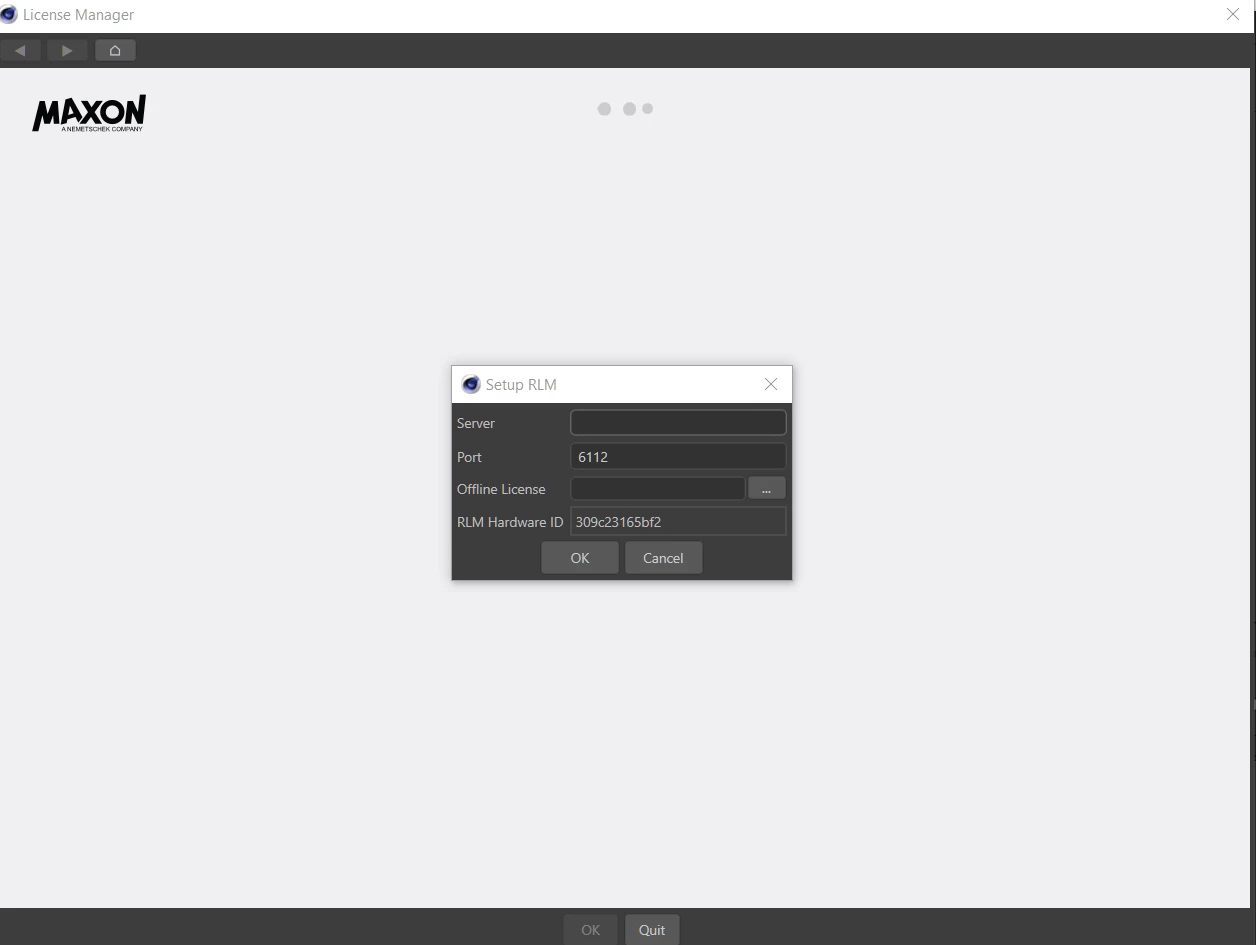
 

Ive already tried to go through the other topics that have been posted about this exact problem, but i havent found any answers on how to get this program running on my pc. Please help me out, this is becoming frustrating. I can't find the license on Maxon's website, nor am i willing to buy Cinema 4D.

This topic has been closed for replies.

2 replies

Participant
April 5, 2020

I have the same problem and i reinstall the AE but stills taking me to a MAXON trial... and i installed but then i realise about the trial of the app and i erase it and install angin the AE. Please let me know if there a good way to get in to the CINEMA4D LITE. Thank you!


ToolfarmJP
Community Expert
Community Expert
February 25, 2020

Your C4D seems to get access to the floating license server. You check the the support docs below.


https://support.maxon.net/kb/faq.php?id=54


If you do not wish to use the floating license, you simply uninstall it and reinstall it as node-locked.


https://helpx.adobe.com/after-effects/using/c4d.html


Abstract Black
Participating Frequently
March 7, 2020

This didn't do it. Now cinema 4D doesnt open at all. It doens't even open up when i try File - New -> maxon c4d file. Im not sure what else to do here. I just put in a ticket on maxons wesbite. 

Community Expert
March 7, 2020

It sounds like you have a corrupt install. Try following the steps in the User Guide to remove and then reinstall After Effects. https://helpx.adobe.com/creative-cloud/kb/cc-cleaner-tool-installation-problems.html#run-the-creative-cloud-cleaner-tool