
rickyj89135955
Known Participant
September 18, 2018
解決済み

Keying out green screen causes grain on subject

  • September 18, 2018
  • 返信数 1.
  • 3745 ビュー

So in my garage this is a homemade green screen we are using.  I understand that the lighting is off, but my subject is standing a few feet from the wall and have their own source of light.
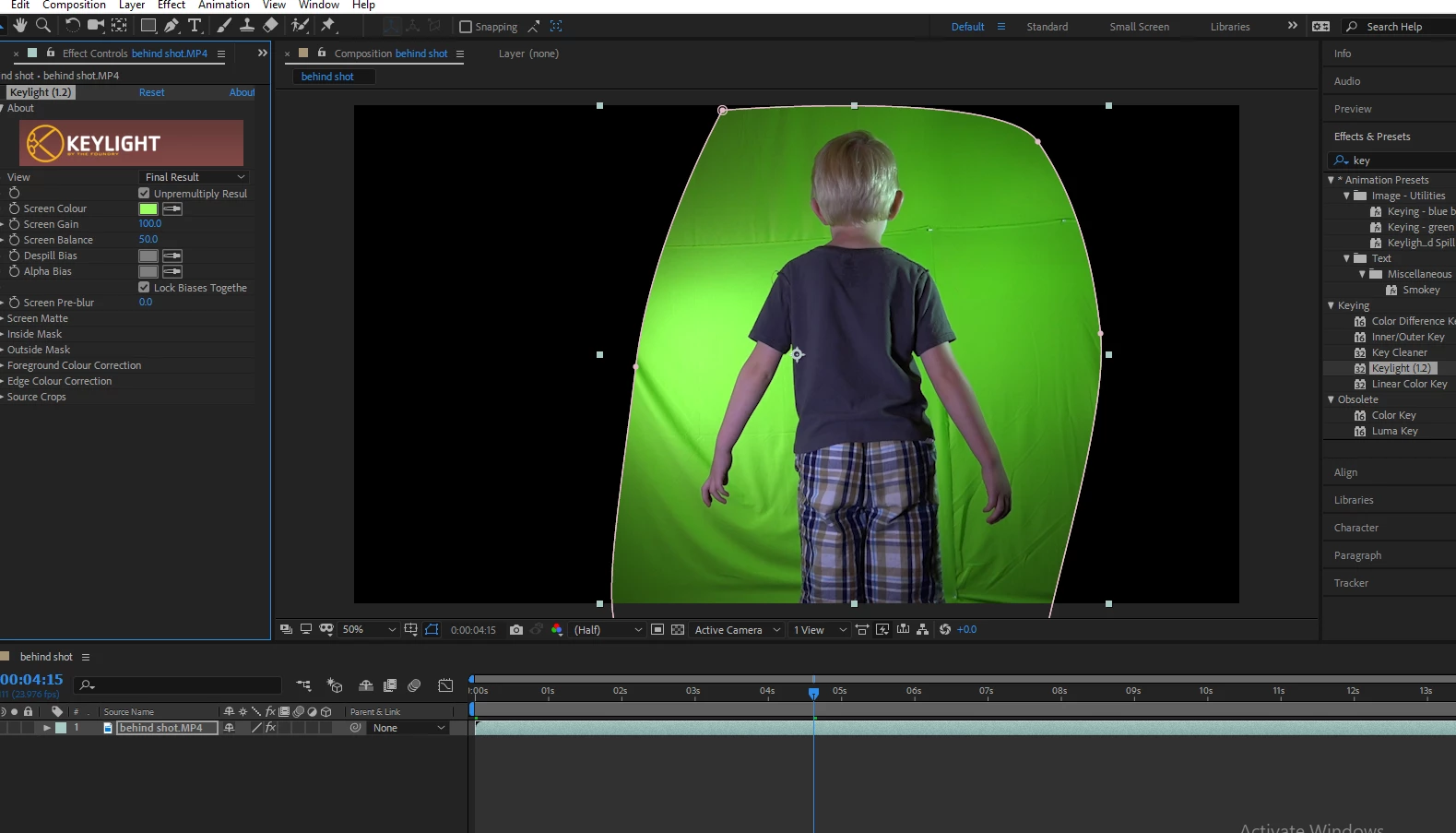
Whenever I use Keylight to remove the screen and play the footage my subject gets this horrible grain to them.  This grain is not present when I play the green screen layer pre effect. 
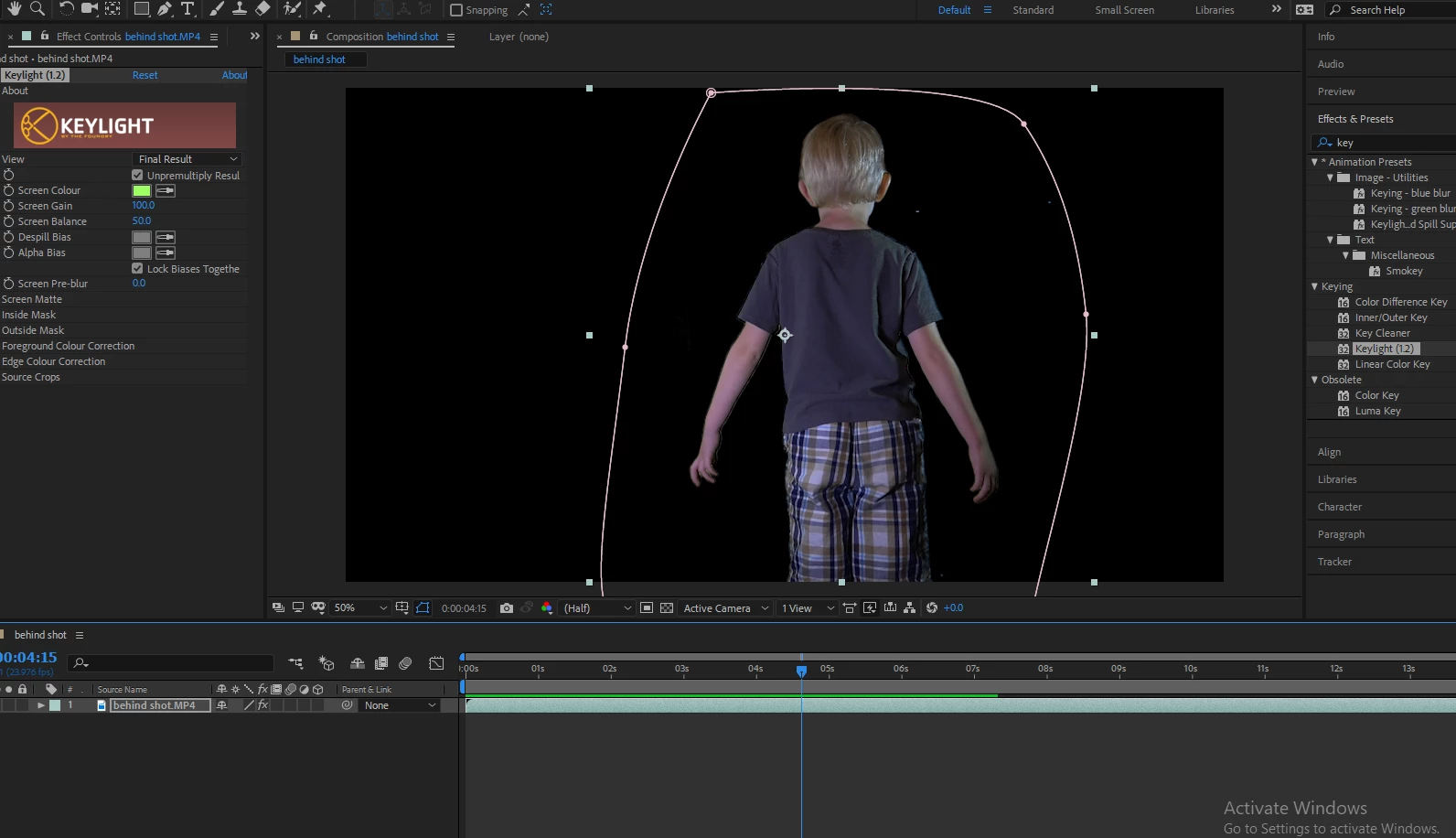
Has anyone experienced this before and other than keylight, does Keylight cleaner help with this?  That kind of settings can I use for a clean removal.

    解決に役立った回答 Roland Kahlenberg

    In the Keylight settings, change the View menu option to "Intermediate Result". The issue you have is a long-known issue with Keylight when its View option is set to Final Result. The Final Result setting introduces color correction which unfortunately also introduces noise.

    返信数 1

    Roland Kahlenberg
    Legend
    September 18, 2018

    In the Keylight settings, change the View menu option to "Intermediate Result". The issue you have is a long-known issue with Keylight when its View option is set to Final Result. The Final Result setting introduces color correction which unfortunately also introduces noise.

    Very Advanced After Effects Training | Adaptive & Responsive Toolkits | Intelligent Design Assets (IDAs) | MoGraph Design System DEV
    Roei Tzoref
    Legend
    September 18, 2018

    In Addition to Roland’s suggestion, if you want to get rid of the spill then add the effect advanced spill supressor Instead.