
Multiple shapes within shape layer animation
Hello. I am trying to animate a logo I designed and having issues with animating multiple shapes within a single shape layer.

I would like to animate the smoke so that it is similar to this example.

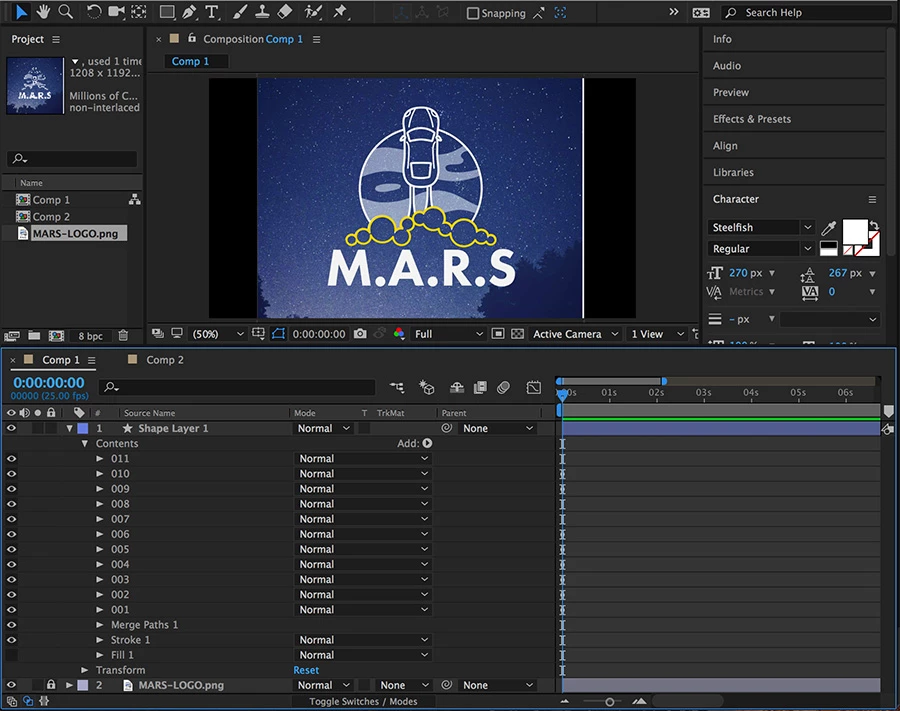
I have started with a Shape Layer with multiple circles in the contents folder (yellow outlines in the screenshot below). They all have an outline on them and no fill. I then applied a "Merge Paths" with "Add" as the mode. This makes it look like 1 single shape (my plan is to mask out the lower half of the circles).
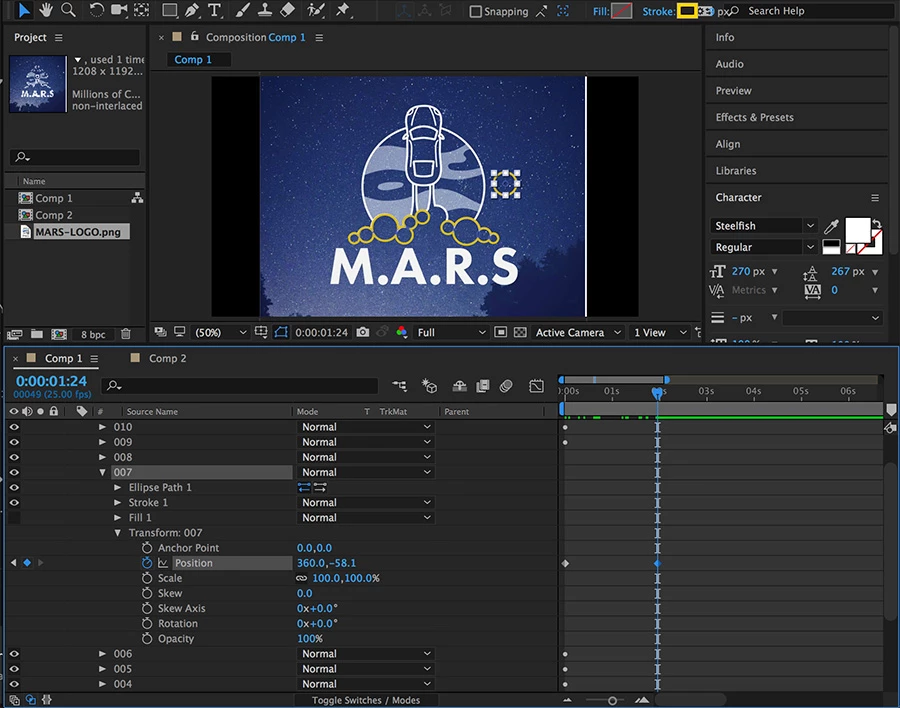
Now the part I am having trouble with. I need to animate the position of the circles. When I transform the position property of an individual circle I don't get a "Motion Path" which means I can't easily create a nice curve for the circle to follow. I tried to then edit the curve using Bezier Handles in the graph editor, but handles won't display either.
Is there a way to make this work? Or do I have the wrong approach.
Any help would be greatly appreciated.
 AdChoices