
Participant
August 23, 2017
Question

Premiere --> After Effects Link missing partial files

  • August 23, 2017
  • 2 replies
  • 542 views

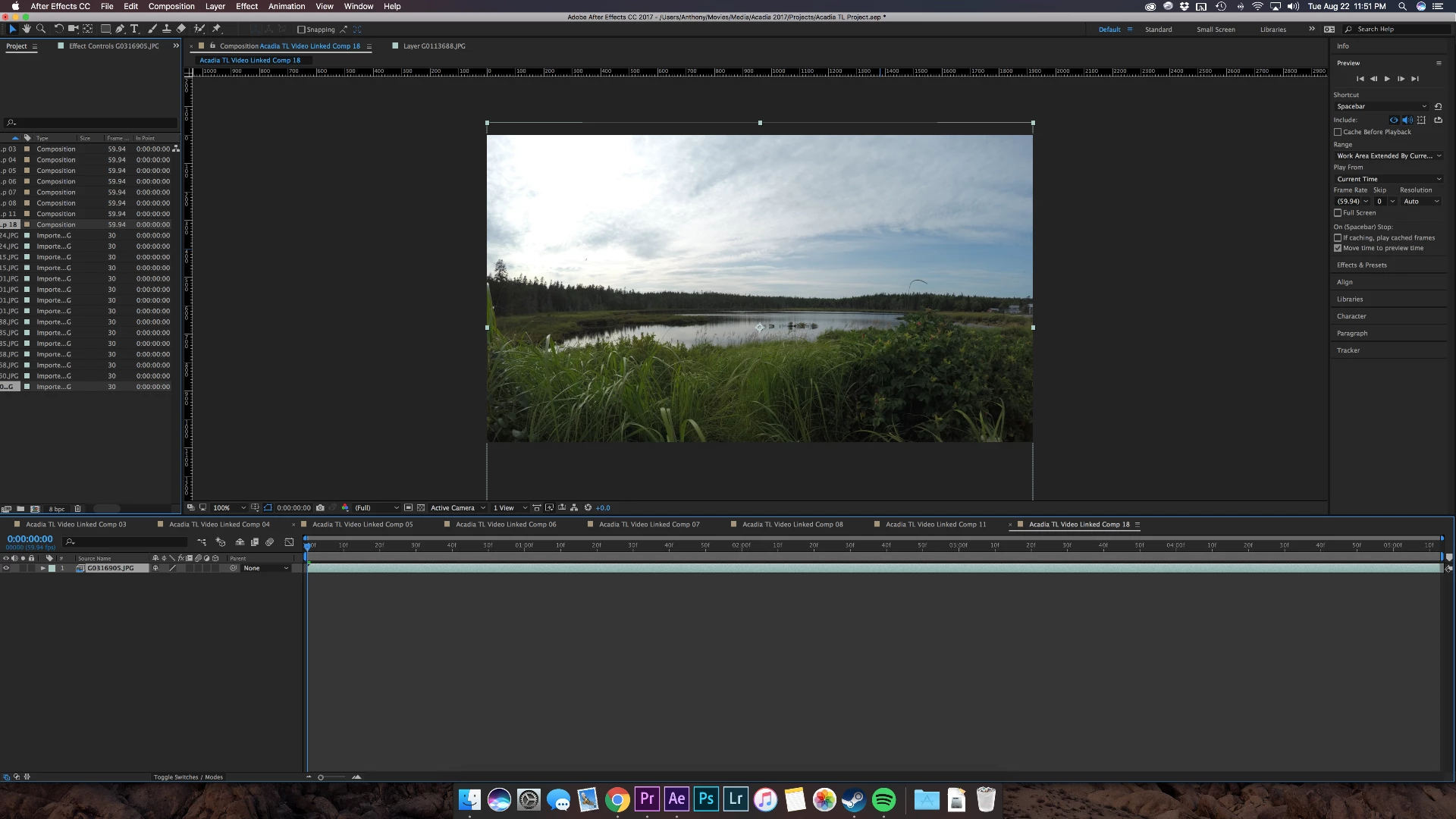
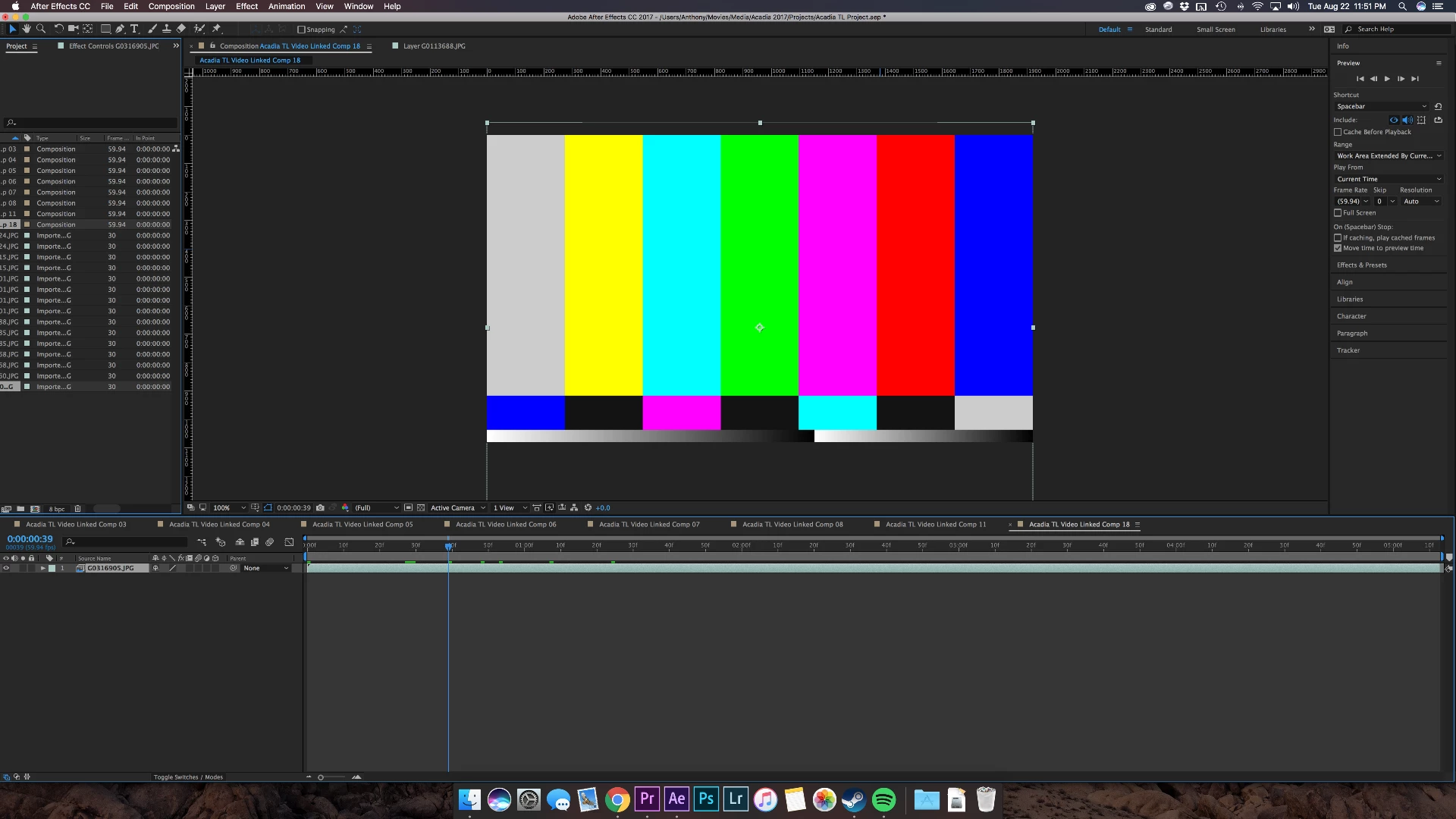
Working on a project in premiere where I have to move files to after effects using "Replace with After Effects Composition" button. After I do that I unlink to footage in premiere with an undo. It has worked for the majority of my footage, but 2 of my files only partially link. The first 40 frames cross over to After Effects go across, but the remaining frames of the same footage shows as missing. I've tried looking up how to fix this problem with no luck. Thanks.
    This topic has been closed for replies.

    2 replies

    Kevin-Monahan
    Community Manager
    Community Manager
    September 1, 2017

    Hi ASwiecicki,

    Sorry for this issue. Did you ever find a solution? Please let us know if you have or if you still need help.

    Thanks,

    Kevin

    Kevin Monahan - Sr. Community and Engagement Strategist – Adobe Pro Video and Audio
    Mylenium
    Legend
    August 23, 2017

    Start by flushing all relevant cashes in both programs and let the comps and sequences re-render. For anything beyond that you have to provide much more specific information, in particular about the nature of your footage. juist stating the obvious by saying that there are missing parts is of no use to anyone.

    Mylenium