This topic has been closed for replies.
Correct answer Umair5E9A

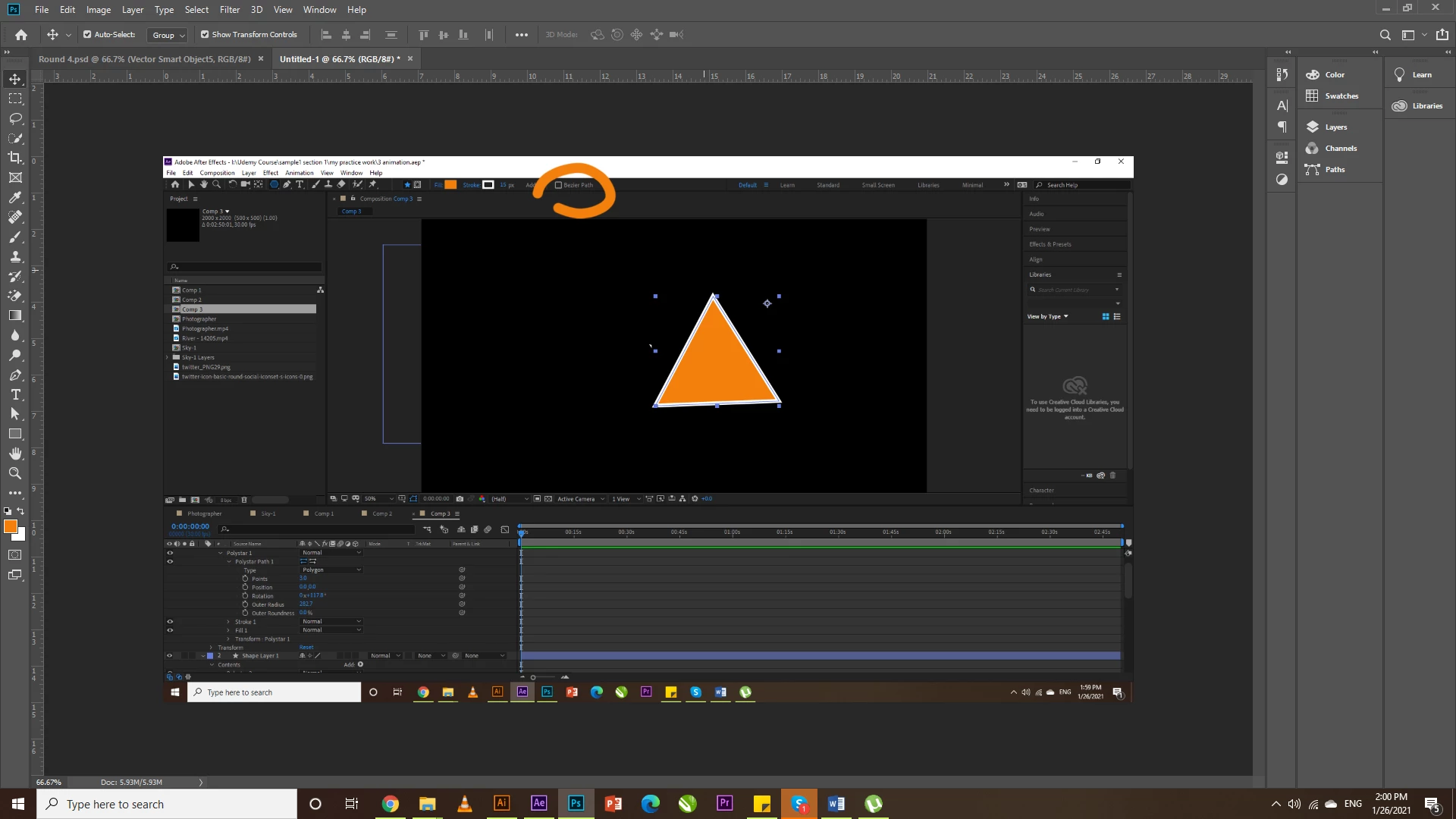
I also faced the same problem but I got it, just on the tool menu there is an option named bazier path just uncheck this option you will find a result 🙂
 

3 replies

Umair5E9ACorrect answer
Participant
January 26, 2021

I also faced the same problem but I got it, just on the tool menu there is an option named bazier path just uncheck this option you will find a result 🙂


Community Expert
November 15, 2016

Roe showed you Rectangle controls. The polygon controls are slightly different but they are still there. If you cannot see them then reset your work area, make sure all columns required are visible in the timeline and then select the shape layer and press the U key twice. You should be able to spin down the number polygon properties to reveal the number of sides.

Roei Tzoref
Legend
November 15, 2016

what do you mean? what options? are you not seeing your columns correctly?

make sure your switches panel is visible and expand it here

if you are experiencing anything different, share a few screenshots so we could see what this is about

Known Participant
November 15, 2016

Normally (well, in CS6 and previous) I'd find an option to control the amount of points on the path, and therefore change a polygon from a triangle to square, pentagon, heptagon etc, but now I can't see it? I basically want to create a triangle shape layer. Please note I mean only polygons.

Community Expert
November 15, 2016

You have converted the shape to a path. You'll either have to start over using the polygon tool or animate the path. There are no points on a path controls on a path layer.
