

Reddish/Magenta color blocking removal?
I am using a Panasonic GH5 with V-Log L profile and in my videos in the shadows and some other areas, there is reddish/magenta color blocks and I am unsure if there is a way to remove this as it occurs on a lot of my videos. I am using 4K ALl-I 400Mbps 10-bit 4:2:2. I found this video before which has helped remove other chromatic aberrations and color fringing:
However, when I try to remove the reddish/magenta color blocking this way, it just ends up effecting all reds in the video, even ones I don't want changed. Here is an example that shows the issue. I too this video of a gull and as you can see on its chest beside its legs, it has this noticeable issue:
This is an unedited screenshot of the video and edited version with a saturation boost and adding the Panasonic V35_to_Rec709 LUT::
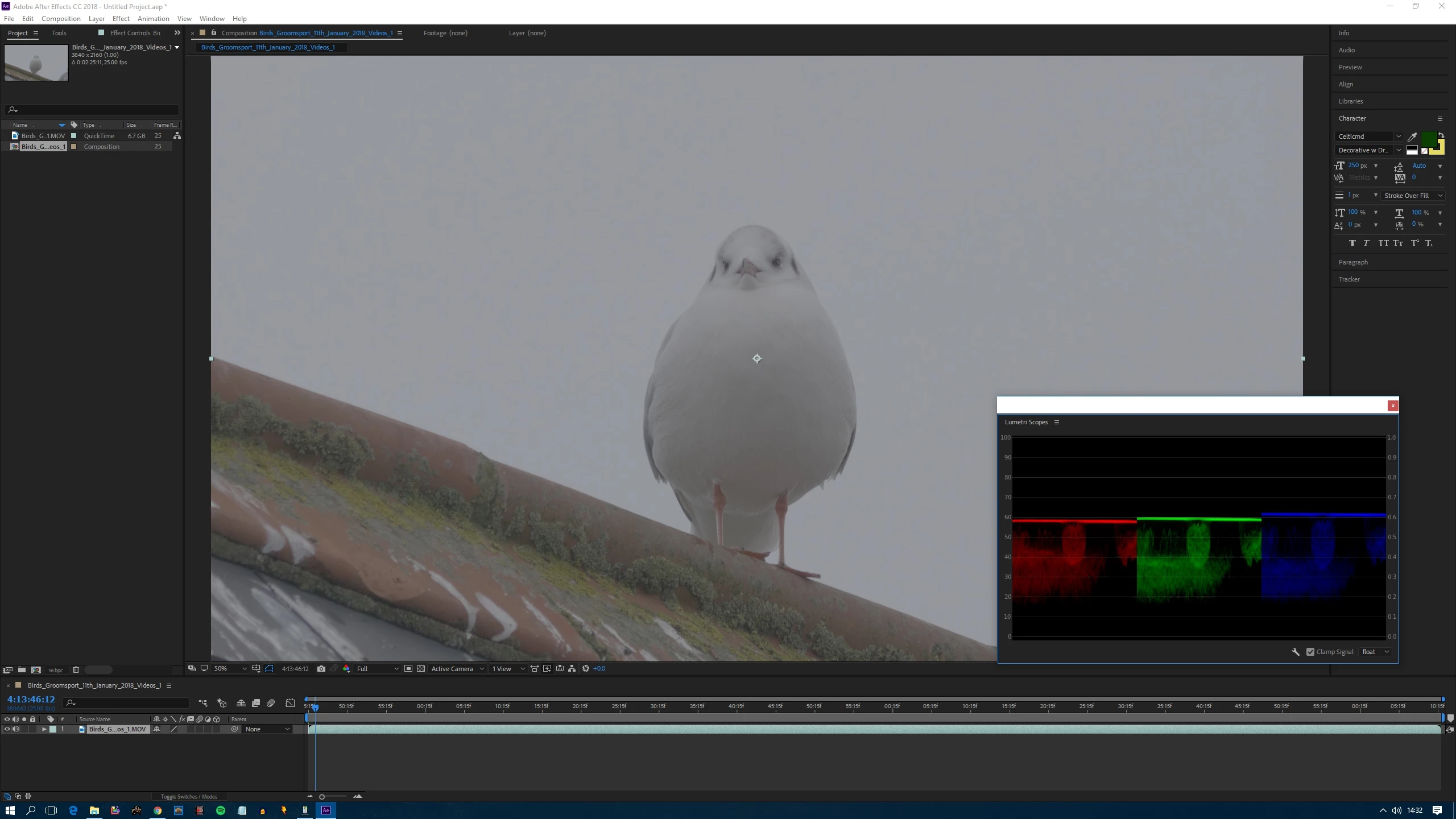
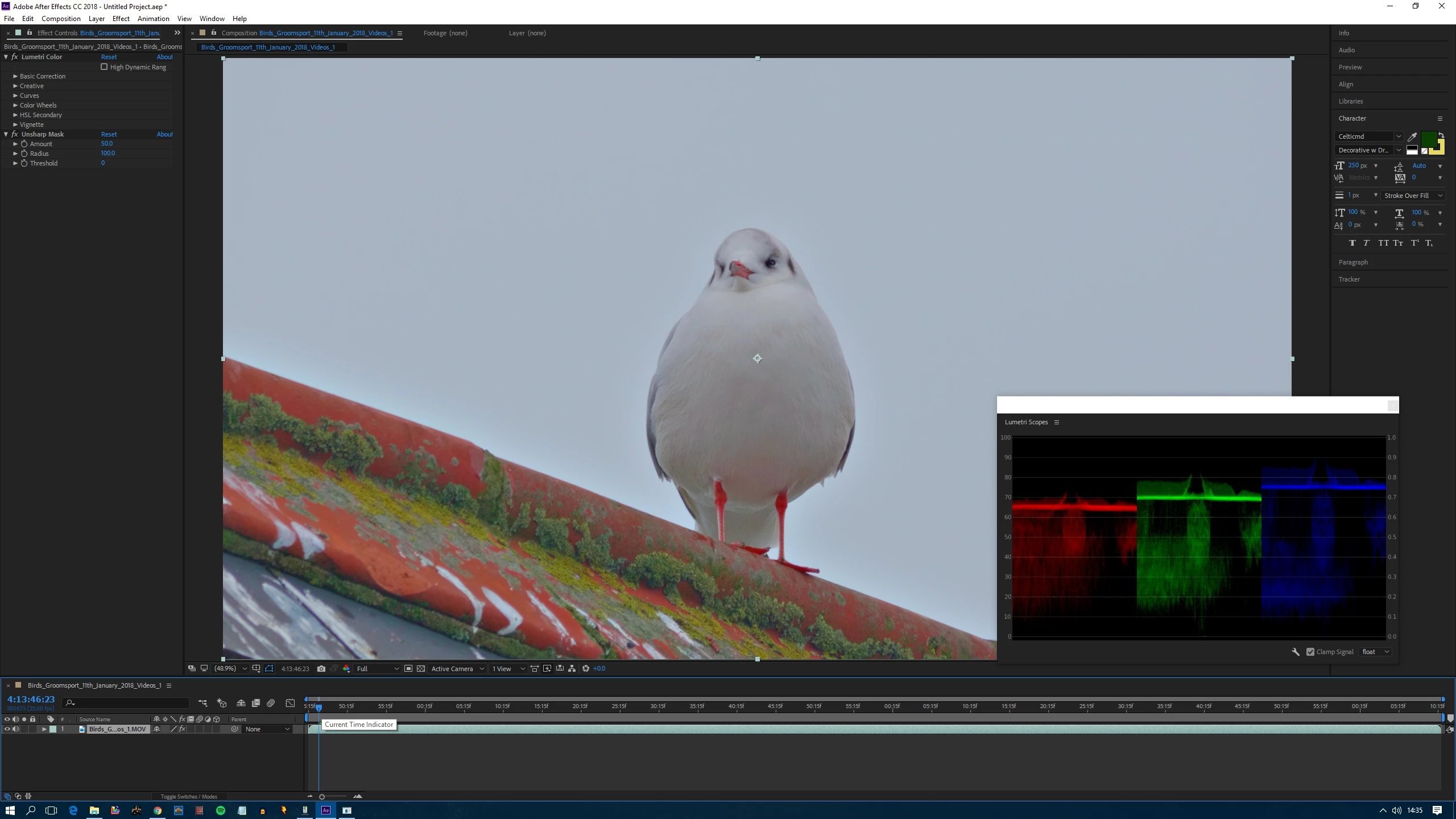
Here is close up of it and you can see the problem is there on the video, its nothing to do with what settings I apply on the video, first is unedited and second is edited:
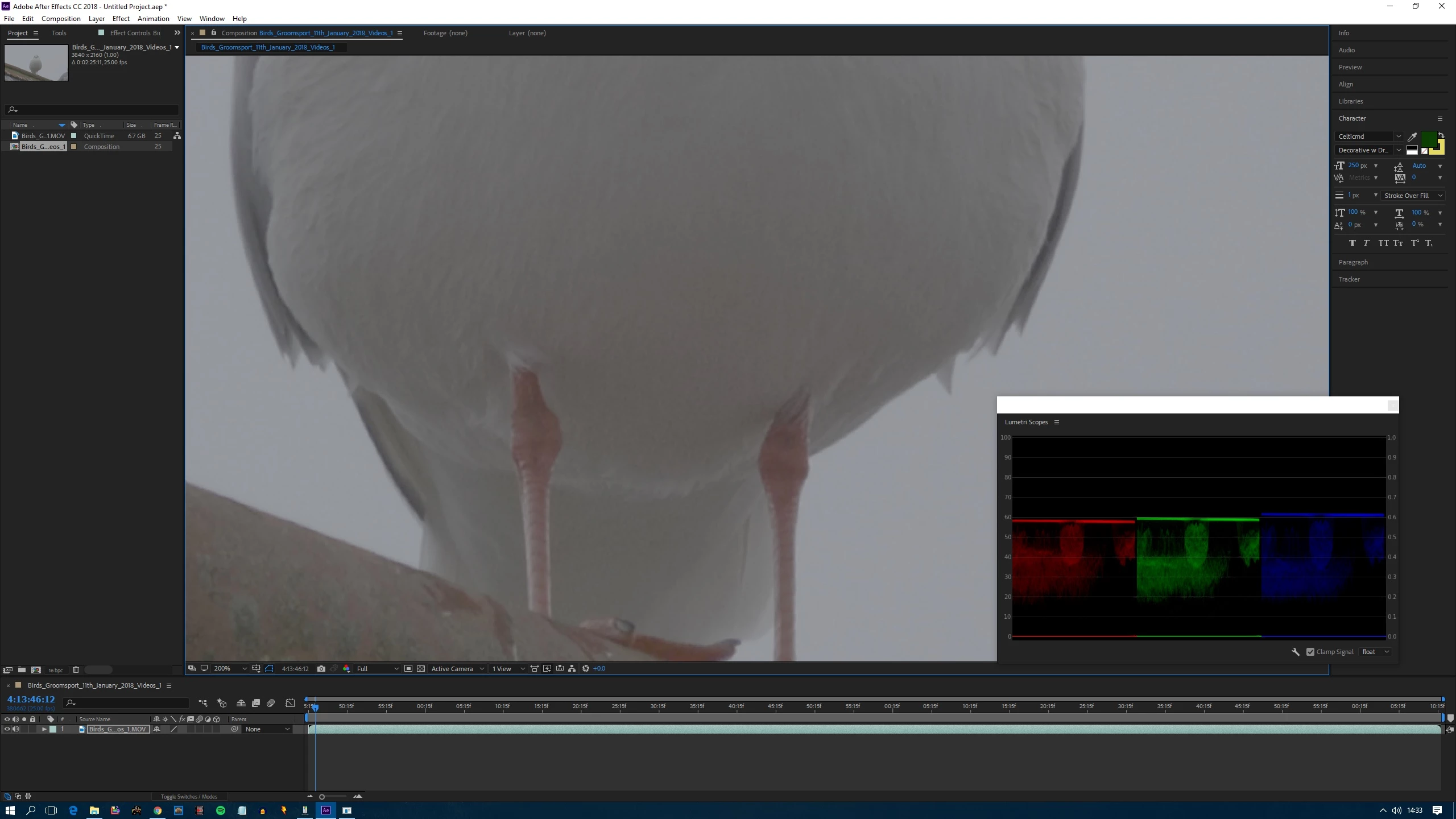
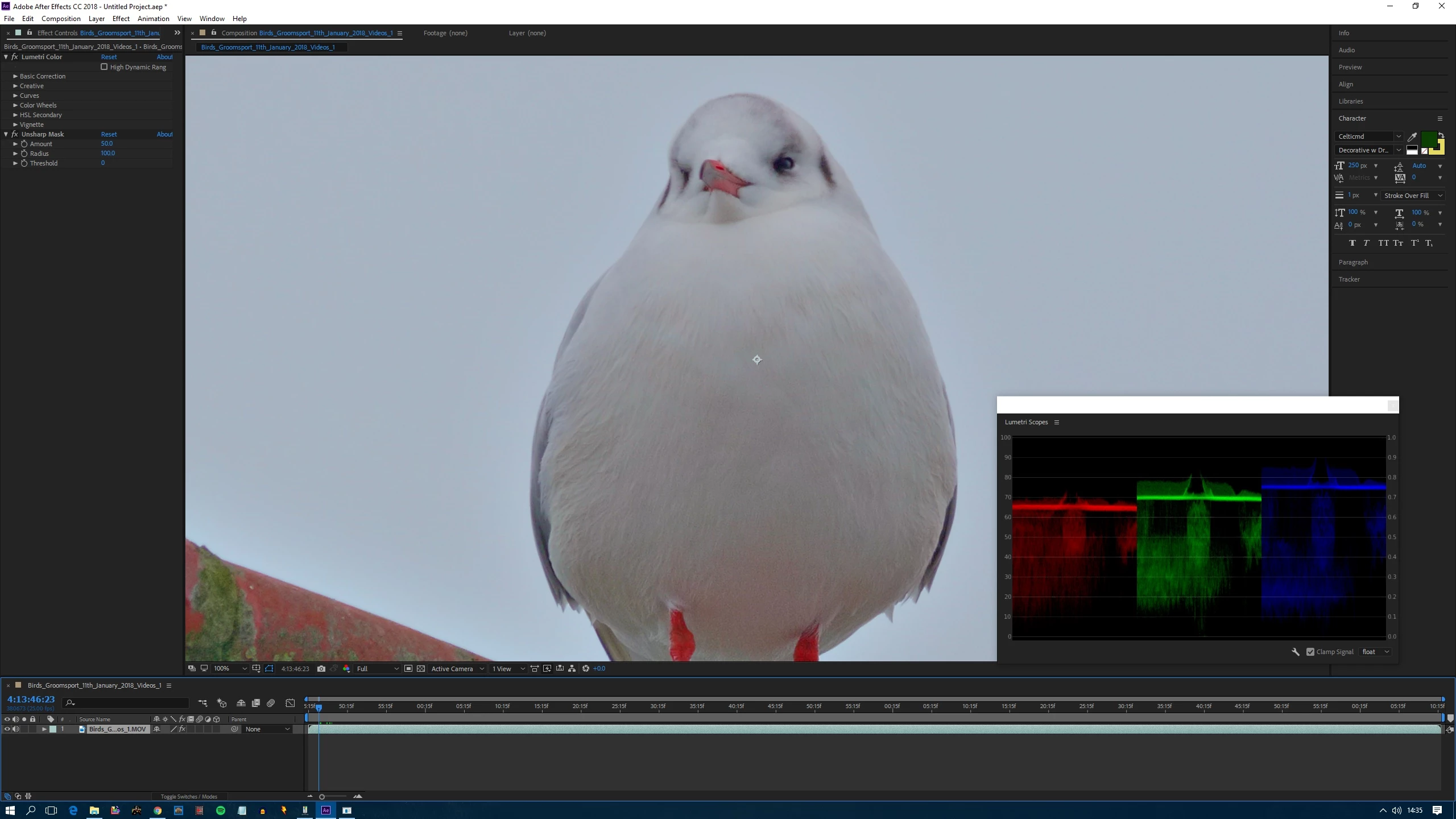
Here is a short sample clip of the edited video itself so you can see the issue on the video. As I mentioned the settings I added didn't cause the issue, only made it more noticeable. The video is in DNxHR 4K 10-bit 4:2:2 HQX. If you zoom in on the birds chest, you can see the extent of the issue. Link: Dropbox - GH5_Gull1_Sample.mov Download it rather than play it.
Can anyone help?
 AdChoices