Inspiring
October 3, 2018
Question

Remove black bars when exporting to Media Encoder

  • October 3, 2018
  • 1 reply
  • 6917 views

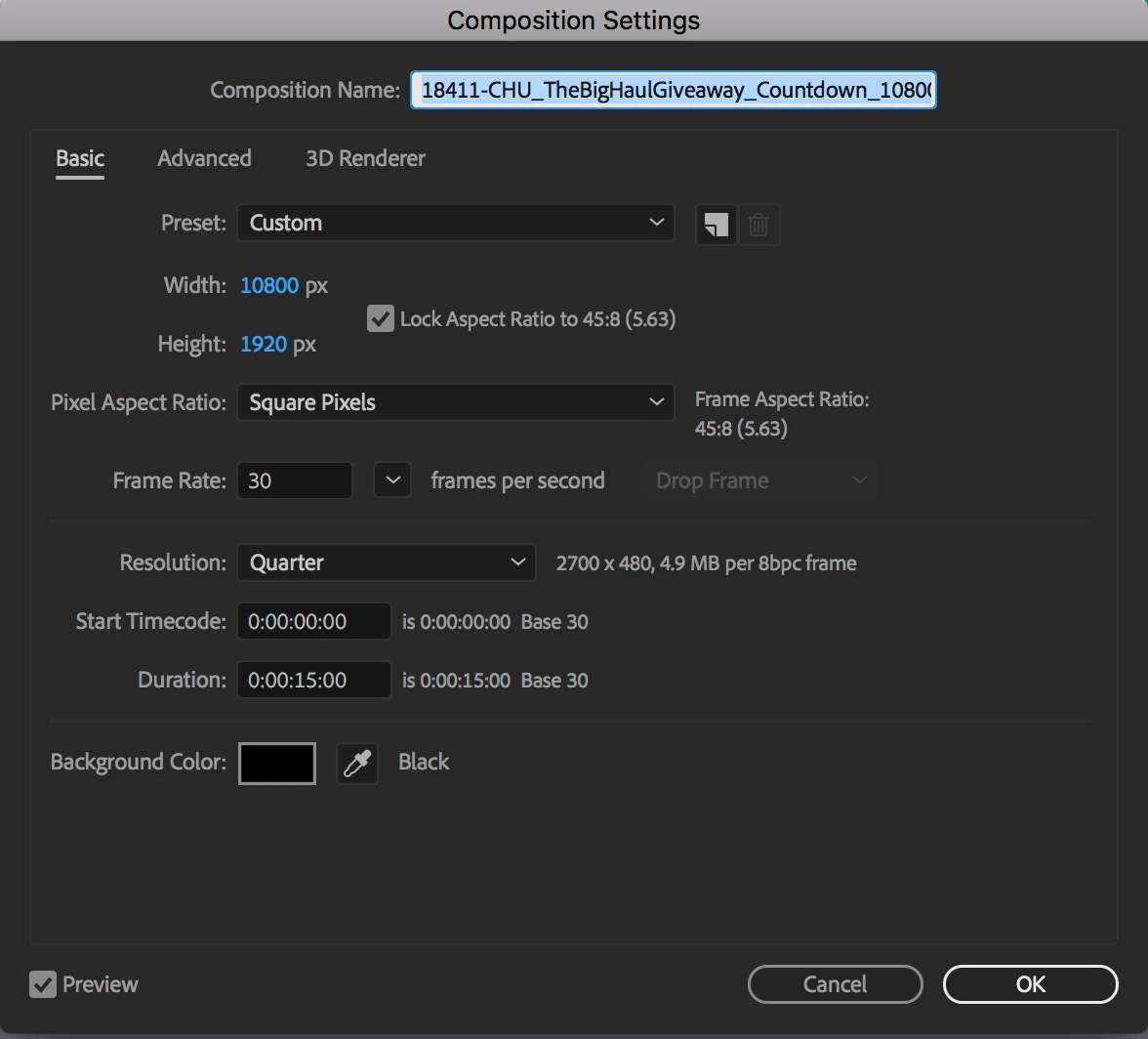
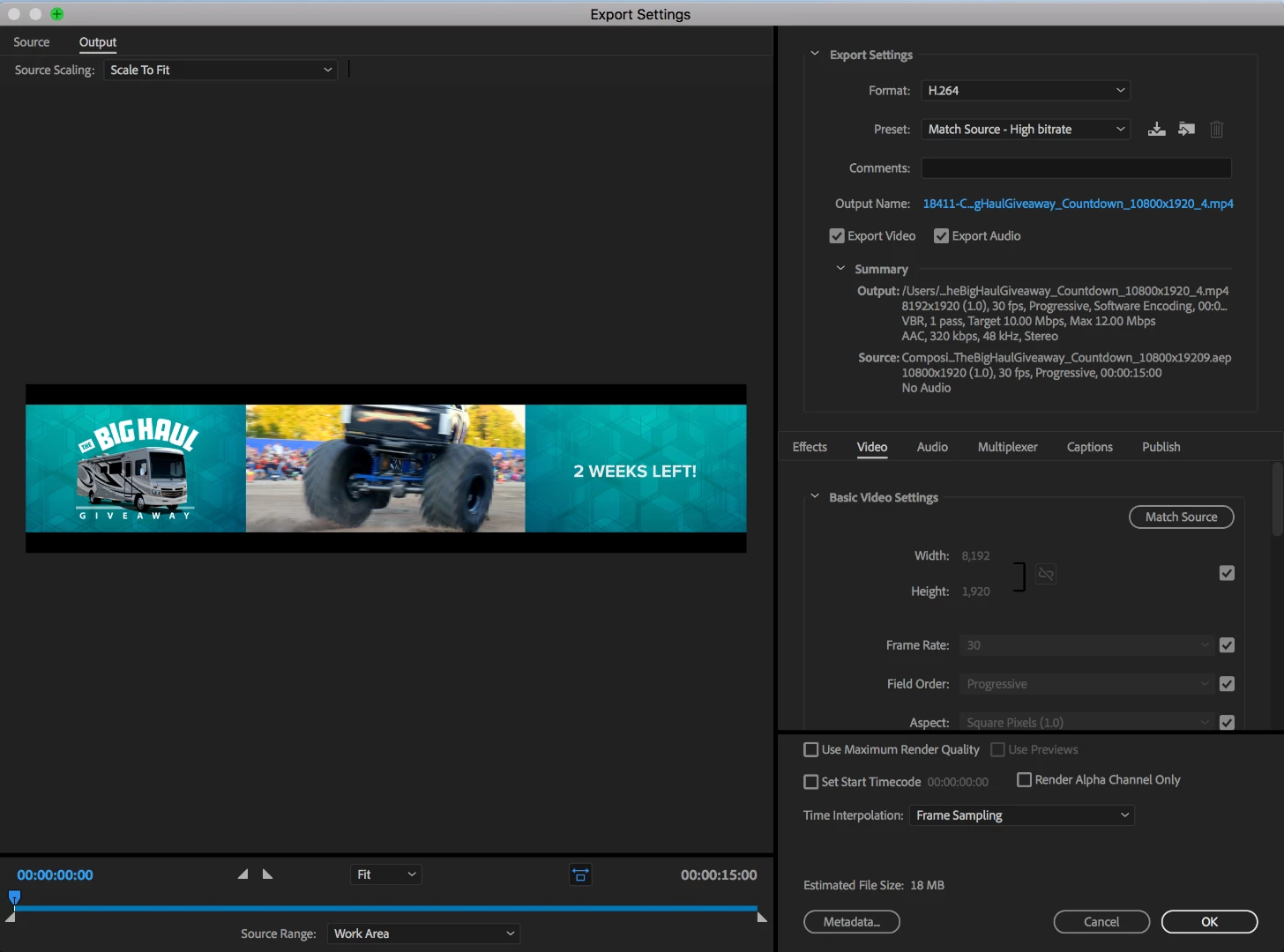
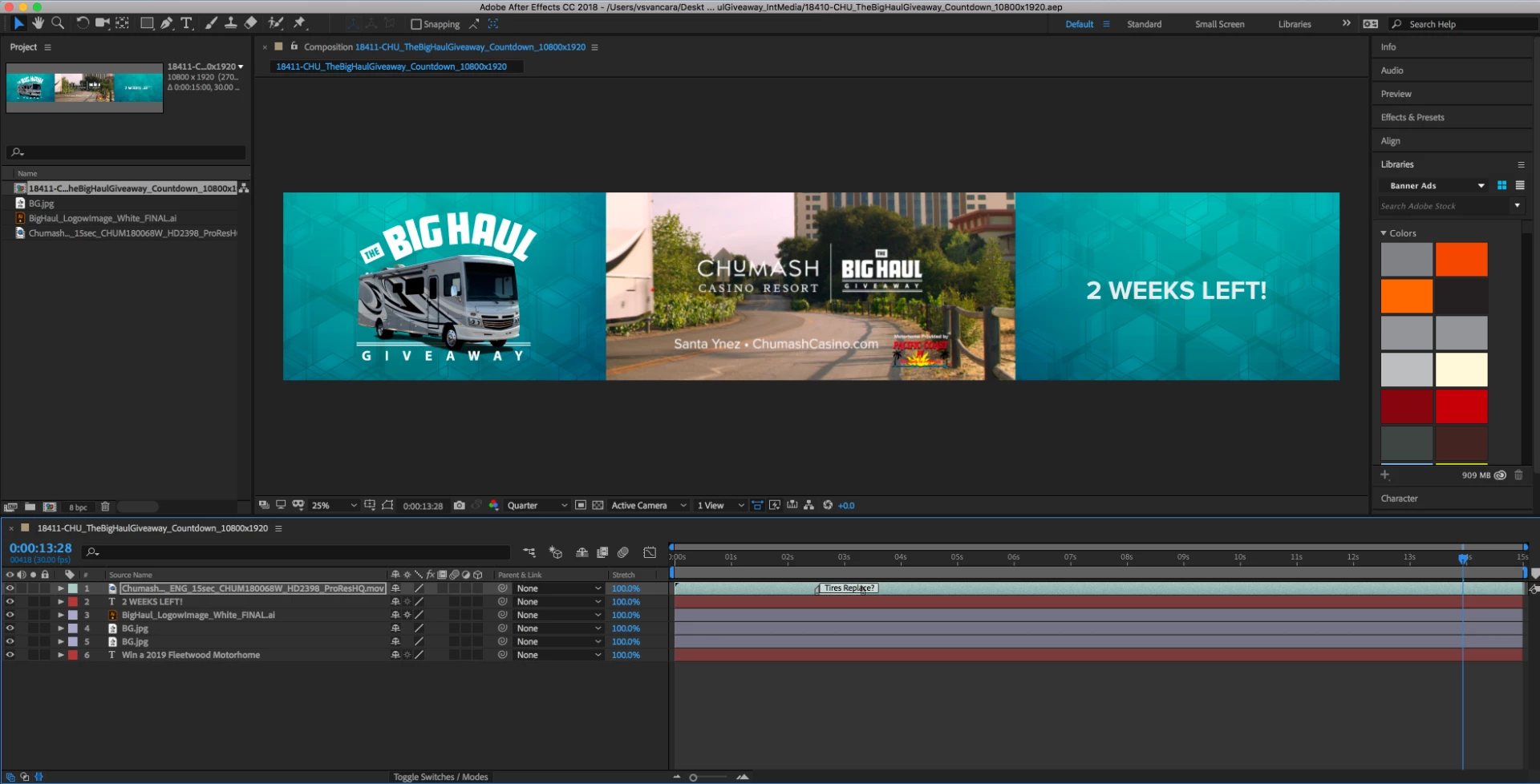
I'm having an issue with Media Encoder adding black bars to my After Effects file when exporting. The final output is also significantly smaller than my original comp. Original comp set to 10800x1920. Final output is 8192x1920. I'm also unable to change the the dimensions in the "Basic Video Setting" in "Output" section of Media Encoder. Any thoughts on what I am doing wrong?

Including screenshots of comp settings, output settings, and AE file.
This topic has been closed for replies.

1 reply

Warren Heaton
Community Expert
Community Expert
October 3, 2018

You need to export to a file format that supports 10,800x1920.  I forget off-hand what the max width is for MP4, but the frame size is tied to the H264 encoding "Level".  If that's the size I needed, I'd go to custom Apple ProRes 422 settings (if using Adobe Media Encoder, you'll have to download and install the CC2014 Apple ProRes presets or create your own custom AME preset) or just use the "Lossless" Output Module in the AE Render Queue.  (Yes, the file will take up a lot of drive space.)

Is this for digital signage?  Something like ten 1080x1920 panels?  I've almost always delivered in tiles/panels for digital signage.  So, if that's the case here, you would nest your 10800 x1920 Comp into ten 1080x1920 Comps for rendering and, of course, change the Anchor Point in each of the nested Comps in the ten render Comps such that you see a different 1/10th of the animation from left to right.

-Warren

vsvancaraAuthor
Inspiring
October 3, 2018

Yes, it's for display (10 plasma screens). It's strange because I've done this a few times before and never had an issue until now. Anyway, thanks for the feedback, I will give that a try.