

Resources for working remotely and learning After Effects
In order to make it easier for our community to work at home, we're taking several measures to minimize disruptions and make connecting with colleagues and clients easier during this time. We're very pleased to announce that all Creative Cloud Individual members can enjoy the benefits of our Team Projects service for Premiere Pro and After Effects at no additional cost.
How does Team Projects benefit me?
Team Projects allows motion graphics artists and editors to collaborate on the same Premiere Pro and After Effects projects while working from home. For detailed information and FAQ, read this blog post: https://theblog.adobe.com/adobe-offers-team-projects-to-premiere-pro-and-after-effects-users-with-a-creative-cloud-individual-license/
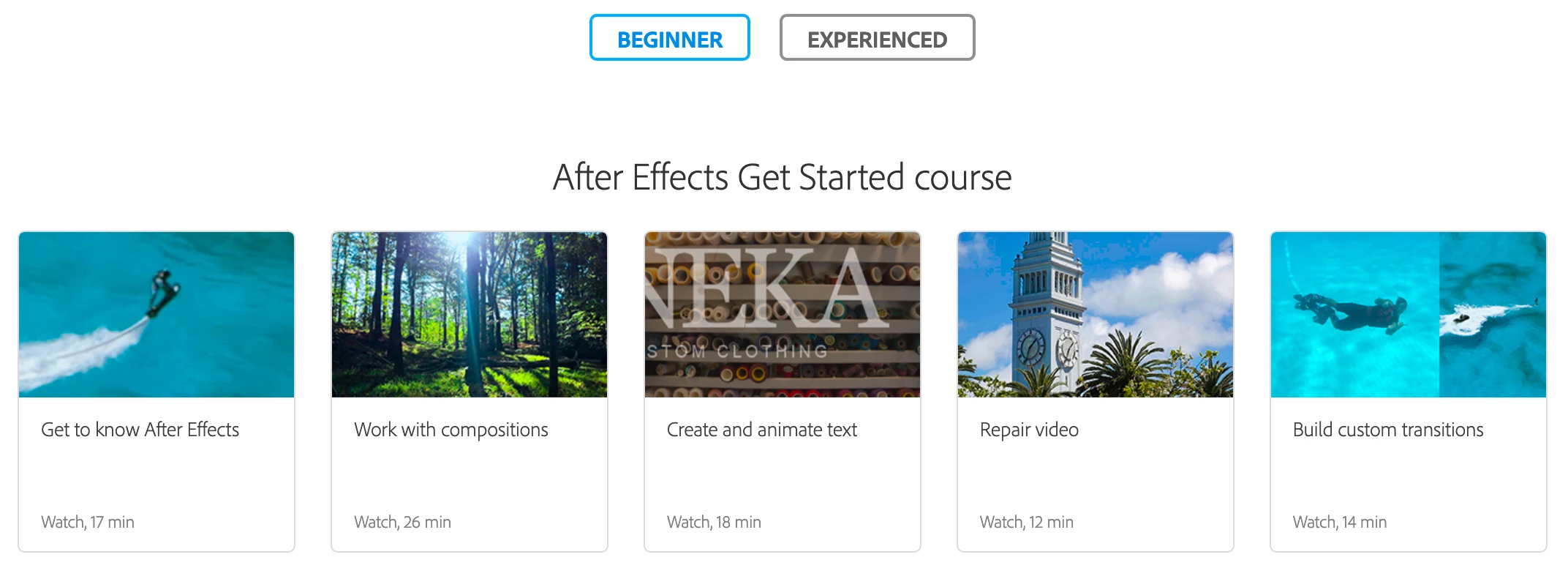
This work at home period also provides us with an opportunity to upskill ourselves. We can utilize this time to learn After Effects and other tools. For new and existing users, this can be a very productive time to go through the After Effects user guide and video tutorials.
After Effects user guide: https://helpx.adobe.com/after-effects/user-guide.html
After Effects video tutorials: https://helpx.adobe.com/after-effects/tutorials.html
More resources for collaboration and security:
Adobe Pilots Certification Program for Video and Audio System Integrators
Working Remotely? Adobe Can Help
Adobe Video Partners Support Collaboration for Teams Working Remotely
The Premiere Pro Workflow for Quibi
Hardware advice from a noted hardware expert, Bob Zelin
Improve security for remote use
If you know other tools or resources for motion graphics artists that have been made available at a discounted price or for free, share them in the comments below.
Thanks,
Rameez


 AdChoices