

MyerPj
Community Expert
Community Expert
September 19, 2018
Answered

Simple Frosted-Glass Look

  • September 19, 2018
  • 2 replies
  • 5453 views

Thanks guys for all the tips you give here. I try to follow many of them thru, to see if I'm learning anything.

On the PP forum there is currently a question regards Essential Graphics, the OP wants a look he can achieve in PP but not in AE. I thought I'd try to get one going, but I can't seem to duplicate the PP look.

Here's the thread: Adjustment Layer and Essential Graphics

He's trying to get this look in AE,
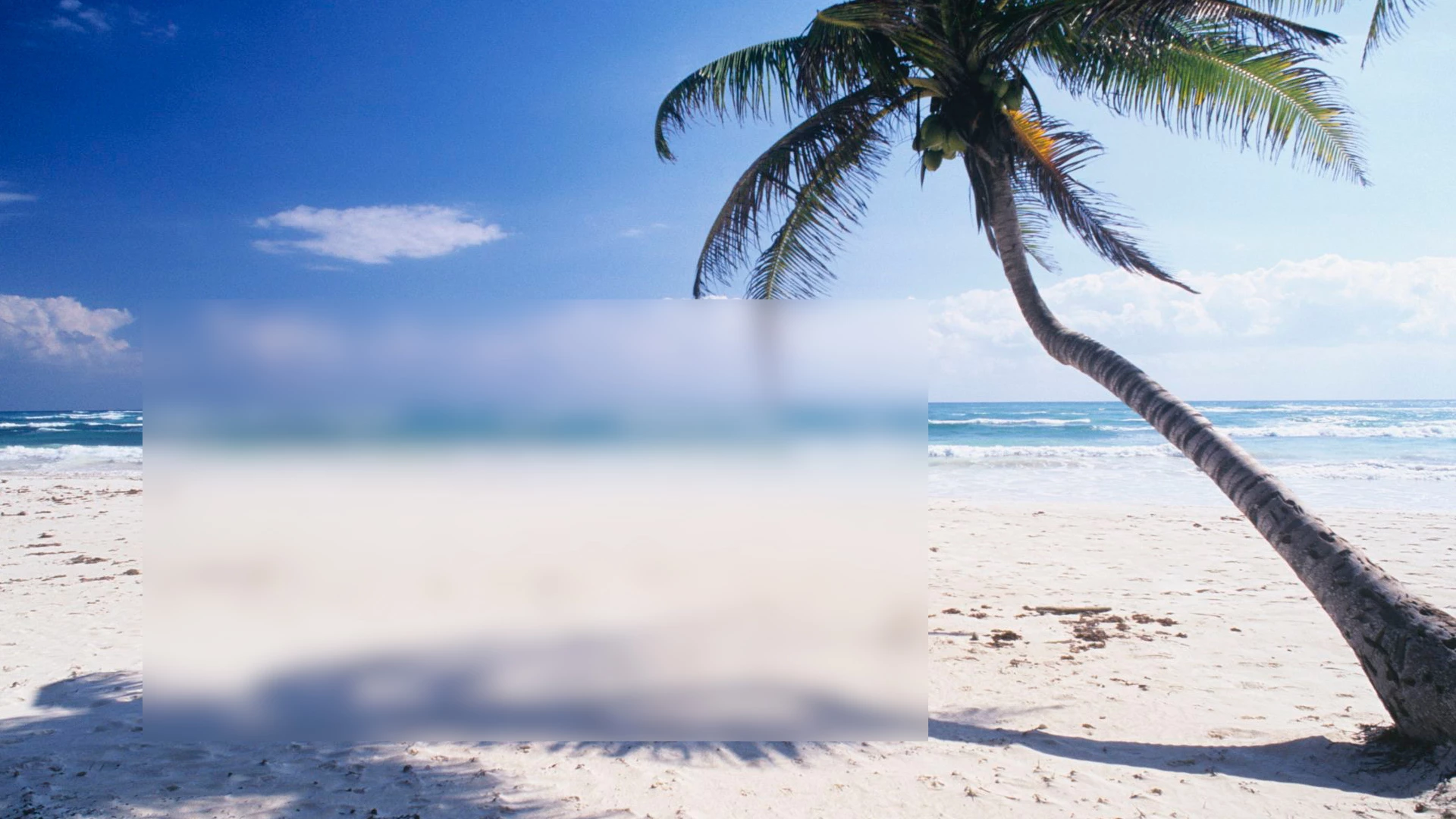
But only came up with this (like myself)
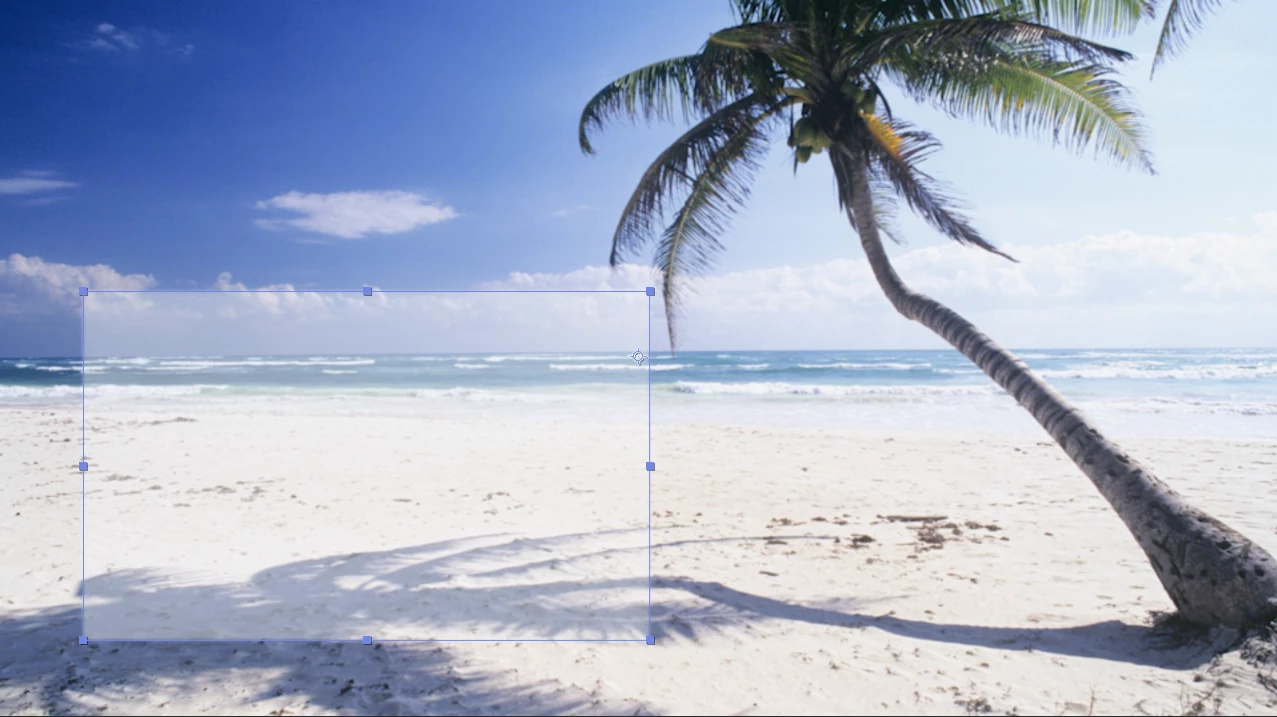
I tried putting a blur on a layer, then duplicating the layer and putting a mask on, and several iterations of that including a pre-comp of the blurred/lightened image.. any tips would be appreciated, thanks very much.

    This topic has been closed for replies.
    Correct answer Mike Dziennik

    Just apply a blur and then a mask. Under Effects>GaussianBlur>Compositing Options choose the mask. Job done.

    2 replies

    Mike Dziennik
    Community Expert
    Community Expert
    September 19, 2018

    You can reduce the amount of blur by using the 'Blurriness' control.

    If you apply a 'Levels' effect and adjust the 'output black' this will do what you want. Make sure to choose your mask again under the compositing options.

    Mike Dziennik
    Community Expert
    Mike DziennikCommunity ExpertCorrect answer
    Community Expert
    September 19, 2018

    Just apply a blur and then a mask. Under Effects>GaussianBlur>Compositing Options choose the mask. Job done.

    MyerPj
    Community Expert
    MyerPjCommunity ExpertAuthor
    Community Expert
    September 19, 2018

    OK, that tip of 'compositing options' made things a lot simpler! thanks very much.

    Quick question, how would I lighten slightly the blurred (inside the mask) bit. It's at 100% currently...