
Participant
July 25, 2019
Question

stubborn pop-up at AE startup: Sheffield Softworks Makeup Artist will not be available

  • July 25, 2019
  • 3 replies
  • 560 views

When opening After Effects, I keep getting the same pop-up over and over.

It says:

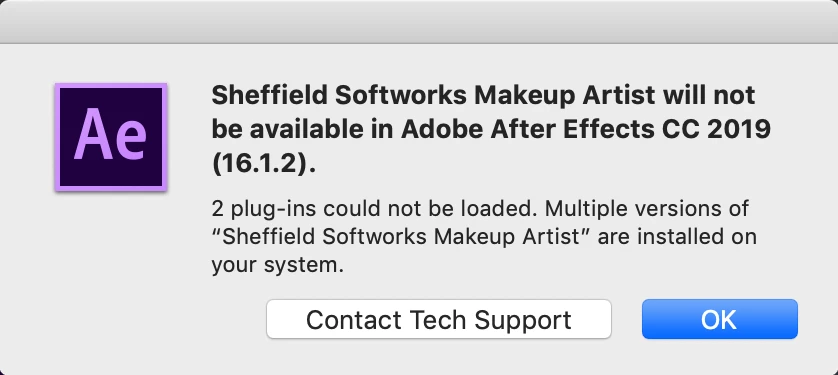
Sheffield Softworks Makeup Artist will not be available in Adobe After Effects CC 2019 (16.1.2).

2 plug-ins could not be loaded. Multiple versions of "Sheffield Softworks Makeup Artist" are installed on your system.

I then have the option to click "OK" or "Contact Tech Support", the latter being a dead end.

To be clear, I never installed any plug-ins. In fact I got this message form the first time I installed and opened After Effects.

Any ideas on how to get rid of this pop-up?

Thanks in advance,

Joris
This topic has been closed for replies.

3 replies

Warren Heaton
Community Expert
Community Expert
July 26, 2019

Reach out to the publisher and ask for instructions on how to uninstall or update their software:

https://www.sheffieldsoftworks.com/about/contact/index.html

You you can also disable the plug-in.

On Mac, you can add symbol that appears when you type Option L before the plugin name.

On Mac or Windows, move the plugin to the Desktop.

-Warren

Community Expert
July 25, 2019

Try deleting Ae Preferences:

Close Ae.

When clic to open Ae, immediately press Shft + Alt + Cmd (on Mac) or Shft + Alt + Ctrl (on Windows) and keep pressing these three keys until If you see a dialog box where you are asked if you want to delete the preferences, press OK.

Byron.
Mylenium
Legend
July 25, 2019

Those are not default AE plug-ins, so I have no idea what you actually did. A quick Google search suggests that those are FX Factory plug-ins and you may be using them in FCP or whatever already. Since FX Factory is a universal plug-in host, it would hook up to AE automatically. You may just need to get a compatible version to actually use them in AE as well and/ or expand your license to include AE. Otherwise I'd consider this merely a friendly warning about compatibility issues...

Mylenium