
Participant
September 13, 2019
Answered

Unwanted white lines around all overlapping shapes

  • September 13, 2019
  • 1 reply
  • 3770 views

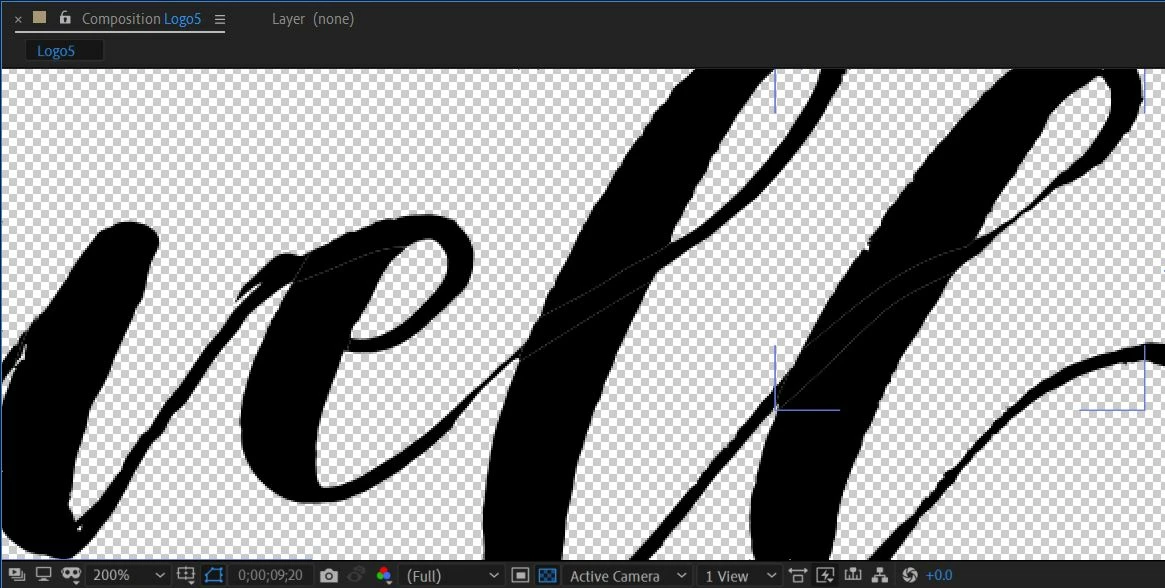
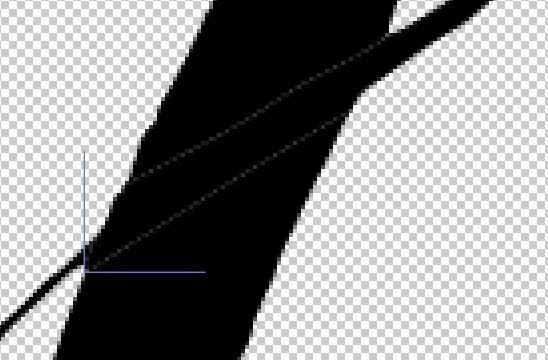
I made a hand written logo in illustrator and I am animating it in after effects to look like it is being written, revealing the logo. I am using the stroke effect with reveal original image selected. Because the handwriting has thick and thin parts of the same letter, I had to split the letters into multiple layers. However, now when I animate them, there is a faint white line wherever the layers overlap. This shows in the preview and after rendering. They do not show up in the original file in Illustrator. How do I get rid of these?

This topic has been closed for replies.
Correct answer hélèneb10709923

Hello ! I have the same problem, but changing to Alpha Add didn't work 😢. Any advice ??

1 reply

Roland Kahlenberg
Legend
September 13, 2019

Select ALL LAYERS EXCEPT the bottom layer. Then set their Blending Mode to Alpha Add.

Let us know if this fixes the issue.

Very Advanced After Effects Training | Adaptive & Responsive Toolkits | Intelligent Design Assets (IDAs) | MoGraph Design System DEV
tiieli
Participant
September 15, 2021

I have the same problem, but changing the blending mode didn't change anything. :'(

tiieli
Participant
September 15, 2021

OMG.. I figured it out. It's the stroke on the shape. LOL I can't believe how long that took me to figure that out.