
Participant
February 15, 2018
Answered

White Horizontal Line in After Effects

  • February 15, 2018
  • 3 replies
  • 2803 views

Hi Guys!

I noticed two white horizontal lines in the composition that weren't there in the AI illustration file. It also persists when I export the composition into a mp4 file. I've tried rerendering it, playing around w/ the composition, and checking for updates but nothing seems to be working. What are your guys thoughts?

Illustration file:

AE file:
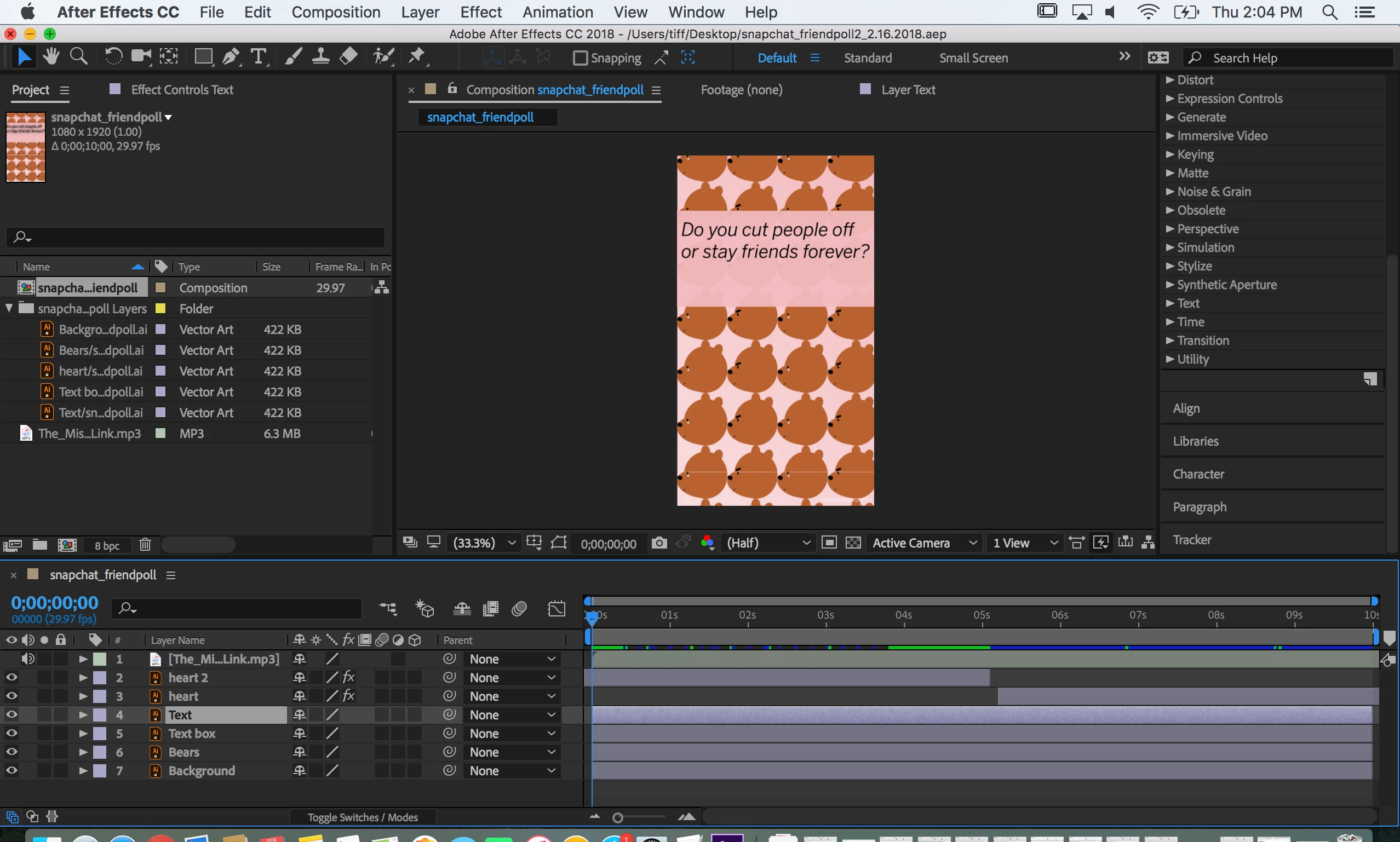
mp4 file:

This topic has been closed for replies.
Correct answer DigitalSpatula

Hi Taropuffgirl

Probably some funkiness from the AI file that you cant see except in AE.

I would first turn off and on each layer to see which layer has the white line, Then you can just mask the layer so the white lines disappear.

Hope this helps

Steve

3 replies

Participant
April 14, 2024

I am facing the same problem, and nothing seems to be working. I have checked my ai file but i feel this is a problem with after effects. 

DigitalSpatula
DigitalSpatulaCorrect answer
Inspiring
February 16, 2018

Hi Taropuffgirl

Probably some funkiness from the AI file that you cant see except in AE.

I would first turn off and on each layer to see which layer has the white line, Then you can just mask the layer so the white lines disappear.

Hope this helps

Steve

Dave_LaRonde
Inspiring
February 15, 2018

Nest your comp in a 1920x1080 comp and rotate it 90 degrees.  Find out which way they'll be rotating the monitor to make it vertical. They rotate it to the right?  You rotate your nested comp to the right.