

Answered
Why is my text on a graphic blurry when scaled in?
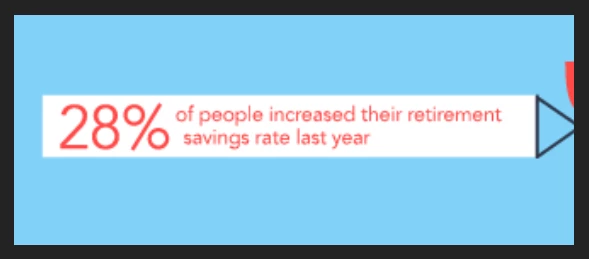
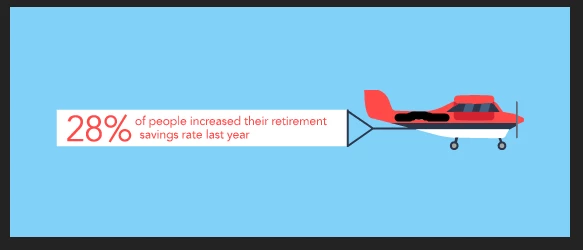
I'm making a 560x230 animated GIF in AE. It's an airplane cartoon with clouds flying by, prop spinning, and banner flapping. The artwork was made in AI and imported to AE, including the banner. I want the banner to be up close and flapping, then it pulls back to reveal the plane and clouds. The problem is the banner text is blurry when I use the scale function to zoom it in. See the two scenes of it below. What do I have to do to make the text be very clear when it's up close before it pulls back? I thought because I made it in AI it'd be clear.
Do I have to make the banner and text in PSD at 300 DPI? Or make the banner and text inside of AE with the text tool? Or should I use the camera function?
Please advise.
 AdChoices