


Unable to install the application on iOS Simulator
Adobe Animate 2017 (build 16.0.0.112)
AIR SDK 23.0 for iOS
Xcode 8.1
Trying to run app on iOS Simulator and getting the error "Unable to install the application on iOS Simulator".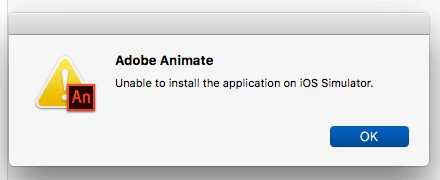
Path to iOS Simulator SDK is set to
/Applications/Xcode.app/Contents/Developer/Platforms/iPhoneSimulator.platform/Developer/SDKs/iPhoneSimulator.sdk
Actually selected this path below in Finder but appears to be an alias to the path above
/Applications/Xcode.app/Contents/Developer/Platforms/iPhoneSimulator.platform/Developer/SDKs/iPhoneSimulator10.1.sdk
Oddly, the 10.1 iOS Simulator doe NOT show up under Xcode->Preferences->Components. The latest version is 10.0
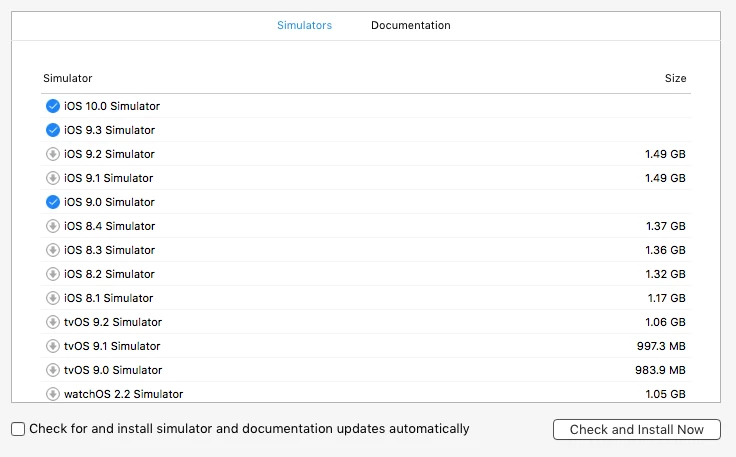
Any one able to suggest a solution to this and especially why the simulator does not appear under Components?
Console output shows this log entry when attempting to run app on simulator:
Failed to find class DTiPhoneSimulatorSystemRoot at runtime.
 AdChoices