


Adobe animate 2024 keeps crashing mid work
So my program keeps unexpectedly quitting amid any work that I try to do in Animate. It was when I started to use a gradient fill in a separate animate doc and worsened over time. I thought my computer needed an update when it crashed the first time but then it did it again so I updated all the CCsuite apps to 2024 versions, which did do something enough to allow me to begin auto-save. Only bothered to download Animate at this point. After that, the whole app kept crashing repeatedly and constantly. Moving to a new doc to see if it was just 1 file the process repeated, now when using any tool except for the brush tool.
I have
- Uninstalled and reinstalled CC cloud suite, and Animate 2x
- reset my preferences
- Removed my preferences folder
- Used the CC cleaner tool
- even checked for Malware
All of course after restarting my computer and saving my work. As well as checking auto-recovery will be on, every 5-10 minutes.
When it all stops it will eventually open the error report window and ask to reopen, which it will open faster than it usually takes booting up any version before 2024. I will reopen it where it may ask me to use recovery fileX , it won't always save recovery now either. I eventually started saving my work every new brushstroke or so in order to get some progress going.
what may I be missing? Is the file too large or corrupted somehow? Would moving a document from its original saved place make an error; or maybe having a file name using an odd character?
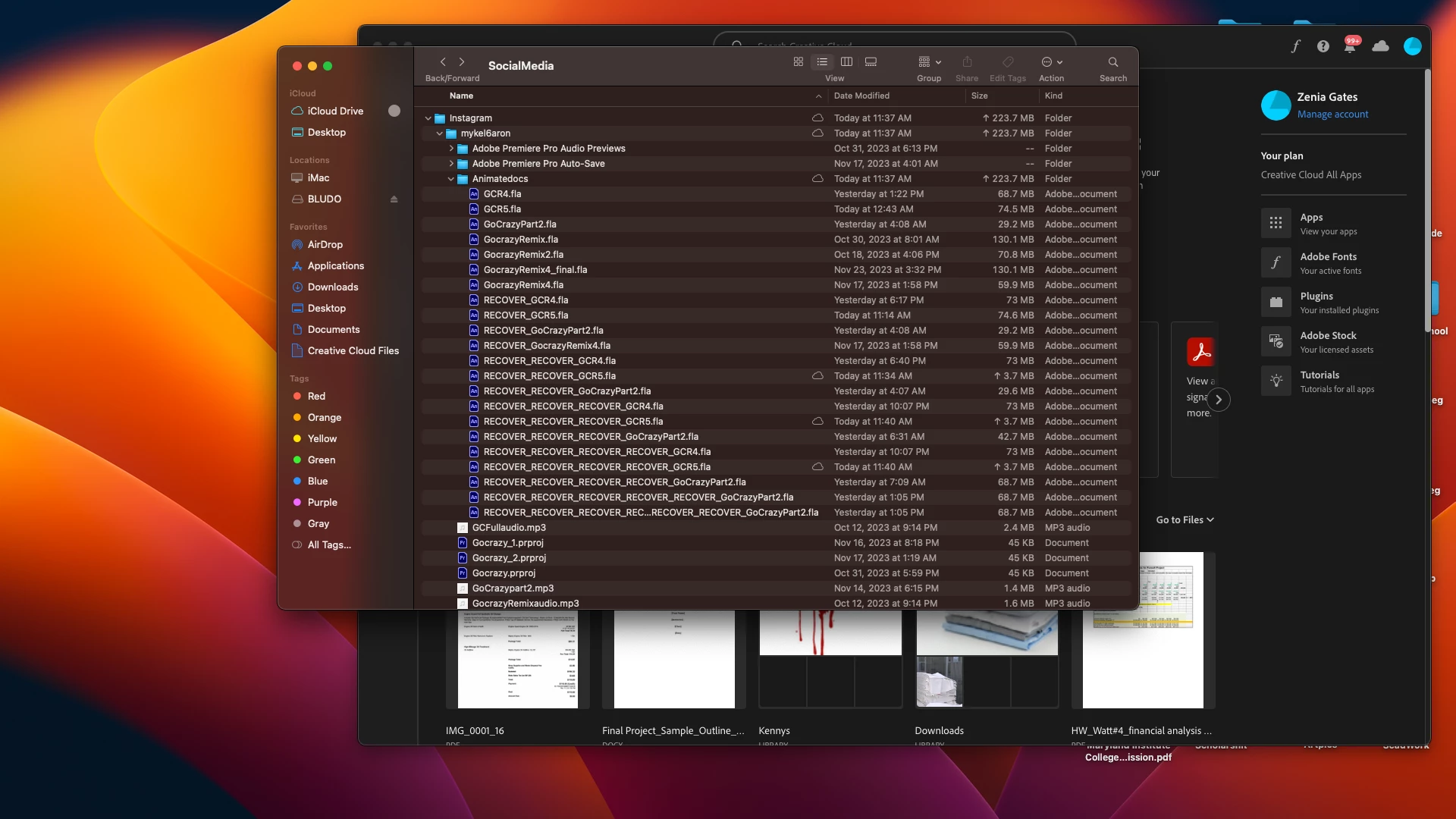
It says I don't have permission to show the video though here are pics , these are the several recovery files, each file a crash and redo.
Thank you for any help any and all ideas are recommended.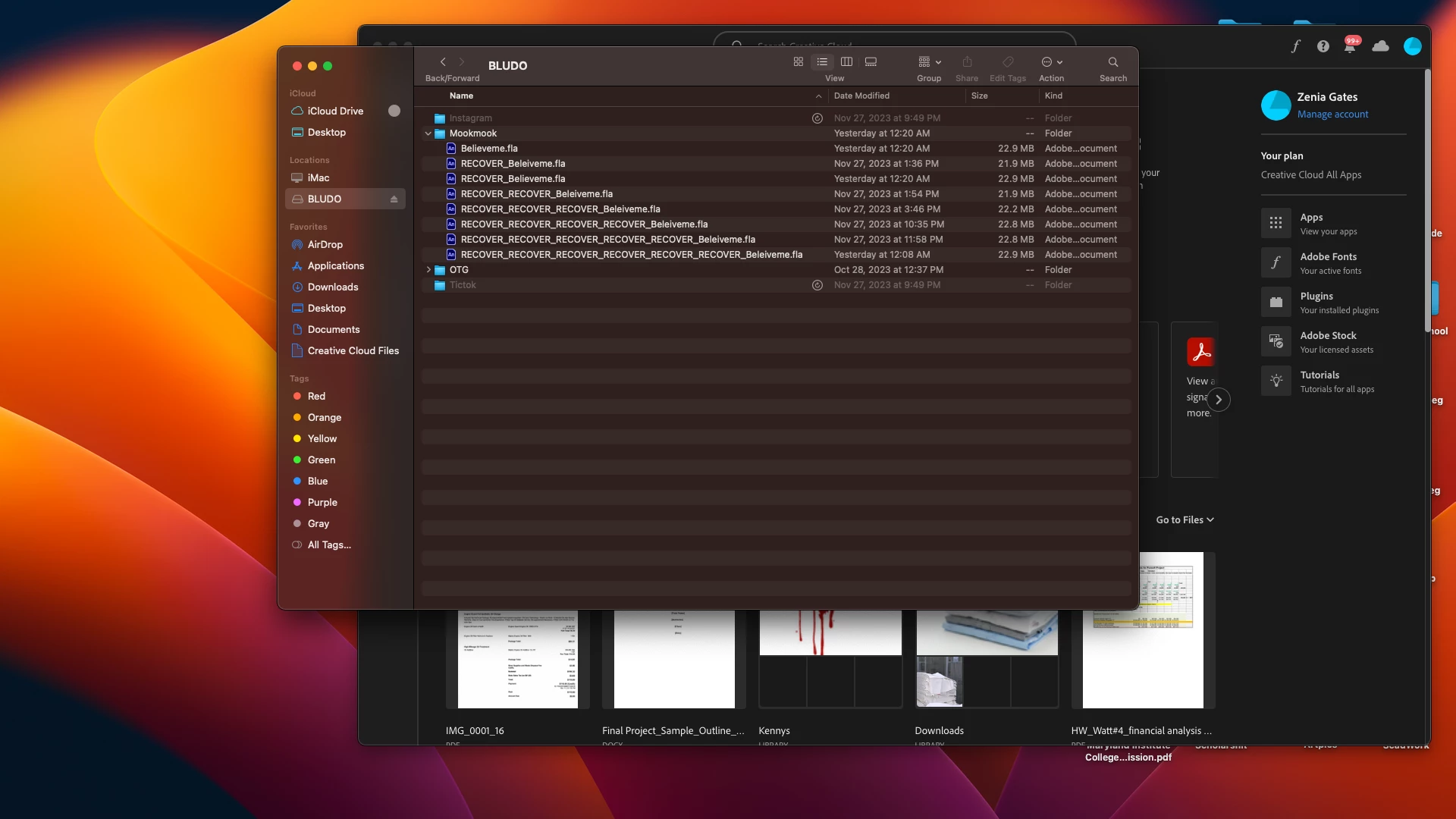
 AdChoices