


New Participant
October 31, 2017
Answered

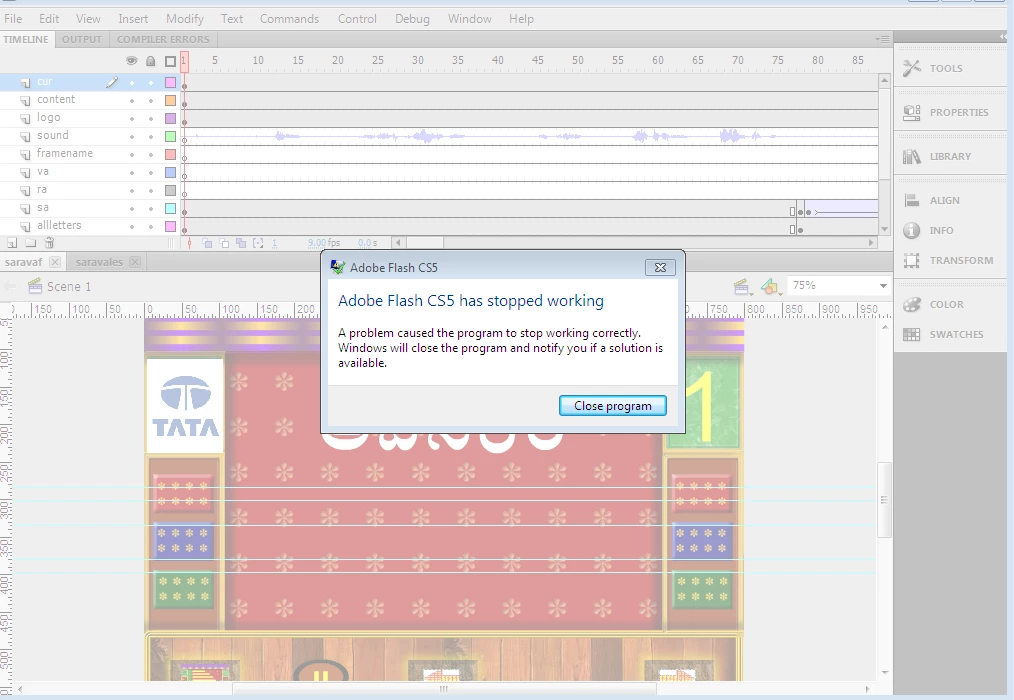
adobe flash cs5 has stopped working

  • October 31, 2017
  • 2 replies
  • 782 views

i am facing a problem while publishing a flash file using adobe flash cs5 .

I already reinstall the app but still getting the same issue.

can anyone help me?
[Moved out of the Forum comments forum (as that's for issues with these forums themselves) and into a product-specific, support forum - moderator]

    This topic has been closed for replies.
    Correct answer cbunbury20

    try it in another computer, sometimes with that software from the 1800s you had to re install windows and the soft in crazy mistery hardware software thing from the times

    why not update to animate, or newer flash that could solve problem too

    Also what Kglad says but it could be a hassle if you have like multiple objects in every layer if you file is a mess, if that is the case, erase by layer, thats another damage control techniique, gut luck

    2 replies

    cbunbury20Correct answer
    Inspiring
    October 31, 2017

    try it in another computer, sometimes with that software from the 1800s you had to re install windows and the soft in crazy mistery hardware software thing from the times

    why not update to animate, or newer flash that could solve problem too

    Also what Kglad says but it could be a hassle if you have like multiple objects in every layer if you file is a mess, if that is the case, erase by layer, thats another damage control techniique, gut luck

    kglad
    Braniac
    October 31, 2017

    try publishing a new project.

    if that fails, reset your preferences:  http://helpx.adobe.com/flash/kb/re-create-preferences-flash-professional.html


    if that succeeds, you have a corrupt object in your library.  to find that object:

    1. save your current fla some place

    2. save it again with a test name some place else

    3. delete 1/2 the object in the library

    4. publish> if that succeeds the object in in the deleted 1/2.  if that fails, confirm it's in the other 1/2

    5. repeatedly delete 1/2 your library until you pinpoint the problematic object.

    6. once you've done that return to your original fla, delete the problematic object and recreate it and add it the timeline(s) where it's needed.

    New Participant
    November 1, 2017

    while publishing a new project it is publishing.

    But all the previous flash files which were created long back are not publishing. It is difficult  to search for the corrupt object in all flash files.

    Previously, all these files are worked well. But after creating one flash file and trying to publish it then all the previous flash files are not even publishing.