

New Participant
July 14, 2021
Answered

Adobe Flash not Starting

  • July 14, 2021
  • 2 replies
  • 863 views

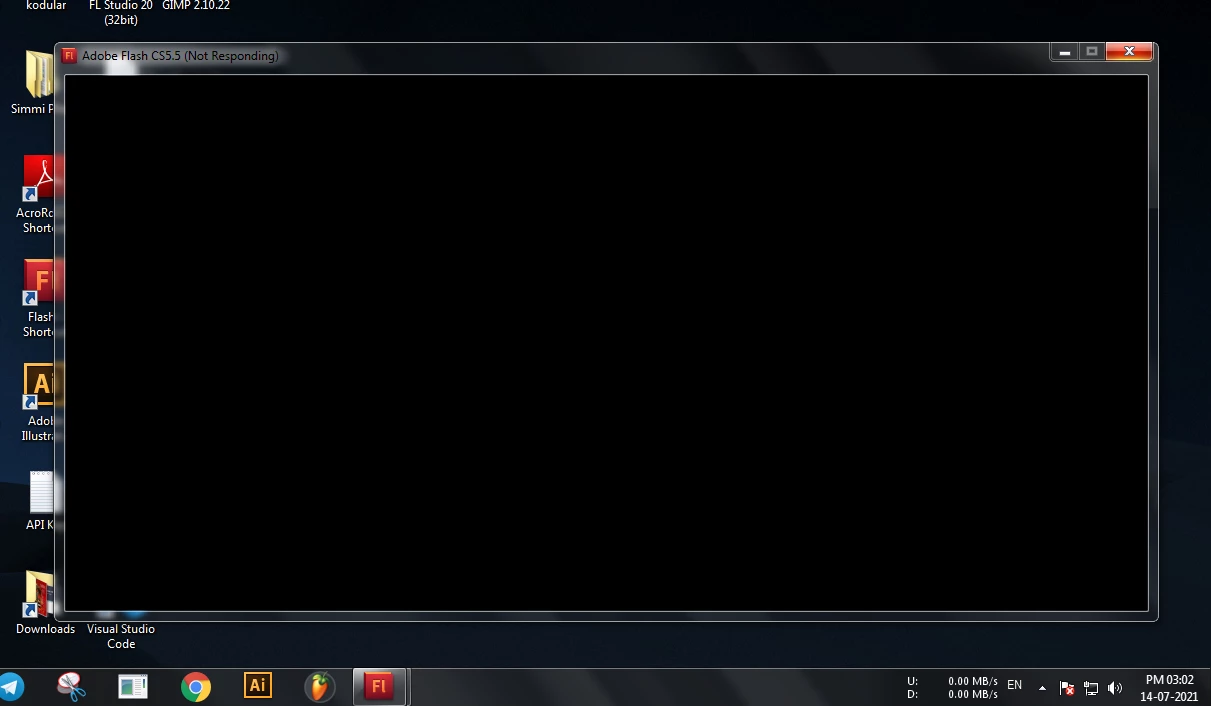
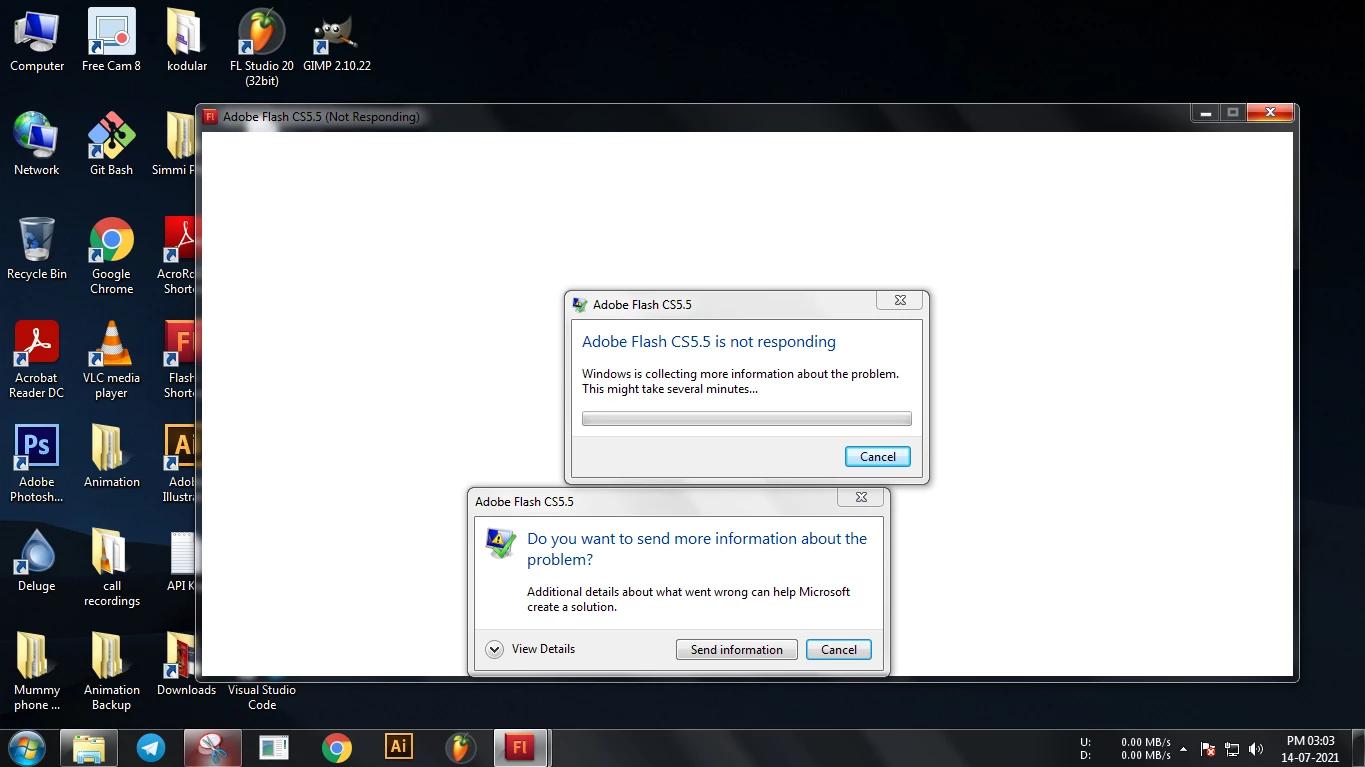
Adobe Flash CS5.5 and CS 6 worked perfectly on my pc but a few days ago, they suddenly stopped working. They are not responding at startup

    Correct answer Swayam5EA7

    for cs5.5, Re-create preferences (adobe.com)


    I found the solution. I did reset the preferences but it was of no use.

    But editing system variables made it working.

    2 replies

    New Participant
    September 30, 2025

    I’ve seen this happen before with older Adobe apps like Flash CS5.5 and CS6, especially on newer systems or after Windows updates. Here’s a step-by-step approach that usually solves the “not responding at startup” issue:

    1. Run as Administrator – Right-click the Flash CS executable → Run as Administrator. Sometimes permission issues prevent it from starting.

    2. Compatibility Mode – Set the executable to run in compatibility mode for Windows 7 or 8. Right-click → Properties → Compatibility → Run this program in compatibility mode.

    3. Delete Preferences / Cache – Corrupted preference files can block startup. Locate the Flash preferences folder (usually under C:\Users\<YourUser>\AppData\Roaming\Adobe\Flash CS6) and rename it to something like Flash_CS6_old. Flash will recreate fresh settings on next launch.

    4. Check Antivirus / Firewall – Some security software may block older Flash executables. Temporarily disable or whitelist Flash.

    5. Reinstall / Repair – If nothing else works, uninstall Flash completely, restart, and reinstall. Make sure to run the installer as Administrator.

    Tip: Running very old Adobe software on modern OS versions can trigger startup issues, so combining Compatibility Mode + running as Administrator + clearing prefs usually resolves it.

    After doing these steps, Flash should launch without freezing.

    Participating Frequently
    September 30, 2025

    Hi, Liam. Thanks for the detailed response. I've tried all of these to no avail. The OP for this thread said they solved the problem by editing system variables, but they didn't explain how they did that. Maybe you know? If not, my next step is to reinstall Windows and hope that fixes it.

    kglad
    Community Expert
    September 30, 2025

    what's your os?


    what compatibility mode dis you use when i stalling?

    kglad
    Community Expert
    July 14, 2021
    New Participant
    July 15, 2021

    How can I if it is not even starting


    kglad
    Community Expert
    July 15, 2021

    delete the preference files.