

Thomas Peters
Participant
November 27, 2020
Answered

Animate - export outputs sequence - but all images are same image (keyframe 1)

  • November 27, 2020
  • 2 replies
  • 1747 views

Hi All,

I am trying to create a series of "PNG" files from an animation.  Given Blue Macaw, I would like to use Adobe Animate to build an animations then export it to a sequence of PNG images into a folder.  I reviewed the tutorials, and know where all the menu items, and dialog boxes are.  
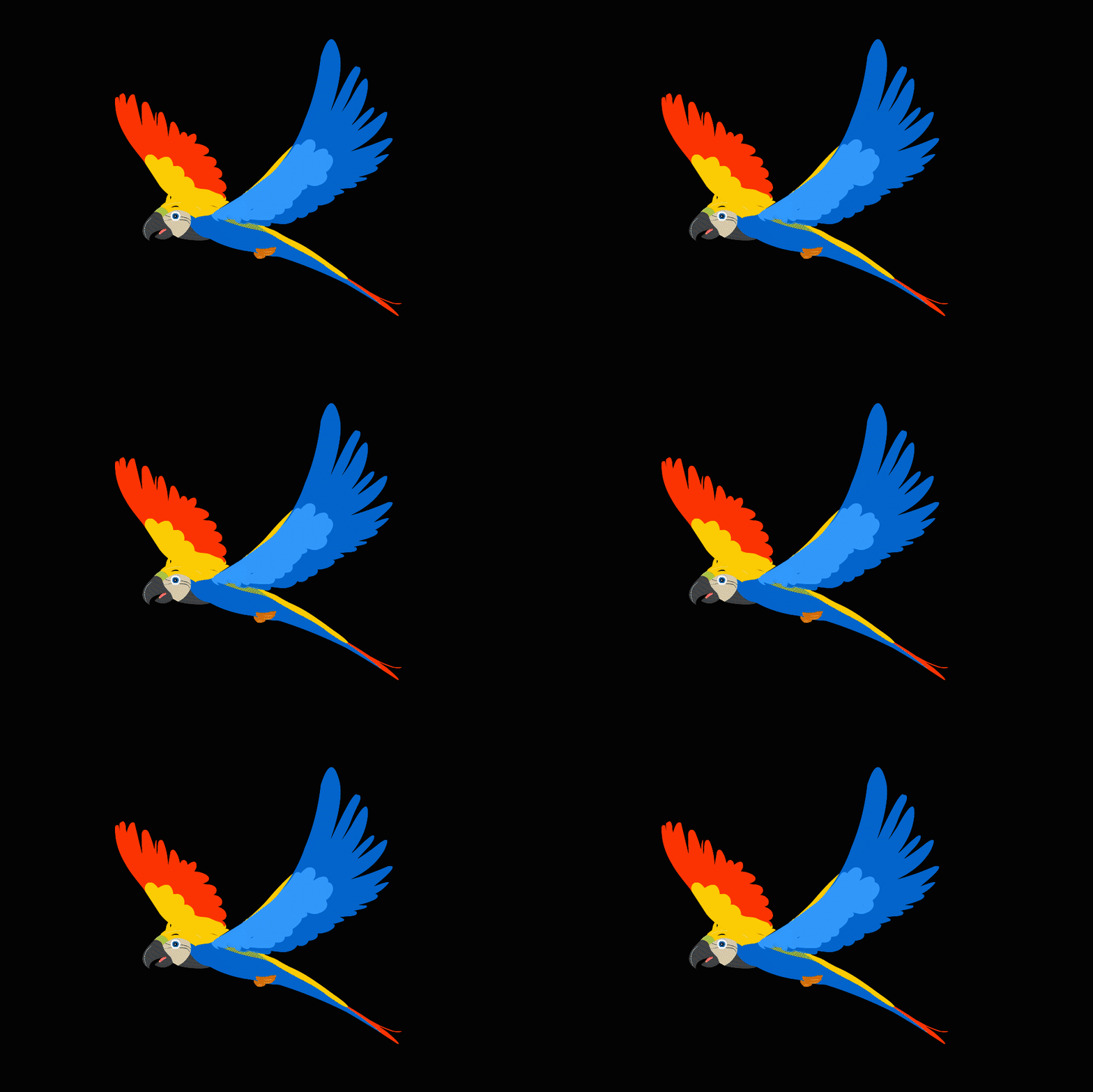
My issue is; all the exported images, using Export or Publish are the same image.  Why are they all the same key frame?  There are 125 frames in the sequence and I saved it here as an Animated GIF.  No matter what I try, the same thing happens, only the first frame is exported.


Thomas

This topic has been closed for replies.
Correct answer Thomas Peters

I actually did something a little different, I right clicked on the layer icon on the embedded timeline, and saw a menu that had cut / copy layer.  That worked!  It copied all the frames of the layer together, rather than one at a time.  thanks so much for continued patience, and support.

2 replies

Participant
December 2, 2020

This is easy with Animate, just need to export the animation (not the image) and select PNG. Animate will create a sequence of images. I think the animation has to be on the main clip, not in "sub clip". If you main animation includes clips this will not produce the sequence.

kglad
Community Expert
Community Expert
November 28, 2020

the multiframe macaw animation should on the main timeine or it should be a graphic (with enough main timeline frames to display the animation).  ie, there needs to be more than 1 main timeline frame and the animation can't be in a movieclip.


if that doesn't help you solve your problem, explain how you're doing one of the two things described above.

Thomas Peters
Participant
December 1, 2020

Thank you for your response.


There seems to be two or more views; one when I am looking at the main timeline and another when I click on the Ace of Clubs symbol in the top left above the workspace.  How can I copy the layer to the main timeline so that when I export it, the exported PNG sequence contains different images and I can play that in a TextureAtlas using SpriteKit API?


kglad
Community Expert
Community Expert
December 1, 2020

you can probably right click what ever is on your main timeline > click export png sequence and then use an animated png maker to assemble the pngs (eg, Animated PNG (APNG) Maker (ezgif.com))