


Animate keeps stopping at every new keyframe
Hi,
I'm working on a larger scale project in Adobe Animate and I'm working on the animatic right now, but I'm noticing every time I add a keyframe and draw on that keyframe, then play it back, the animation will stop on the new keyframe I added for like three seconds before continuing to play. This is really slowing down my process and I am wondering if there is a way to fix this.
Here is a screenshot of the project:
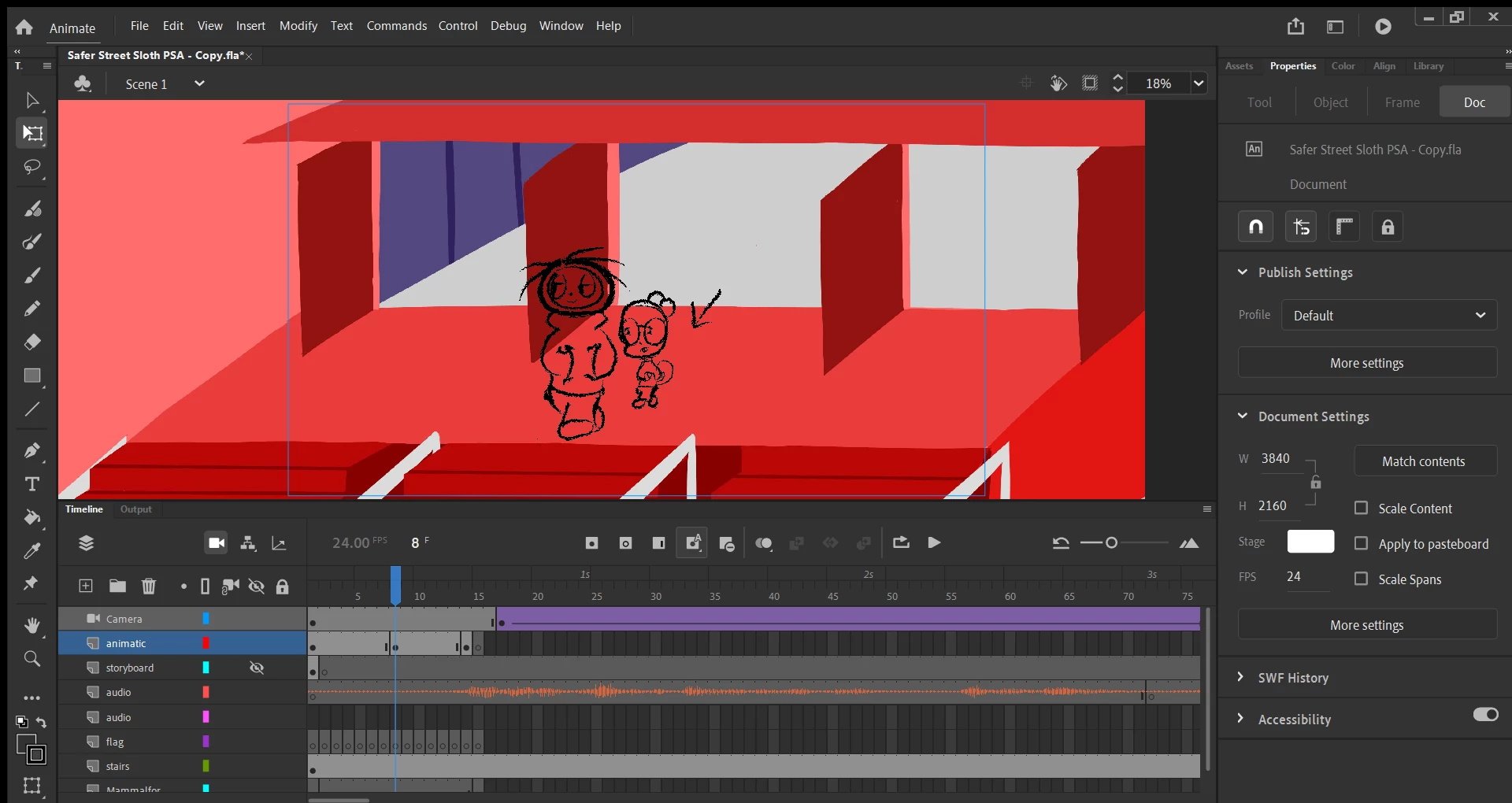
I am using ActionScript and also have audio added within the timeline. The audio does not pause and plays fine but the animation completely stops for three seconds at every new keyframe drawing that I add. Weirdly enough, it does not stop at new frames that are images I have imported, but only at the keyframes that I have used the Paint Brush tool to draw on. I am using a charcoal-esque stroke for the Paint Brush btw.
Thanks in advance!
 AdChoices