Participating Frequently
March 28, 2021
Question

Audio not playing in Safari and SOME iPads

  • March 28, 2021
  • 2 replies
  • 640 views

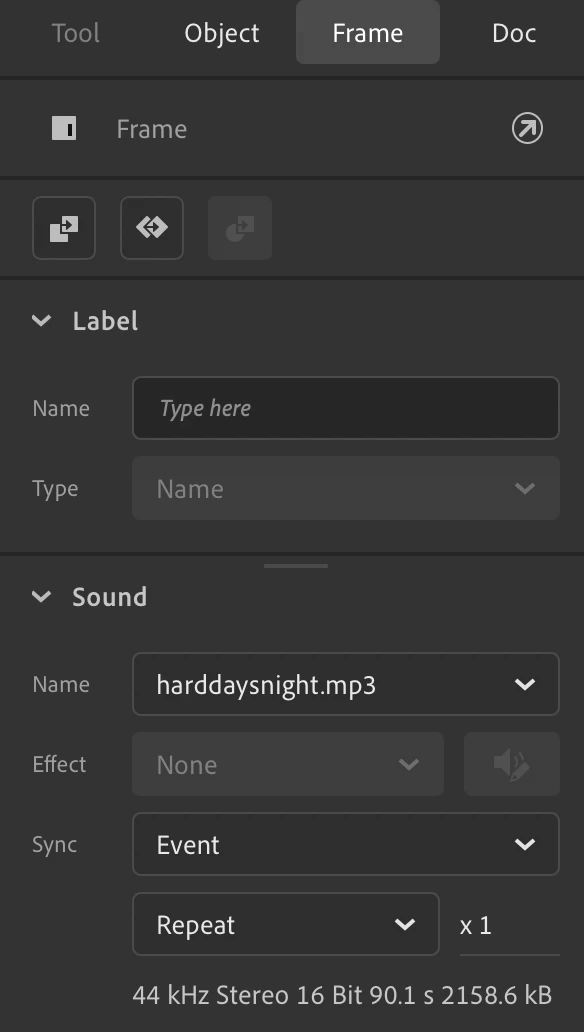
I have a .mp3 file which is part of the timeline of a movieclip symbol and triggered from an action on a button. I play this symbol from frame 1 and then audio kicks in along with timeline and then I can stop it with another button.

However, the audio is not working in Safari desktop, works fine in Chrome/Firefox, iPhone and randomly some iPads but not others.

Anyone got any ideas?

    This topic has been closed for replies.

    2 replies

    Participating Frequently
    April 21, 2021

    Update: Have tried several things but seems like a bug as getting security issues with Safari despite everything ok, audio seems a massive gap in Animate functionality so hopefully on the roadmap soon.

    Colin Holgate
    Inspiring
    March 28, 2021

    Does it fail when you do a test movie? What is the code like, that triggers the playback?

    Participating Frequently
    March 29, 2021

    Hello Colin, Thanks for reply, I get the same thing when I use Test Movie in Browser, works in Chrome/Firefox but not in Safari.

    I haven't written any code to trigger the playback, just added the .mp3 to a movieclip symbol which I then have a button when clicked simply plays the symbol timeline and then the audio is part of that (no animation) as the timeline rolls through, I then stop the symbol with a button which stops the audio.

    I can send you any files or links by DM if that helps.

    Participating Frequently
    March 30, 2021

    For the button to then play the timeline would need code. If you have the animation in the down state for the button, that might work around that, but I'm not sure if it would meet Safari's security demands.

    In Animate is a Code Snippets window, you can open that and get some pre-made scripts. In the screenshot I have made a play button movieclip, selected it, and used the Click to Go to Frame and Play code snippet. As it stands it's going to frame 5, but I could change that to be a different frame.

    Try that on a test file, and see if you then get sound.


    Thanks, sorry I misunderstood,  I do have some code to trigger this, is below, am using some variables as need to run this function for multiple examples.


    function PlayAudio()
    {
    window.nsong=nsong;
    this.Needle.gotoAndPlay(0);
    return [eval("this.Text"+nsong+".gotoAndPlay(0);"),eval("this.Record"+nsong+".gotoAndPlay(0);")];
    }


    It is the 'this.Text' symbol which has the audio .mp3 attached to the timeline