


Brush lines are offset after drawing them
Hello,
I've been having this problem since recent versions of Adobe Animate (since 2021 version) and I'm almost certain it's not coming from my tablet or other drawing devices.
When I draw with a brush, the software calculates the line to make a vectorial shape, but for some reason, it displaces the whole object a few pixels on bottom-right on the canvas. Whether it be using the mouse or a pen, it always moves the line a few pixels, which becomes very tricky to draw precise shapes.
The normal Brush just moves the line like I said, the Fluid Brush moves the whole canvas when I'm tracing the line, and goes back to it's position. But the problem remains the same.
The straight line tool works correctly. (there's an example in image below)
Can someone explain why this happens? And probably how to fix it? I've heard a few simillar problems people got by having multiple screens, or having not well calibrated pen. But in my case, it happens only on Animate and isn't related to my tablet. I'm using a laptop, an ASUS ROG Strix Scar II.
Thanks in advance. 🙂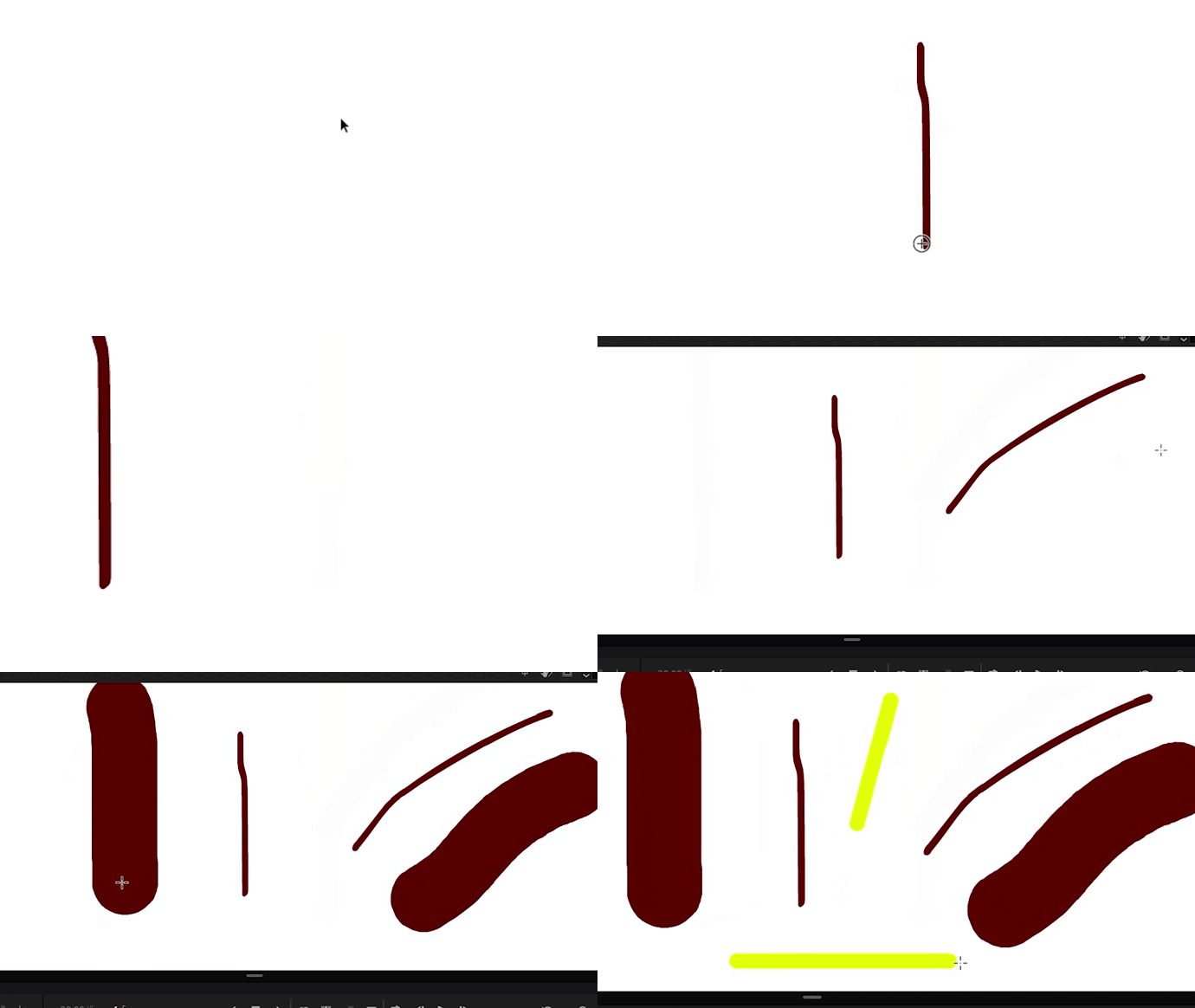
 AdChoices