


Change Order of Keyframes in Timeline without Overwriting
For some background, I am an absolute beginner with Animate's interface, but I use After Effects on the regular. My goal is exploring workflows surrounding importing/exporting game sprites while familiarizing myself with Animate's interface. For this little test, I'm importing individual animation frames of a character (they're .PNGs) in Animate, adjusting their timing, and exporting a .SWF Library for use in After Effects.
My question is, is there a way to drag or rearrange the order of keyframes on the timeline without those frames overwriting other keyframes? I apologize, I'm not sure of the correct terms are for wording the question, so I've included my thought process:
- I've imported the frames onto a layer and "Distributed them to Keyframes." Each keyframe is an indivdual .PNG file.
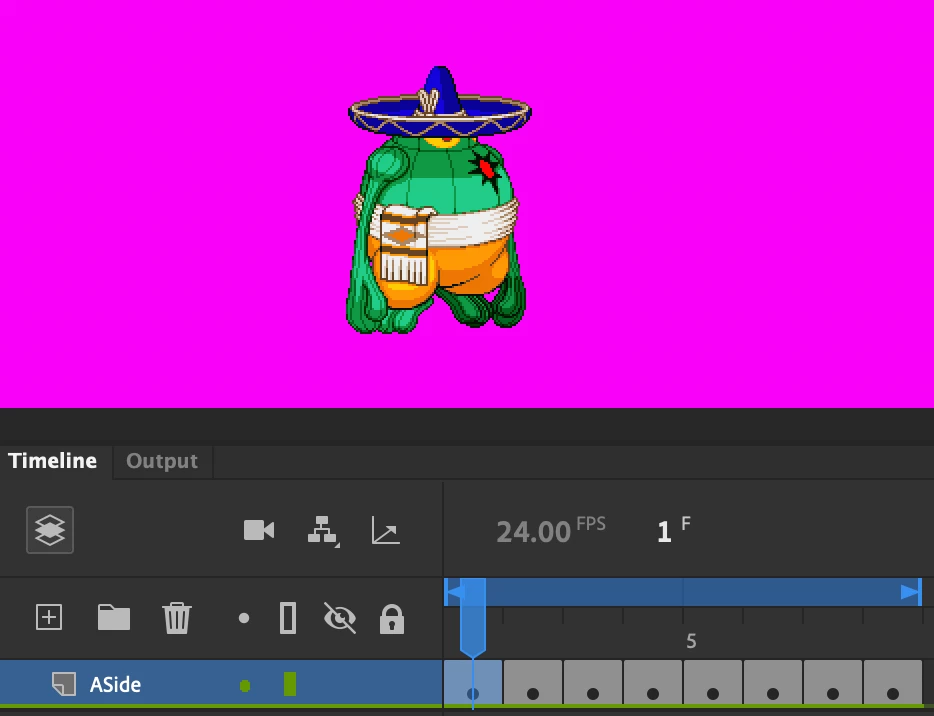
- With this particular animation, I want to drag these three keyframes (see the highlighted selection in the timeline within the screenshot) between keyframes one and two. Anything past keyframe one should shift up the timeline.
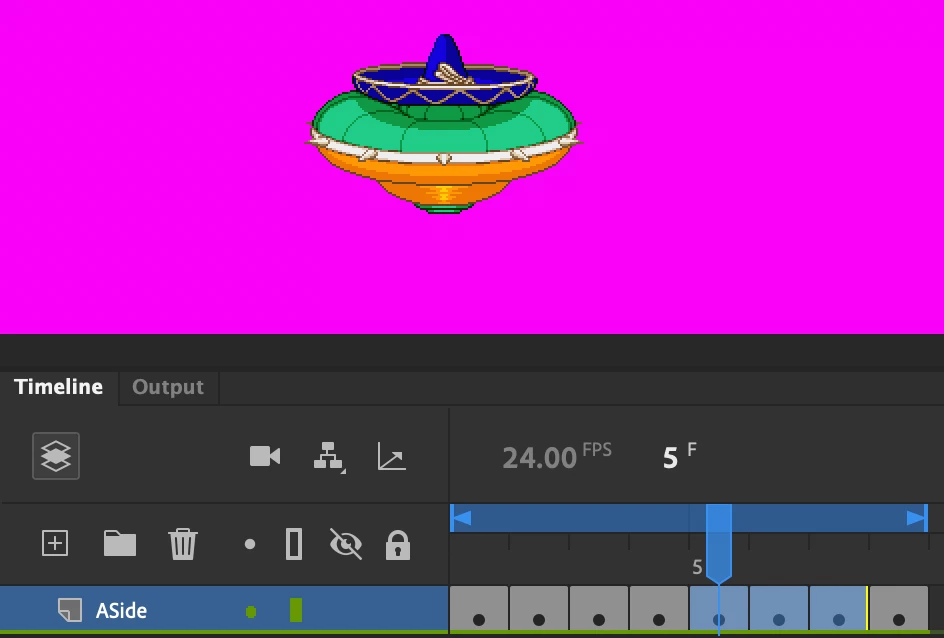
- However, the operation overwrites keyframes two through four. This is not the desired outcome.
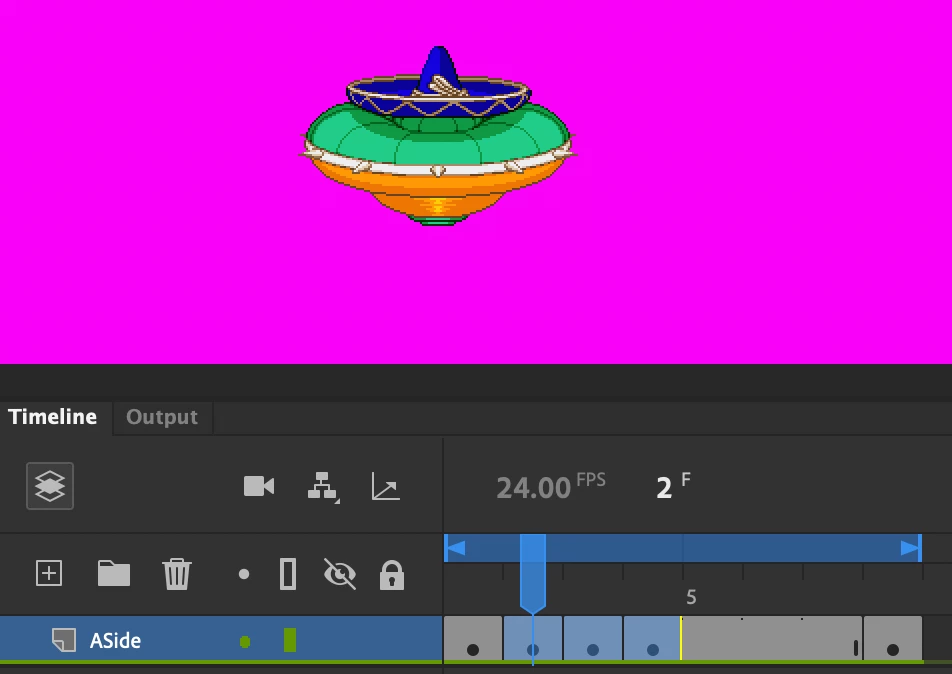
I simply wish to change the order of the keyframes on the timeline. So, in theory, if I were to drag a keyframe further down timeline, some of the keyframes would shift further up. Is there a function within Animate that's in the ballpark of this line of thought? Thanks again for the help, I'm sure there's an easy shortcut or something--I just don't know the verbiage.
Thanks,
Joshua
(The sprites in question are Amingo from "Marvel vs. Capcom 2" for those curious.)
 AdChoices